Made with
ConceptDraw
DIAGRAM 18

Bubble diagrams with ConceptDraw DIAGRAM

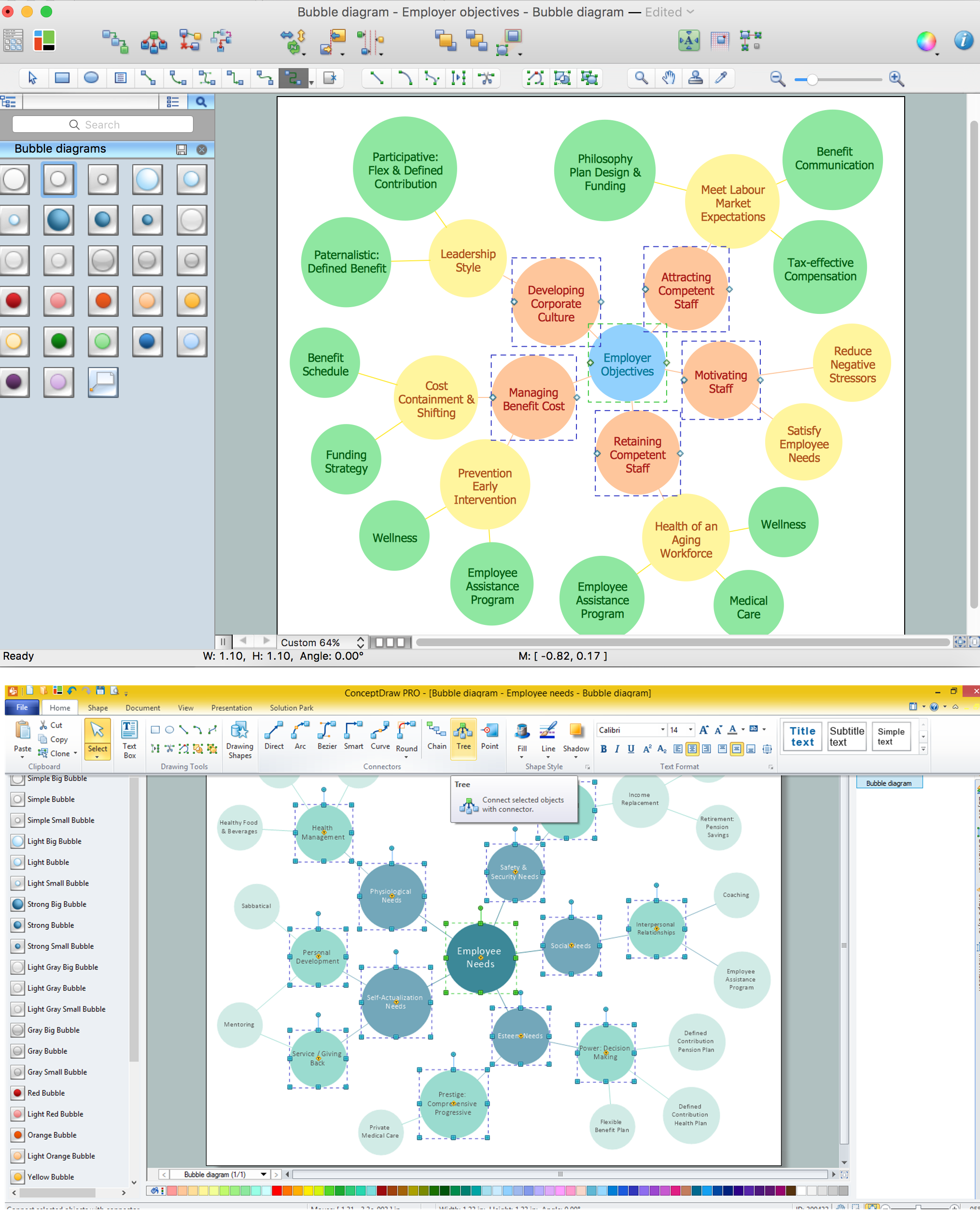
Bubble diagrams – it is the name for several different types of diagrams. Thus call diagrams which are analogs of «mind maps», such diagrams are used in landscape design. Moreover, bubble diagrams – it is a diagrams with a bubble presentation of data and the size of a bubble is a parameter of data too. For example, it can display the importance of the data in diagram or its value. So you can operate three parameters on 2-dimensional diagram – X and Y coordinates of a bubble and its size.

Bubble diagrams as a «mind maps» analog.

Bubble diagrams – it is a sort of a «mind map». These diagrams are called so because they consist from bubbles of different sizes which represent some ideas or concepts. Certain bubble diagrams objects are connected with linking lines which represent the type and character of links between the objects. For example, some ideas could be a part of the concerned conception while the other ideas represented in the diagram could only interact with this conception in some manner. You can show the importance of ideas and concepts using the bubbles of different sizes.

Such diagrams are used for ideas organization, in brainstorming processes, by teachers for explaining difficult ideas or for presentations. Bubble diagrams can be single, double, triple and so on. Single diagrams are used for description of an object or conception.

Double and more diagrams are used for comparison of two or more objects or conceptions. In such case you can create several single diagrams and link them as well as firstly define all compared objects with their properties and then link properties and objects to see what is in common. In the first case all properties will be clearly defined by their belonging to an objects but it will be more difficult to set the links between the compared objects. In the second case you could easily define the common properties for objects but it will be more difficult to find the unique properties.

While creating a bubble diagram you can use specialized software. It will ease the creation of a diagram and what’s more – the following work with the diagram will be much easier and convenient. For example, you can use ConceptDraw.

Using ConceptDraw you will be able to create diagrams from the ready ConceptDraw library objects or make your own objects. The created diagram can be saved and edited, objects can be moved and links between them will be automatically repainted after object moving because of using the ConceptDraw connectors. If you use Smart Connection Mode the links will display jumps in crossing places that will easy the reading and comprehension of the diagram.

The distinctive property of the diagrams created in ConceptDraw is that you can connect the connector lines only to the defined connection points on the objects. But you can always add enough connection points to create the good-looking and proportional diagram.

You can edit single object in the diagram as well as a group of objects. It is particularly convenient if you want to fill objects of some conception with the selected color. Besides the solid color fill in ConceptDraw you supports several variants of gradient filling, patterns, textures and transparency.

All this will let you to create the professional, clear and good-looking bubble diagram.

Bubble diagrams with ConceptDraw DIAGRAM  *

The samples you see on this page were created in ConceptDraw DIAGRAM using the Business Diagrams Solution for ConceptDraw DIAGRAM. These Bubble Charts successfully demonstrate solution's capabilities and professional results you can achieve. An experienced user spent 5-10 minutes creating every of these samples.

Use the Business Diagrams Solution for ConceptDraw DIAGRAM software to create your own professional-looking Bubble Charts of any complexity quick and easy, and then successfully use them in your work activity.

All source documents are vector graphic documents. They are available for reviewing, modifying, or converting to a variety of formats (PDF file, MS PowerPoint, MS Visio, and many other graphic formats) from the ConceptDraw STORE. The Business Diagrams Solution is available for all ConceptDraw DIAGRAM or later users.

TEN RELATED HOW TO's:
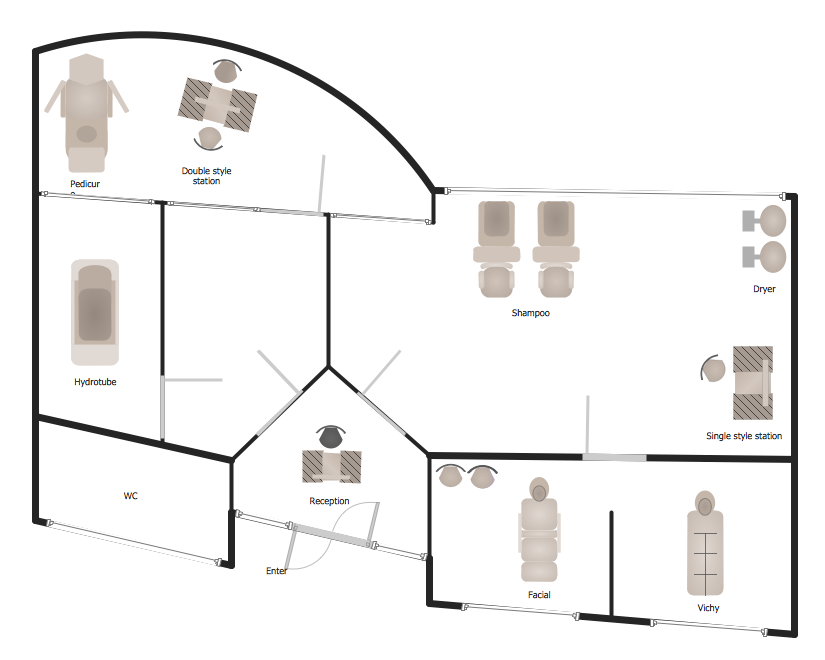
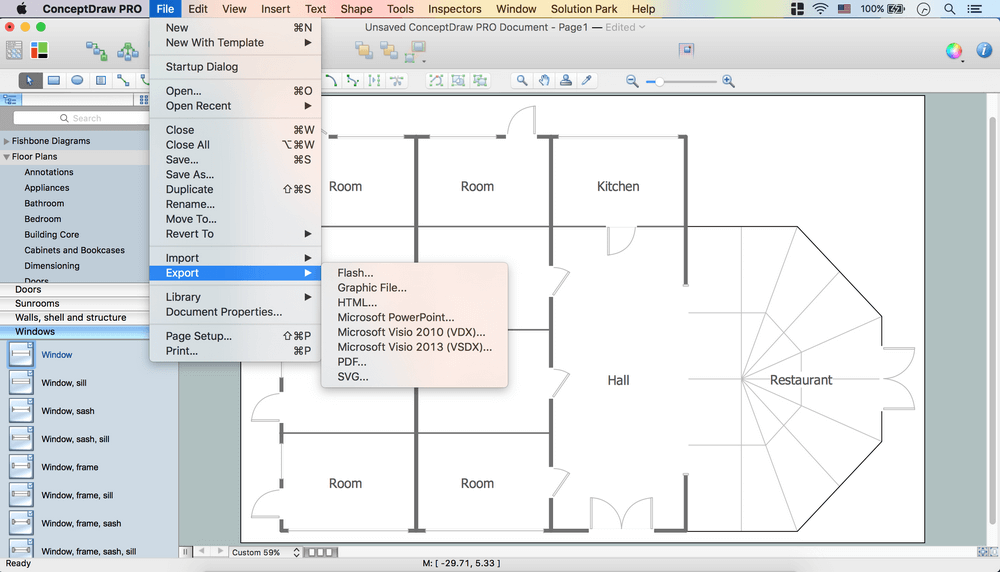
When deciding to start your own business, you have to take into account a bunch of different aspects. One of the ways to get inspired is to look through various restaurant floor plans samples or interior photos of already known establishments. This will help you, but keep in mind that a really unforgettable establishment must be unique. This restaurant floor plan diagram was designed using ConceptDraw Cafe and Restaurant Floor Plan solution. It can be used as a sample while considering a custom restaurant design. With the help of this example you can estimate the amount of furniture best for a dining room or kitchen of the restaurant. In addition, this plan would be useful as a check list when you will consider a list of the furniture and equipment needed for all areas of the future restaurant.Restaurant Floor Plans Samples
Picture: Restaurant Floor Plans Samples
Related Solution:
ConceptDraw Wireless Network solution includes 81 of professional-looking stencils and several samples that you can modify and make your own diagram.How to Create Network Diagrams *
Picture: How to Create Network Diagrams
Related Solution:

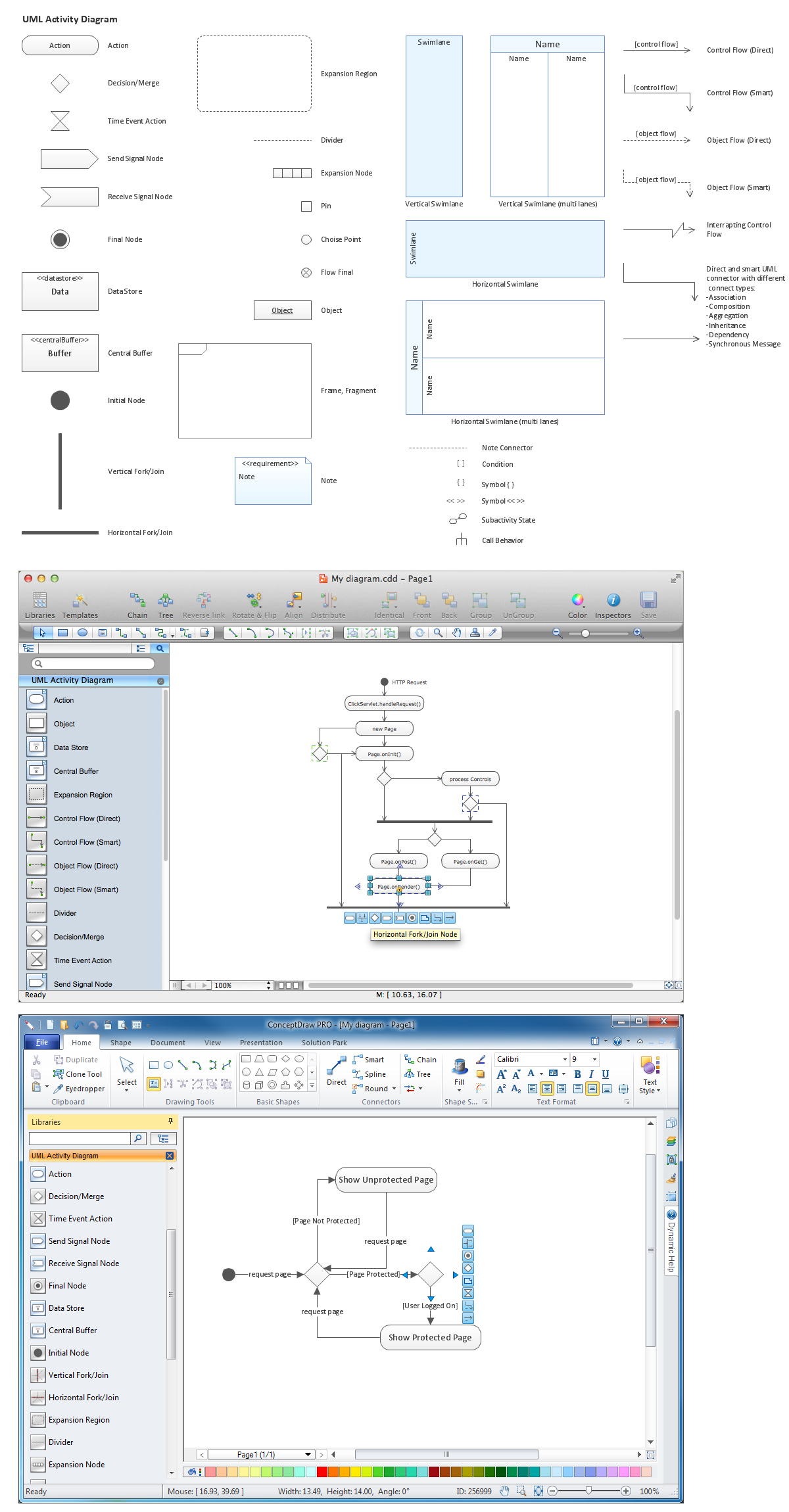
ConceptDraw DIAGRAM diagramming and vector drawing software provides the unique Flowcharts Solution from the Diagrams Area of ConceptDraw Solution Park with variety of vector objects libraries and collection of examples Flowchart. Each example flowchart included in Flowcharts solution is a real help in drawing process, it can be the good base or perfect source of inspiration.Examples Flowchart *

Picture: Examples Flowchart
Related Solution:
Activity Network and Project Evaluation and Review Technique, or PERT, charts are a way of documenting and analyzing the tasks in a project. This diagram is constructed as part of the process in creating a schedule of corrective actions. The Activity Network Chart (PERT) shows the logical connections and consequence of tasks to be performed. It displays the time period for problem solving and the implementation of all activities through the critical path.Activity Network (PERT) Chart *
Picture: Activity Network (PERT) Chart
Related Solution:
Sales process engineering is a complex and labour-intensive process which requires a lot of time, efforts, and powerful software. We recommend to use the ConceptDraw DIAGRAM software enhanced with Sales Flowcharts solution from the Marketing area of ConceptDraw Solution Park. It gives the possibility to easy illustrate all sales process steps and their results.Sales Process Steps *
Picture: Sales Process Steps
Related Solution:
What is organizational charts and why your business need them? How to use business process diagram software? Explore how advanced organization chart software transforms the way companies ✔️ visualize, ✔️ communicate, and ✔️ streamline their organizational hierarchiesOrganogram Software
Picture:
What is an Organizational Chart and how it works?
Organization Chart Software
Related Solution:
The efficiency of any corporate network depends on many factors such as equipment, architecture etc. Moreover, every administer knows that network architecture is a cornerstone for any system. Also, it's easy to make a draft of a network structure using an appropriate diagramming tool. Designing network architecture diagrams refers to the network structure, including hardware, software, connectivity, protocols of communication and type of transmission: wired or wireless. A high performance, highly reliable, and secure network architecture is critical for the successful deployment and operation of modern communication network. This diagram represents in detail the sample of the network architecture of the three-divisional office. It is designed using vector libraries supplied with ConceptDraw Computer and Networks solution.Network Architecture
Picture: Network Architecture
Related Solution:
The vector stencils library Crow's Foot Notation from the solution Entity-Relationship Diagrams (ERD) contains specific symbols of the Crow's foot notation such as relationship symbols and entity symbols for ConceptDraw DIAGRAM software.Martin ERD Diagram
Picture: Martin ERD Diagrams
Related Solution:
Working with information can be quite tedious, furthermore, some data can be quite difficult to perceive without any graphic representation. So, to facilitate your work, you can use business diagrams, such as simple flowcharts or Gantt charts for project management and orgcharts for clarifying your company structure. You can use a proper software, like ConceptDraw Pro, draw them on paper, or use whiteboards, but it is more convenient to use a digital tool. This diagram shows a cross-functional flowchart that was made fore telecom service provider. A workflow of a common telecommunication service provider has a rather branched structure. Thus, it is useful to have a flow chart to visualize the sequences and interrelations of the work flow steps. Business process flowchart contains 17 processes and 4 decision points,that are distributed through 2 lines depicting the participants involved. Also there are connectors that show the data flow within processes. This flowchart displays a detailed model of the telecom service trading process, as well as all participants in the process and how they interact with each other.Business diagrams & Org Charts with ConceptDraw DIAGRAM  *
Picture: Business diagrams & Org Charts with ConceptDraw DIAGRAM
Wiring and circuit diagrams use special symbols recognized by everyone who uses the drawings. The symbols on the drawings show how components like resistors, capacitors, inductors, switches, lamps, acoustic devices, measuring devices and other electrical and electronic components are connected together. 26 libraries of the Electrical Engineering Solution of ConceptDraw DIAGRAM make your electrical diagramming simple, efficient, and effective. You can simply and quickly drop the ready-to-use objects from libraries into your document to create the electrical diagram.Electrical Symbols — Lamps, Acoustics, Readouts *
Picture: Electrical Symbols — Lamps, Acoustics, Readouts
Related Solution:
ConceptDraw
DIAGRAM 18