Made with
ConceptDraw
DIAGRAM 18

Data Flow Diagram

Data Flow Diagram (DFD) is the part of the SSADM method (Structured Systems Analysis and Design Methodology), intended for analysis and information systems projection. Data Flow Diagrams are intended for graphical representation of data flows in the information system and for analysis of data processing during the structural projection. By means of data flow diagrams, it is possible to show visually the work of the information system and the results of this work. Data Flow Diagram visualizes processes, data depositories, and external entities in information systems and data flow connecting these elements.

Data Flow Diagram consists of the following components:

  • Processes and functions which represent actions that happened in the information system;
  • External entities which represent in the system data ingoing and outgoing from it;
  • Data depositories which represent places in the system where data can be saved for a definite period of time;
  • Data flows, indicating the direction and character of data flowing in the considered information system.

Diagram element Graphical presentation
Process
External Entity
Data Store
Data Flow

This variant of presentation of Data Flow Diagram objects got the name of Yourdon – de Marco notation.

Objects of Data Flow Diagrams are interpreted in the following way:

  • Processes transform input data flows into output data flows;
  • Data depositories serve only for the keeping of ingoing data and do not change them;
  • Data flows changes in external entities do not considered.

Every diagram object should have a name. Each data flow is denoted with an indication of transferred data and with the possibility of an indication of the format of these data. Data Flow Diagram should not involve more than 10 objects, excluding arrows, representing data flows. In the case of a more complicated system, the totality of several objects (as a rule, processes) is united and represented on the diagram in the form of one object. This complicated compound object is presented in the form of a separate flow diagram. Each component has a number, at this, diagrams illustrating compound objects are numerated starting from the number of an object which they describe. For example components of the diagram of the description of an object with number 5 will be enumerated 5.1, 5.2, etc. Generally, Process Flow Diagram depicts just the major equipment without details.

For clearness, there is a possibility to duplicate notations of used data depositories and external entities. Processes can’t be duplicated. For example, if one the same data depository is used in several different processes it is better to duplicate it on the diagram but not to create several intricate data flow arrows from one object to several processes. This concerns external entities as well. Duplicates of data depositories are marked with the double line from the left side, external entities duplicates - with the asterisk.

Data flow on the diagram can ramify and merge which implies branching or confluence of data in the information system.

Data Flow Diagram *

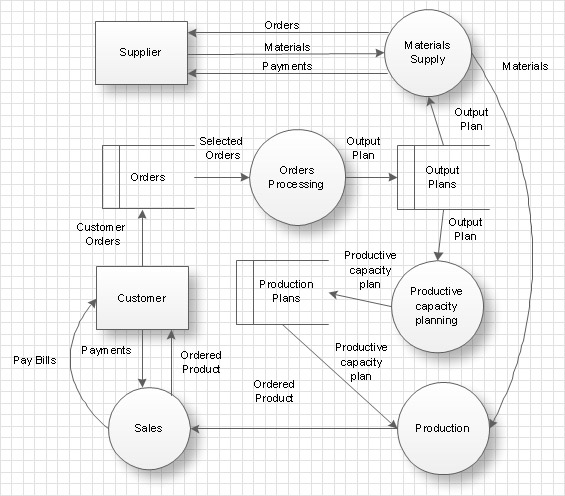
Example 1. Data Flow Diagram

Thus the information system is represented by a planner in the form of the high-level DFD in which objects are worked out in detail by diagrams of the lower level with the preset level of detailed elaboration. There is also another way of looking at which all events in the system are described at once and each event is represented in the form of process transforming data flows, further these sub runs are grouped for getting diagrams of the higher level.
process flow diagram

Example 2. Data Flow Diagram in ConceptDraw DIAGRAM

The following features make ConceptDraw DIAGRAM extended with Data Flow Diagrams Solution the best Data Flow Diagram software:

  1. You don't need to be an artist to draw professional-looking diagrams in a few minutes.
  2. Large quantity of ready-to-use vector objects makes your drawing diagrams quick and easy.
  3. A great number of predesigned templates and samples give you a good start for your own workflow diagram or process flow diagram.
  4. ConceptDraw DIAGRAM provides you the possibility to use the grid, rules, and guides. You can easily rotate, group, align, arrange the objects, use different fonts and colors to make your organizational workflow diagram exceptionally looking.
  5. All ConceptDraw DIAGRAM documents are vector graphic files and are available for reviewing, modifying, and converting to a variety of formats: image, HTML, PDF file, MS PowerPoint Presentation, Adobe Flash, MS Visio.
  6. Using ConceptDraw STORE you can navigate through ConceptDraw Solution Park, managing downloads and updates. You can access libraries, templates, and samples directly from the ConceptDraw STORE.
  7. If you have any questions, our free of charge support is always ready to come to your aid.


TEN RELATED HOW TO's:
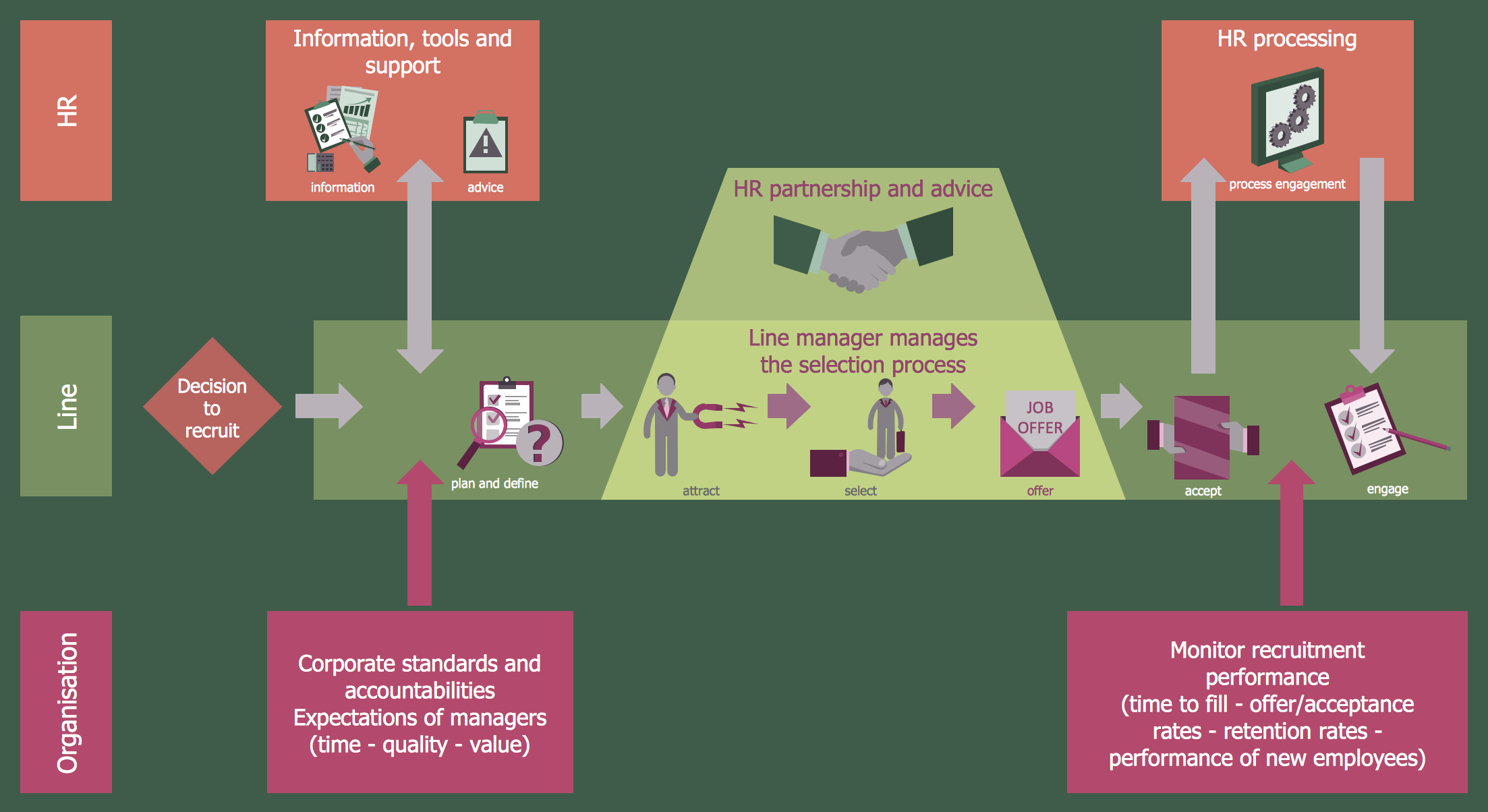
The recruitment process often requires design and use of various HR flowcharts, diagrams, attractive illustrations.Recruitment
Picture: Recruitment
Related Solution:
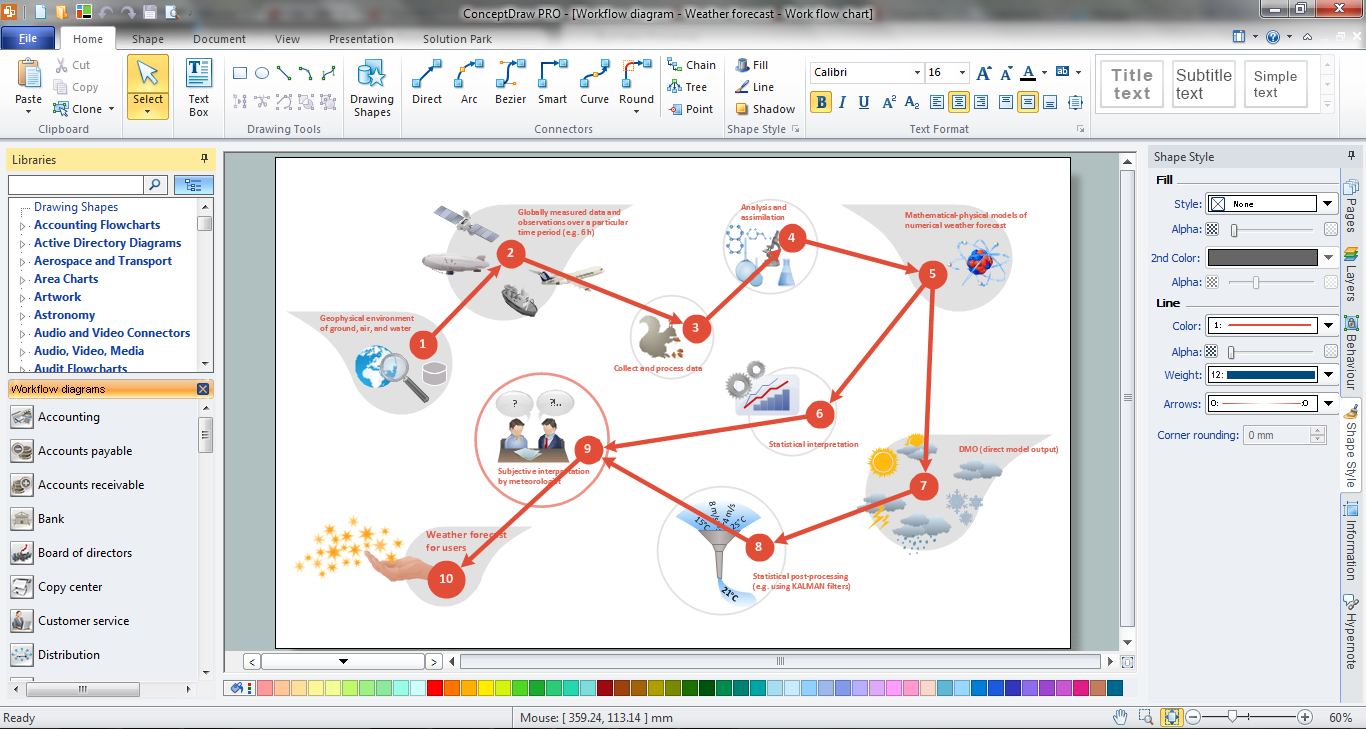
ConceptDraw DIAGRAM is the best program to make workflow diagrams. With the new Arrows10 technology it brings features allow you make workflow diagrams faster then ever before. These features allow you to focus on thinking, not drawing, that makes ConceptDraw DIAGRAM the best program to make workflow diagrams.Best Program to Make Workflow  Diagrams *
Picture: Best Program to Make Workflow Diagrams
Related Solution:
You want to connecting objects manually? You don't know how should diagramming software work? Is it possible to develop a diagram as quickly as the ideas come to you? Yes. The innovative ConceptDraw Arrows10 Technology - This is more than enough versatility to draw any type of diagram with any degree of complexity. You can start draw your diagram manually now.ConceptDraw Arrows10 Technology *
Picture: ConceptDraw Arrows10 Technology
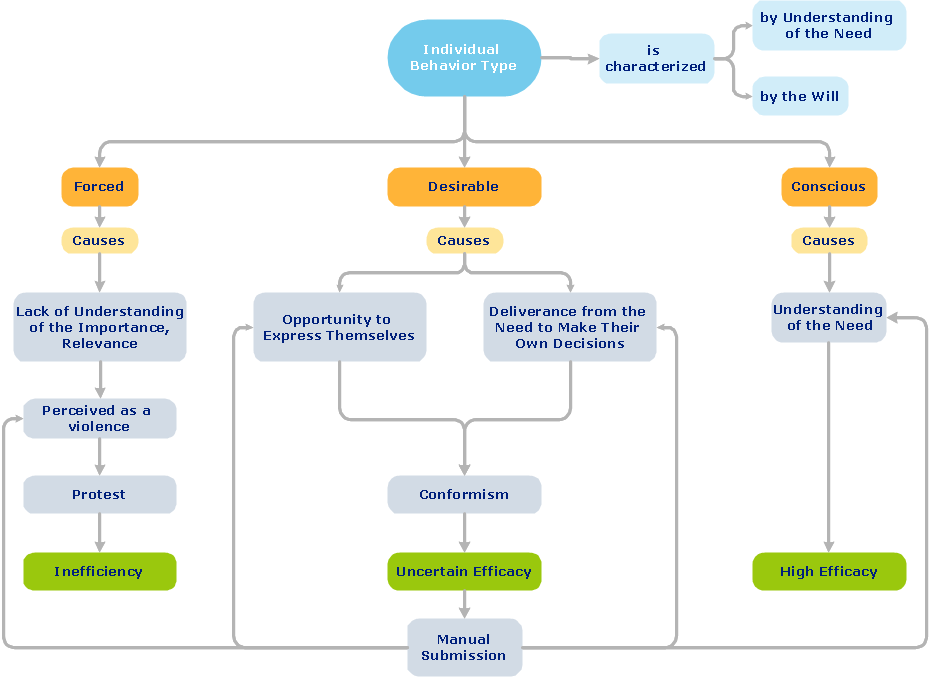
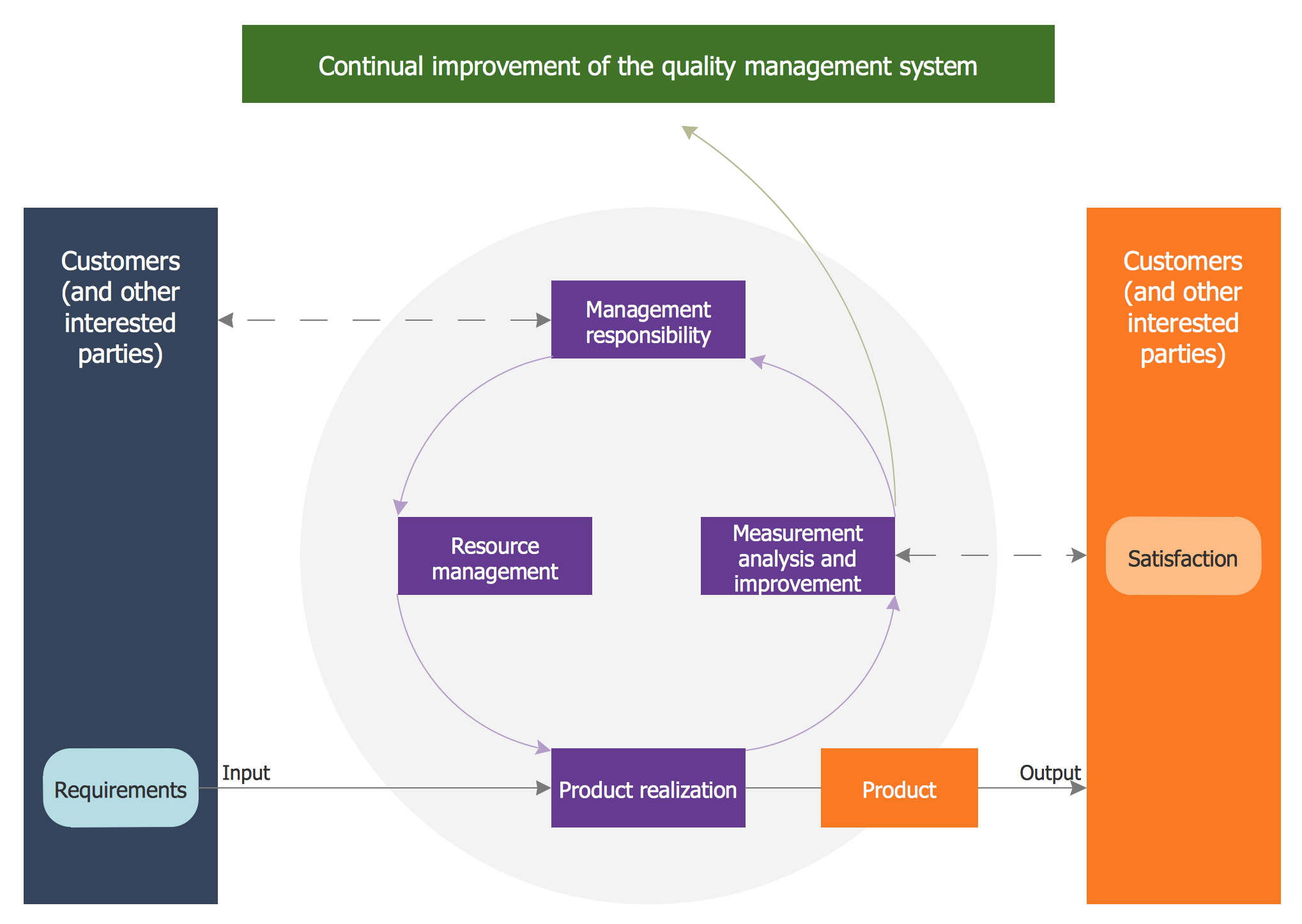
ConceptDraw DIAGRAM diagramming and vector drawing software extended with Total Quality Management (TQM) Diagrams solution from the Quality area of ConceptDraw Solution Park perfectly suits for development and visually representing a Quality Management System.Quality Management System *
Picture: Quality Management System
Related Solution:
Sports Selection Flow Chart - This sample was created in ConceptDraw DIAGRAM using the Flowcharts Solution from the Marketing Area and shows the Flow Chart of sport selection. An experienced user spent 10 minutes creating this sample.Flow Chart for Olympic Sports *
Picture: Flow Chart for Olympic Sports
Related Solution:
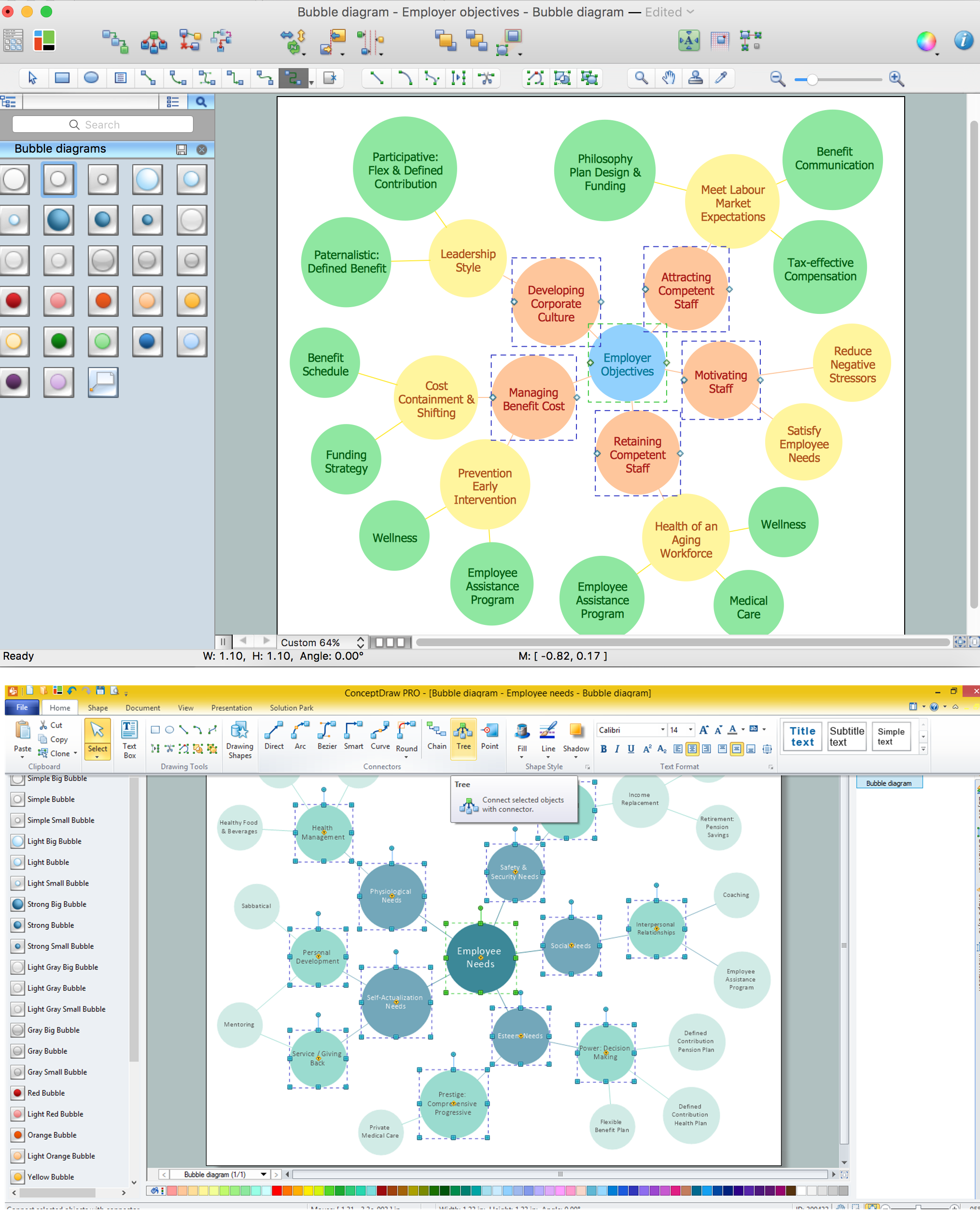
Using ConceptDraw you will be able to create bubble diagrams from the ready ConceptDraw library objects or make your own objects. The created diagram can be saved and edited, objects can be moved and links between them will be automatically repainted after object moving because of using the ConceptDraw connectors.Bubble diagrams with ConceptDraw DIAGRAM  *
Picture: Bubble diagrams with ConceptDraw DIAGRAM
Related Solution:
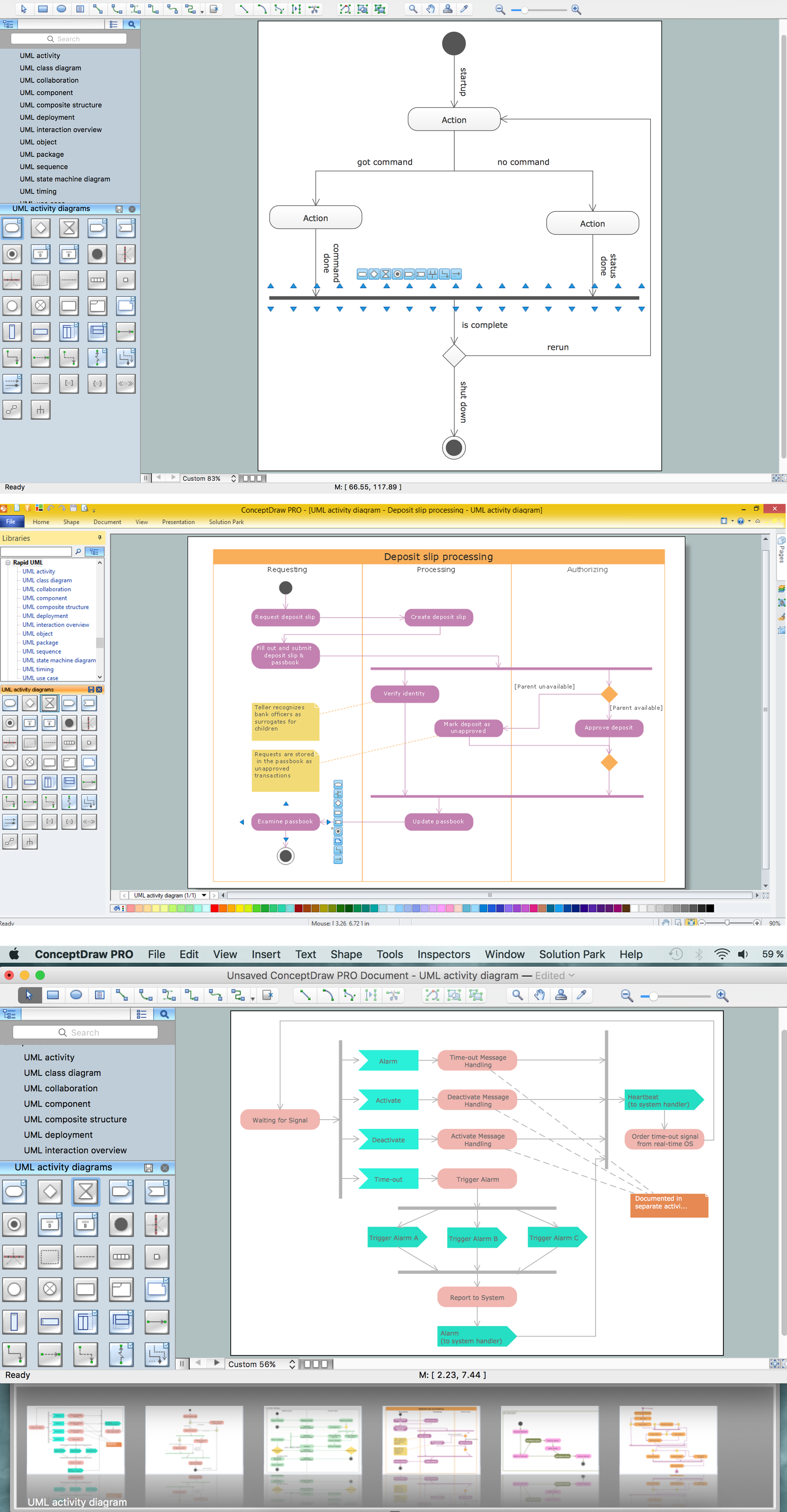
UML Activity Diagram illustrates the business and operational step-by-step workflows of components in a system and shows the overall flow of control. You can use the appropriate stencils of UML notation from UML Activity library with 37 objects. ConceptDraw is ideal for software designers and software developers who need to draw UML Activity Diagrams. Use ConceptDraw DIAGRAM diagramming and vector drawing software enhanced with Rapid UML solution from ConceptDraw Solution Park to create your own UML activity diagrams that show the business and operational workflows of components and overall flow of control in your systems. Such software provides coloring UML diagrams for various purposes and simplifying work of the engineers.UML Activity Diagram *
Picture: UML Activity Diagram
Related Solution:
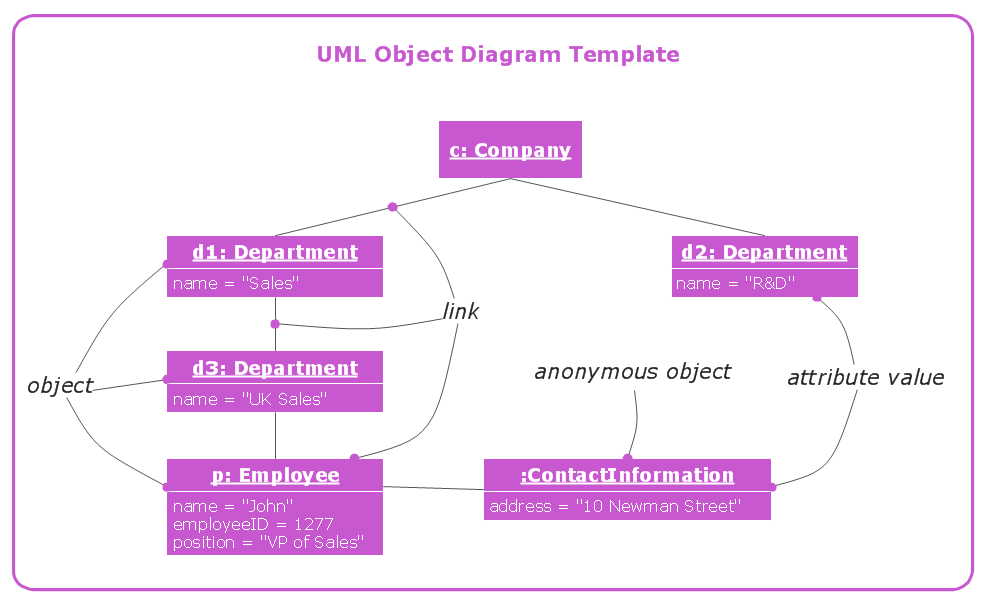
UML Object Diagram shows the structure of a modelled system at a specific time.UML Object Diagram *
Picture: UML Object Diagram
The most easier way of creating the visually engaging and informative Sales Process Flowchart is to create the new ConceptDraw document and to use the predesigned vector symbols offered in 6 libraries of the Sales Flowchart Solution. There are more than six types of sales process flow diagrams, ConceptDraw DIAGRAM software is flowchart maker which include six collections of extended flowchart symbols for effective diagramming. There are main collections of color coded flowchart symbols: Sales Department, Sales Steps, Sales Workflow, Sales Symbols and special set of Sales Arrows and Sales Flowchart.Sales Process Flowchart Symbols *
Picture: Sales Process Flowchart Symbols
Related Solution:
Social media is a popular view of mass communication which allows people, companies and organizations create, share, discover, modify, access, comment, discuss and exchange information through the Internet. Social Media Response solution for ConceptDraw DIAGRAM provides collection of 10 libraries with diversity of predesigned vector social media flowchart symbols for fast and easy creating interactive Social Media Flowcharts, Response Charts and Action Mind Maps.Social Media Flowchart Symbols *
Picture: Social Media Flowchart Symbols
Related Solution:
ConceptDraw
DIAGRAM 18