Ice Hockey Rink Dimensions
The game of ice hockey is very specific as the ice hockey players use the ice hockey rink to play their favourite game on. Ice hockey itself is a competing sport which is very popular among especially Canadian people. The ice hockey rink itself is a rectangular with rounded corners and it is usually surrounded by a wall of 1 meter high. This wall is called the “boards” and it protects the ice hockey audience from getting injured by the ice hockey puck.
There are different rules about the dimensions of the ice hockey rink. One is popular and used in North America and another in the rest of the world. The smaller version, which is now popular in North America, is called “NHL” and the one which is used for international play – the Games of the Olympiad.
The Olympics’ dimensions are 61 metres long and 30 metres in width with a corner radius of 8,5 metres and they are used for the international games. The surface of the ice hockey rink is divided by 5 lines marked as “icing line”, “blue line”, “centre red line”, “blue line” and “icing line”. The middle 3 lines mark the 3 zones of the rink and they are the “defending zone” (which is from icing line to blue line), the “neutral zone” (from blue line to blue line) and the “attacking zone” (from blue line to icing line). The 2 icing lines are 4 metres from the end boards and the blue lines are 22,86 metres from the end boards.
Most of the North American rinks follow these specifications: 61 metres by 26 metres with a corner radius of the same size as the Olympic Games – 8,5 m. The distance from the end boards to the nearest goal line is always 3,4 m and the NHL attacking zones are expanded with blue lines of 20 metres from the goal line and 15 metres apart.
The “centre line” is there to divide the ice in half and it is used to judge the team player meaning that if a team sends the puck across the centre line (which is red), blue line and then across the goal line, then it is called by the term “icing”. There are also two “blue lines” which divide the rink into 3 parts or “zones”. These 2 lines are used to judge whether a player is offside or not. In case an attacking player crosses the line into the other team's zone prior to the puck crossing, then it means he is “offside”.
Near each end of the rink there is a thin red “goal line”, which is used to judge goals as well as the icing calls. There are also nine so-called “faceoff spots” on an ice hockey rink. All of them take place at these spots and there are 2 spots in each team's defensive zone, 2 at each end of the neutral zone and only 1 in the centre of the ice hockey rink. There are “faceoff circles” around the centre of the ice hockey and there are also hash marks painted on the ice near the end zone faceoff spots. The circles and hash marks are there to show where players can position themselves during a faceoff.
Both the centre faceoff spot and centre faceoff circle are marked blue. The circle is nine metres in diameter with an outline of five centimetres thick and the faceoff spot is a solid blue circle of thirty centimetres in diameter. All of the other faceoff spots and circles are painted in red colour. Each spot consists of a circle 60 centimetres in diameter with an outline of 5 centimetres thick.
There are many other rules about the ice hockey game and the ice hockey rink, including the strict rules about its dimensions and if you want to draw such ice hockey rink, then you have to take all of the mentioned above information into consideration. Having all of the right dimensions you get a chance to create your own ice hockey rink drawing and it can always look simply great if you use the right software for making your drawings.
One of the best existing applications for making such sport games fields, including the ice hockey rinks, drawings, as well as similar to them, is ConceptDraw DIAGRAM software. This application allows to make your own good looking drawing so it looks professional and simply smart. Having all of the necessary tools in order to create something special, you will find ConceptDraw DIAGRAM to be a very useful tool and it can always help you concentrate on the dimensions and on the process of creating, not on the problem, which has to be solved, for example where to find the so very needed lines and other objects as all of the necessary design elements are in the appropriate stencil libraries in the solutions which can be found both on this site and in ConceptDraw STORE application, which is another product of CS Odessa company developed for the purpose of supporting ConceptDraw DIAGRAM users in their drawings.
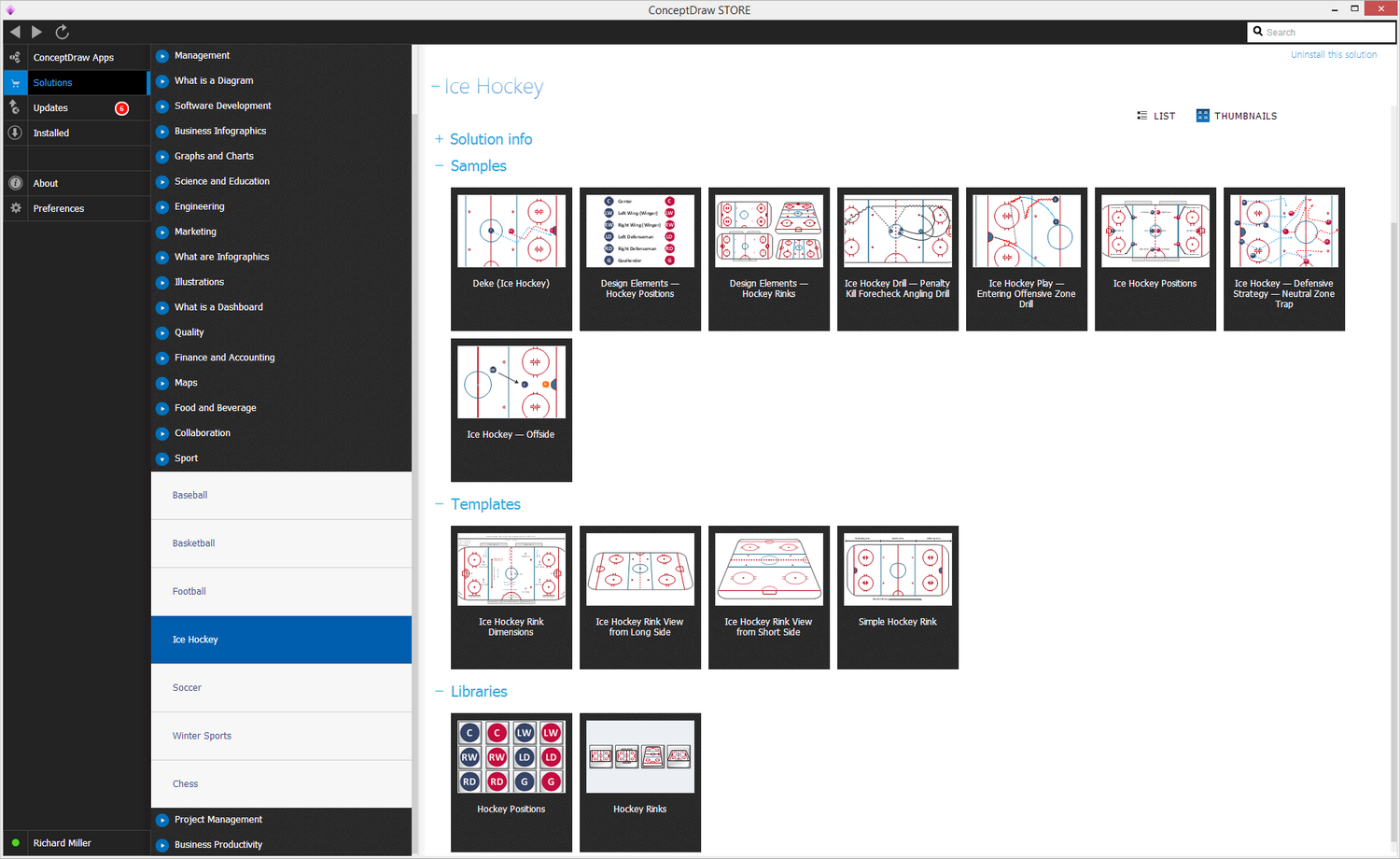
Sample 1. Ice Hockey Solution
Meeting ice hockey rules we recommend you to, first of all, read and, if possible, learn by heart all of the ice hockey rink terms, lines, zones, etc., so you can apply this knowledge to your drawing. Secondly, you need to download ConceptDraw DIAGRAM application as ConceptDraw DIAGRAM is an advanced drawing software that can allow you to produce ice hockey rink depiction of any complexity: both from scratch to the one which is created based on the examples and templates provided by the solution which was made in order to simplify your work with such drawing and to make it more detailed.
There are two libraries available for all of the ConceptDraw DIAGRAM users, which are: "Ice Hockey Rinks" and "Ice Hockey Positions" ones. They will allow you to create an ice-hockey-related drawing in only couple of hours or even minutes in case you are already an experienced user of ConceptDraw DIAGRAM application. In order to make your scheme truly mature, we recommend you to follow the next simple steps for making your ice hockey rink plan look truly smart: drop a rink object to your document from the "Ice Hockey Rinks" library and so all positions object you need from the "Ice Hockey Positions" library to your document and place these positions on the rink according to your drawing idea. Add arrows or text labels if needed and correct it the way you want it to be.
Get ConceptDraw DIAGRAM as well as the “Ice Hockey Solution” for making your own smart and great looking ice hockey rink schematics taking into consideration all of the correct dimensions.
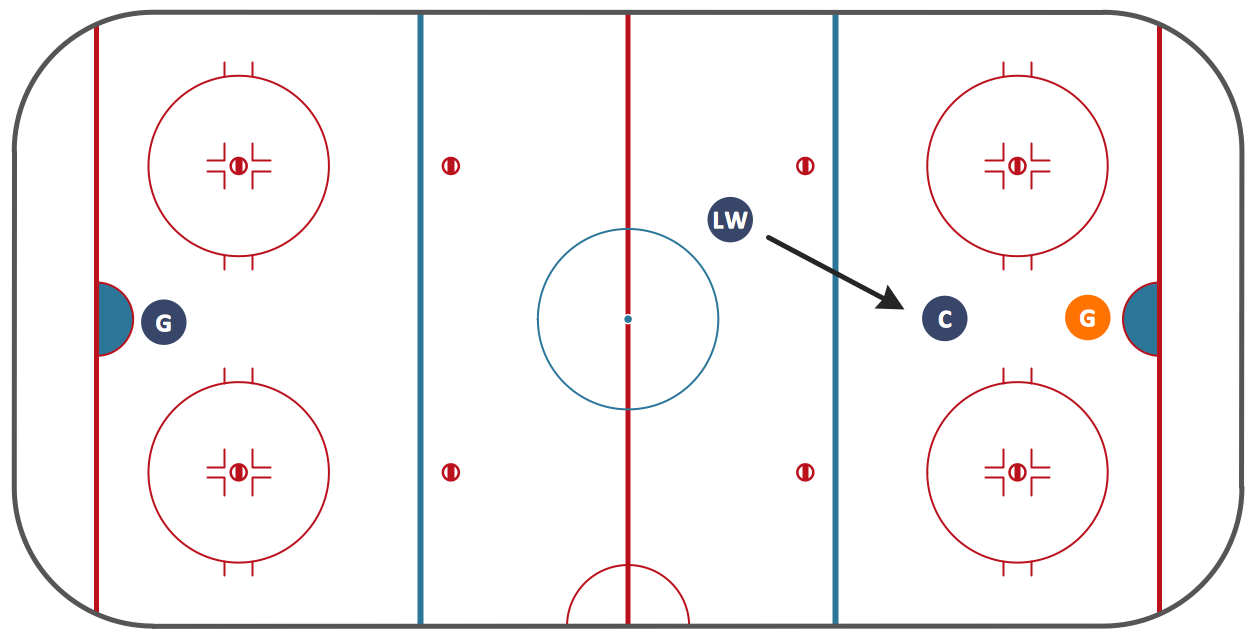
Meeting ice hockey rules one should learn ice hockey rink terms, lines, zones etc. ConceptDraw DIAGRAM is an advanced drawing software that allows you produce ice hockey rink depiction of any complexity, from simple sketch drawing to detailed one as on example below.
A combination of the "Ice Hockey Rinks" and "Ice Hockey Positions" libraries gives you an ability to create a ice-hockey-related drawing in seconds. Follow next steps to create you own ice hockey schema:
- From the "Ice Hockey Rinks" library drop a rink object to your document
- From the "Ice Hockey Positions" library drop all positions object you need to your document
- Place positions on the rink according to your drawing idea
- Add arrows or text labels if needed.
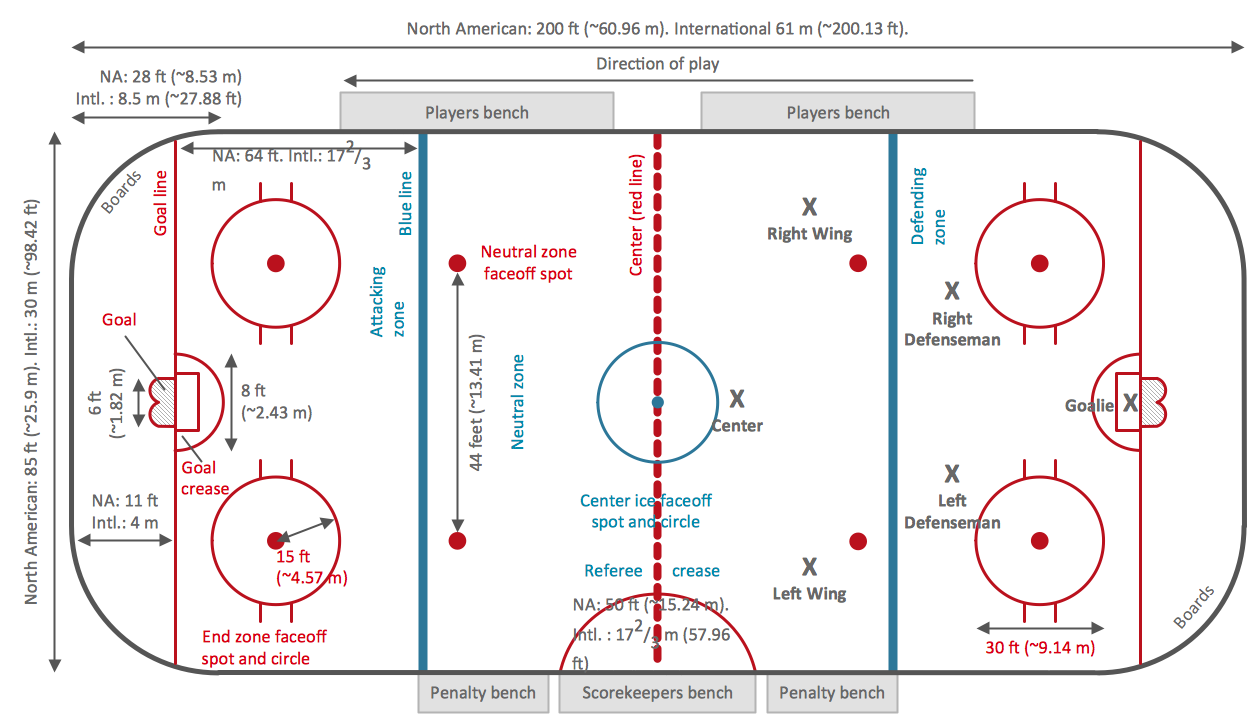
Sample 2. Ice Hockey Rink Dimensions
This diagram was created in ConceptDraw DIAGRAM using the "Ice Hockey Rinks" library from the Ice Hockey solution. An experienced user spent 1 minute creating this sample.
The sample you see on this page was created in ConceptDraw DIAGRAM using the Ice Hockey Solution; it demonstrates a portion of the solution's capabilities and the professional results you can achieve.
All source documents are vector graphic documents. They are available for reviewing, modifying, or converting to a variety of formats (PDF file, MS PowerPoint, MS Visio, and many other graphic formats) from the ConceptDraw STORE. The Ice Hockey Solution is available for all ConceptDraw DIAGRAM or later users.