Made with
ConceptDraw
DIAGRAM 18

S Video Connection

To demonstrate and to explain the S-Video connections, the ConceptDraw DIAGRAM diagramming and drawing software can help, as well as another product of CS Odessa — the ConceptDraw STORE and the Audio and Video Connectors Solution in particular.
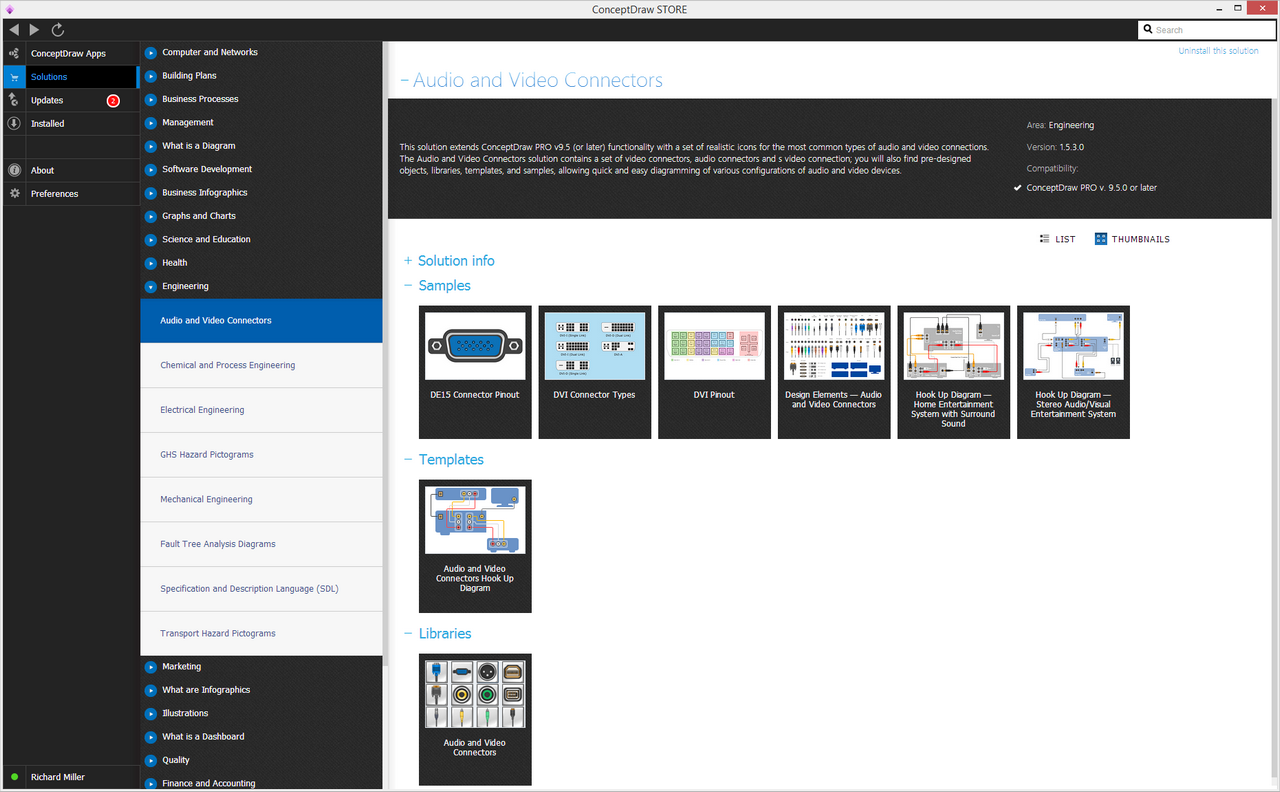
Audio and Video Connectors Solution in ConceptDraw STORE

Example 1. Audio and Video Connectors Solution in ConceptDraw STORE

The “S-Video” term can be also known as “Y/C” or “separate video”, being a signaling standard for standard definition video (usually 576i or 480i). By separating both coloring and black-and-white signals, any “S-Video” can achieve much better image quality to compare to the composite video. Nevertheless, any “S-Video” is well-known for having a lower color resolution to compare to the component ones.

There is a standard analog which the television signals go through. It is known to be going through a few processing steps on its way to being broadcast. Each of the mentioned can discard the information, lowering the quality of the final images.

The image should be originally captured in RGB form. After, it gets processed into three signals — the “YPbPr” ones: the first one is called “Y”. It may be created from all three original signals that are based on a formula that produces the needed brightness of the image called “luma”. The mentioned signal is known to be closely matching a traditional black-and-white television signal. The so-called “Y/C” method of encoding was a key that could have led to the backward compatibility. Once such “Y” signal is produced, it is subtracted from the blue signal to produce “Pb”. It also gets subtracted from the red signal in order to produce Pr.

If there is a need in recovering the original RGB information for display, the signals can be mixed with the Y for producing the original red and blue, and then the sum of the mentioned can get mixed with the Y in order to recover the green.

Any signal that has three components is not as easy to broadcast if to compare it to the original three-signal RGB. That is why the additional processing is always required. The first step is to combine the Pr and Pb in order to form another, the “C” signal. It is a usual procedure to achieve the chrominance.

Both amplitude and phase of the signal are what the two original signals represent. The mentioned signal can be bandwidth-limited after for complying with the requirements for broadcasting. The resulting C and Y signals can be after mixed together for producing the composite video. If you want to play back some composite video, then you have to separate both the “Y” and “C” signals which may be and difficult to do without adding any artifacts.
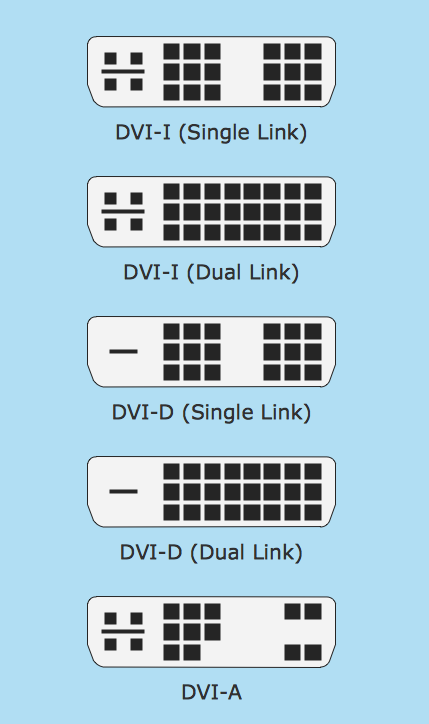
S Video Connection *

Example 2. S Video Connection

Each of the described steps may still lead to the unavoidable or deliberate loss of the quality. In order to retain it in the final image, it is better to eliminate as many of the decoding/encoding steps as possible. “S-Video” is one of the approaches that can be used for solving this problem by eliminating the final mixing of C with Y as well as the subsequent separation itself at the so-called “playback time”.

Carrying video, the S-video cable may be using ground pairs (termed C and Y) and synchronized signal. The luma signal is Y: it carries either or black-and-white or luminance of the picture, including the synchronization pulses. At the same time, C is known to be the so-called “chroma” signal, which carries the coloring-in or chrominance of the picture. The mentioned signal is known to be containing both the hue and the saturation of the video.

Any luminance signal is known to be carrying both vertical and horizontal sync pulses in the same way as a composite video signal. Luma is what a signal that is responsible for carrying the luminance after gamma correction called. In case you wonder why Luma is termed "Y", the answer is the following: it is simply similar to the lower-case Greek letter gamma.

In any composite video, the signals can co-exist on completely different frequencies. In order to achieve such effect, the luminance signal must be low-pass filtered. I should happen while dulling the images. S-Video is what can maintain two signals as separate ones. This detrimental low-pass filtering is not that necessary for luminance, but the chrominance signal still has some limited bandwidth that is relative to the component video.

To compare it with component video, which separates the color-difference signals into Cr/Pr and Cb/Pb while carrying the identical luminance signal, the color resolution of S-Video can be limited by the modulation on a subcarrier frequency of 3.57 to 4.43 megahertz. It all depends on the standard. It is also very important to know that this difference is simply meaningless on the home videotape systems. The reason for such statement is: the chrominance is already constrained by Betamax and VHS.

Carrying any color information in a way of one signal means that this color has to be encoded, usually in accord with PAL, SECAM, or NTSC, but it all depends on the applicable local standard.

S-Video also is known to be suffering from the so-called “low color” resolution. NTSC S-Video color resolution is 250 lines horizontal versus 120 lines horizontal for the Rec. 601-encoded signal of a DVD.

That may be a reason why S-Video is not as common in many European Union countries. Another reason may be the dominance of SCART connectors, which can be found on the most existing televisions. It is always possible to output any S-Video over SCART for a player, but televisions' SCART connectors are not always wired enough in order to accept it. In case they are not, then their displays can show only the monochrome images. To solve this problem, it is possible to modify the SCART adapter cable in order to make it work.
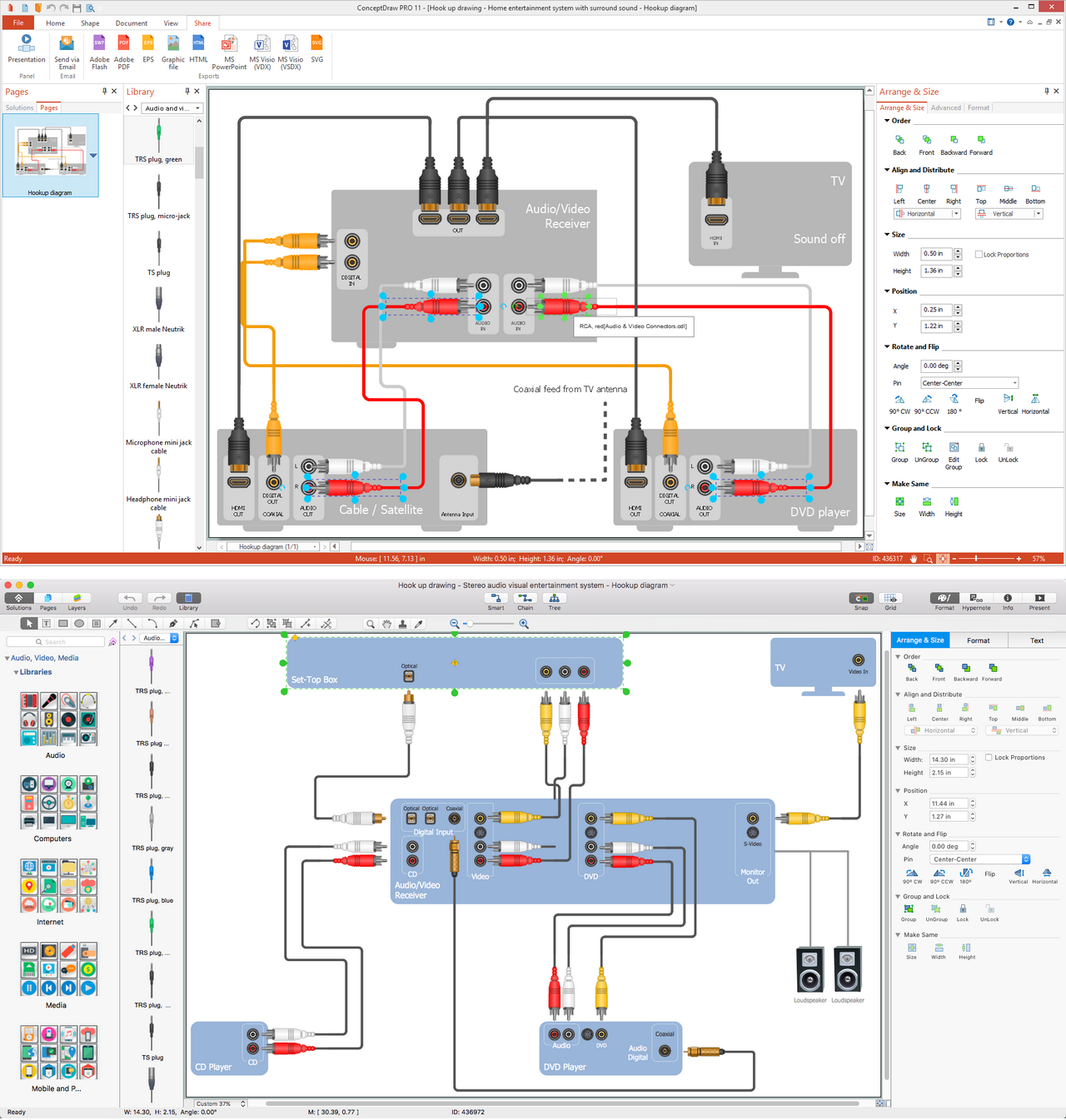
Connector Types Diagram in ConceptDraw DIAGRAM title=

Example 3. Connector Types Diagram in ConceptDraw DIAGRAM

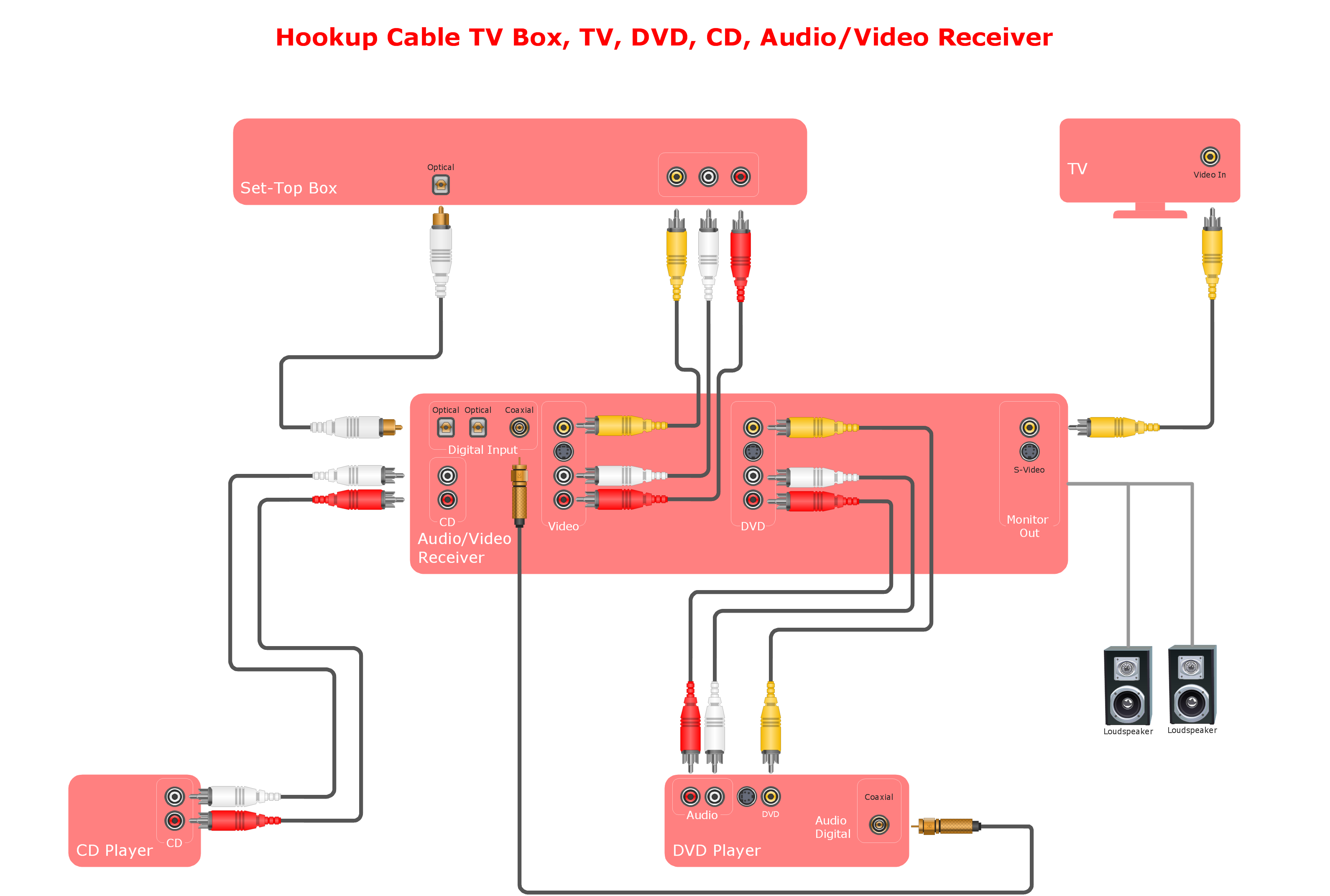
To make more the explanations about how the mentioned connectors work is always possible in a way of a text to it can be also done by representing them in a way of a drawing by using the ConceptDraw DIAGRAM and ConceptDraw STORE applications. Thus, once they are downloaded from this site, it is always possible to find the Audio and Video Connectors solution in the ConceptDraw STORE, to install it and to use while working in the ConceptDraw DIAGRAM making the smart looking drawings.

NINE RELATED HOW TO's:
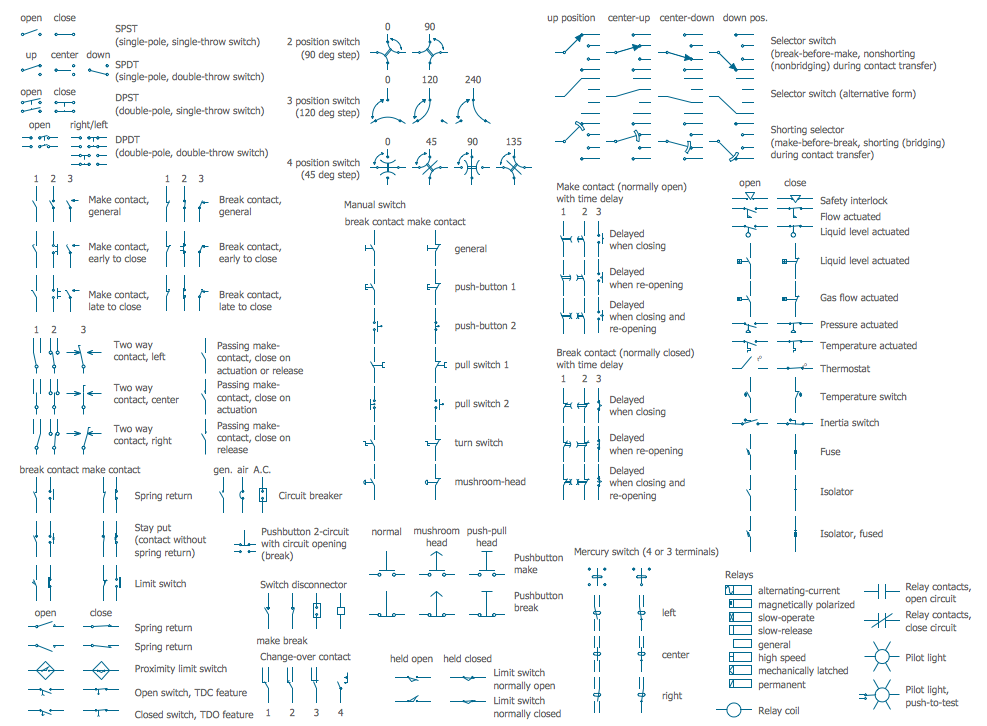
Use ConceptDraw DIAGRAM software as powerful electrical engineering software and apply switches and relays electrical symbols in ✔️ electrical circuit diagrams, ✔️ electrical drawings, ✔️ electrical schematics, ✔️ wiring diagrams, ✔️ electrical blueprintsElectrical Symbols — Switches and Relays in ConceptDraw DIAGRAM
Picture: Electrical Symbols — Switches and Relays
Related Solution:
The Audio & Video Connectors solution contains a set of pre-designed objects, libraries, templates, and samples; allowing quick and easy diagramming of various configurations of audio and video devices.Audio Visual Connectors Types
Picture: Audio Visual Connectors Types
Related Solution:
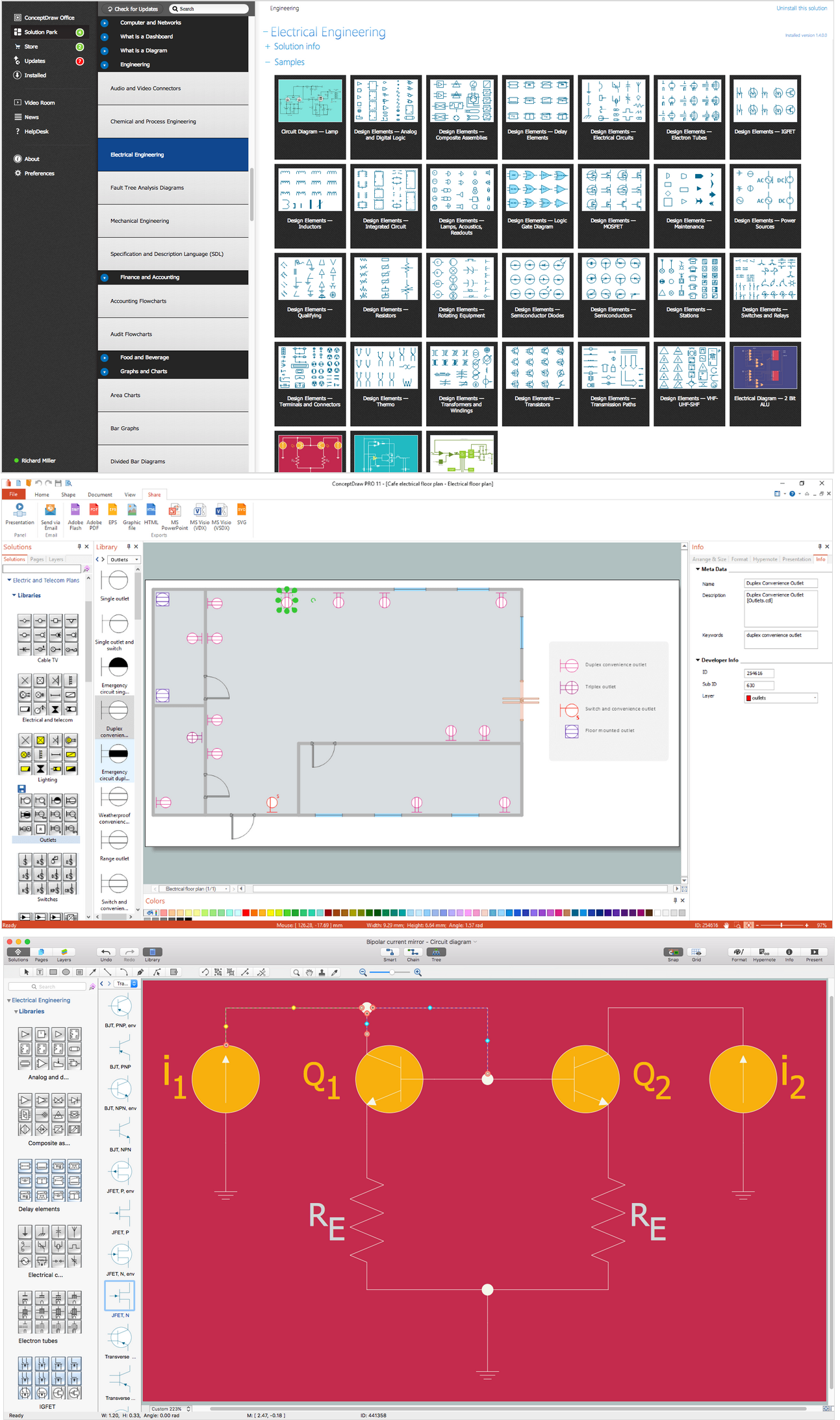
It is important to have an electrical circuits scheme, when you plan a renovation or move to a new apartment. You have to arrange interior according to that plan, and it’s trouble-free to create wiring diagrams with ConceptDraw DIAGRAM , furthermore, this software has all the features needed to create an interior plan as well. So, get inspired by tons of examples included to ConceptDraw DIAGRAM solutions, and start your diagramming experience! A wiring diagrams, that are represented on this drawing was created to depict the components of the electrical circuit schemes. These diagrams are created to depict the information about circuit arrangements and connections. Wiring diagrams, in contrast to physical drawings, use standard symbol's notation to depict different circuit devices and connections. That is why, wiring diagrams are applied to discover and repair electrical and electronic circuits. The vector graphic objects provided by ConceptDraw Electrical Engineering solution can help any specialist in electric engineering to design electrical schemes, circuit and wiring plans, power systems charts, and Maintenance and Repair diagrams.Wiring Diagrams with ConceptDraw DIAGRAM
Picture: Wiring Diagrams with ConceptDraw DIAGRAM
Related Solution:
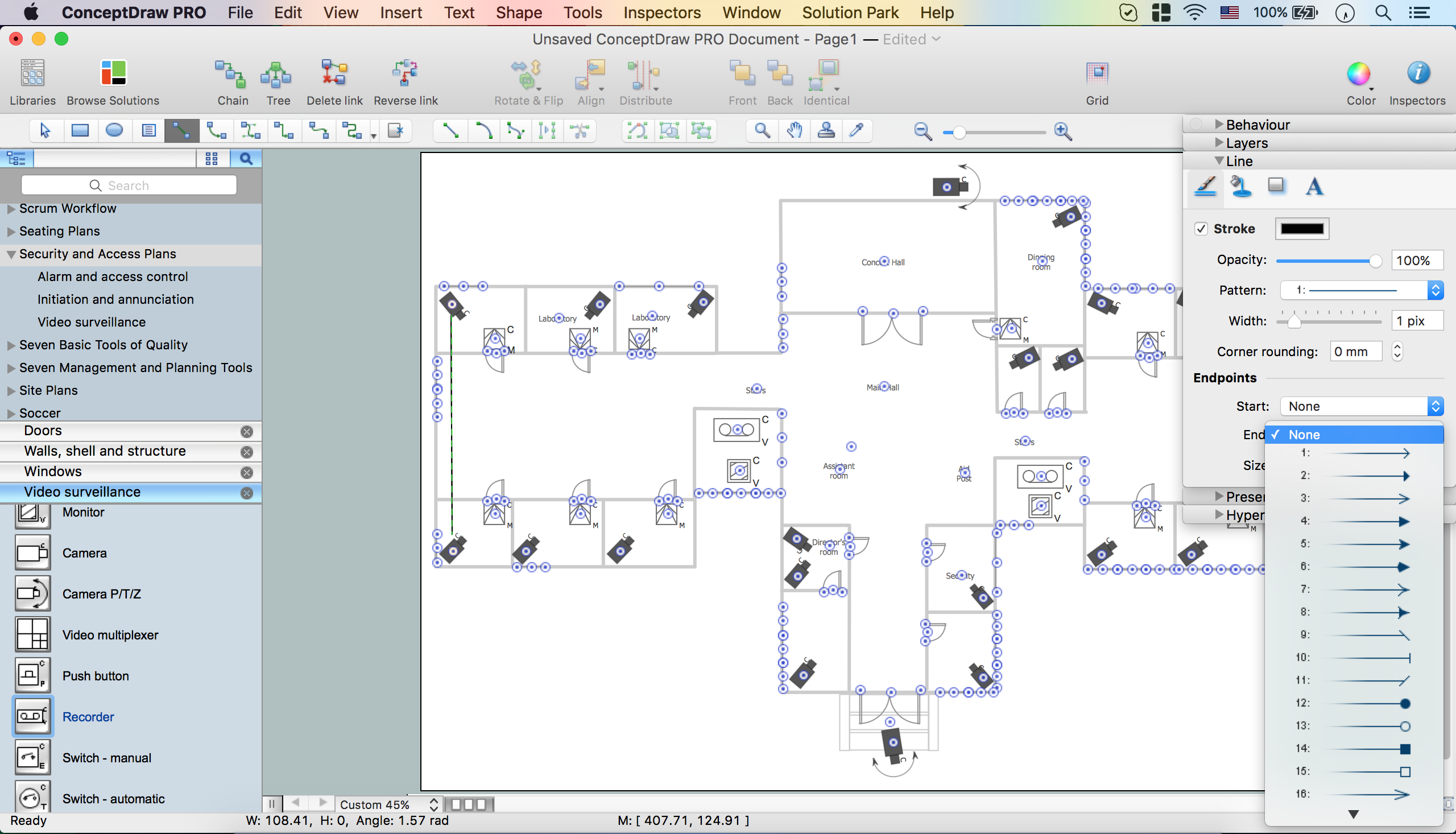
Closed-circuit television (CCTV) uses cameras and monitors to carry out video surveillance. Unlike broadcast television this system has only local signal. It is a feature of almost every video camera, yet CCTV is mainly a system for visual control of certain areas such as banks, airports, supermarkets, and other places for security reasons. Developing and installing CCTV system is a time-consuming process. It also requires certain knowledge and skills. ConceptDraw is a solution of setting video cameras rationally. You can achieve two aims at once: CCTV Design Tool saves your time and your money and helps you make professional video surveillance system.How To Create CCTV Network Diagram *
Picture: How To Create CCTV Network Diagram
Related Solutions:
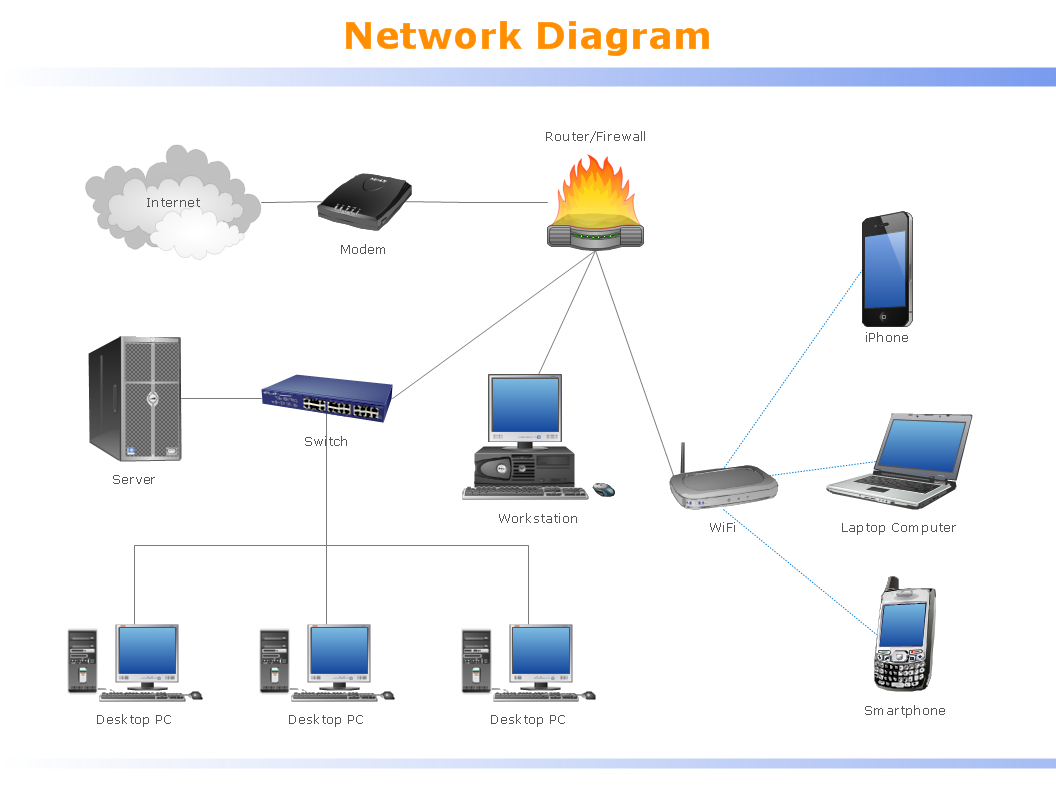
Computer networks nowadays are spread all across the world. The large number of parameters, such as geographic scale or communication protocols, can divide networks. One of the most common types of networks is called local area network (LAN). It convenient to represent network examples by means of diagrams. This local area network (LAN) diagram provides an easy way to see the way the devices in a local network are interacted. The diagram uses a library containing specific symbols to represent network equipment , media and the end-user devices such as computers (PC, mac, laptop) , network printer, hubs, server and finally a modem. There are two types of network topologies: physical and logical. The current diagram represents precisely a physical type of LAN topology because it refers to the physical layout of a local network equipment.Local area network (LAN) diagram
Picture:
What is a Local Area Network?
Examples of LAN Diagrams
Related Solution:
The Audio and Video Connectors solution contains a set of video connectors, audio connectors and s video connection; you will also find pre-designed objects, libraries, templates, and samples, allowing quick and easy diagramming of various configurations of audio and video devices.Audio and Video Connections Explained *
Picture: Audio and Video Connections Explained
Related Solution:
Electrical Engineering Solution used together with ConceptDraw DIAGRAM drawing facilities makes short a work of drawing various electrical and electronic circuit schemes. A library of vector objects composed from symbols of Analog and Digital Logic elements of electric circuit includes 40 symbolic images of logic gates, bistable switches of bi-stable electric current, circuit controllers, amplifiers, regulators, generators, etc. All of them can be applied in electronic circuit schemes for showing both analog and digital elements of the circuit. Electrical Engineering Solution used together with ConceptDraw DIAGRAM drawing facilities makes short a work of drawing various electrical and electronic circuit schemes. A library of vector objects composed from symbols of Analog and Digital Logic elements of electric circuit includes 40 symbolic images of logic gates, bistable switches of bi-stable electric current, circuit controllers, amplifiers, regulators, generators, etc. All of them can be applied in electronic circuit schemes for showing both analog and digital elements of the circuit.Electrical Diagram Symbols
Picture:
Electrical Diagram Symbols F.A.Q.
How to Use Electrical ConceptDraw Diagram Software
Related Solution:
ConceptDraw DIAGRAM is perfect for software designers and software developers who need to draw Network Active Directory Diagrams.Network Diagramming Software <br>for Network Active Directory Diagrams *
Picture: Network Diagramming Software for Network Active Directory Diagrams
Nowadays, it's easy to create any drawing with appropriate software tools. Special Seating Plan solution from Building Plans area has all the design elements possible to create any seating plan that you might need. It might be a plan of a theater, or a cinema or even a wedding plan. A seating plan is an indispensable element of any public event organization. Well thought-out arrangement of seats, furniture and other items help making the event a successful and effective. If you are organizing a spectacular event in a big theater or in a banquet hall, ConceptDraw Seating Plans solution is the tool for you. Especially its library of graphic elements for large and small blocks of seats, stairs, sectors, stage and backstage - just 67 vector objects. The Seating Plans Solution is specially developed for seating plans easy construction. With the help of this solution you'll quickly sketched the seating plan for any eventBuilding Drawing Software for Design Seating Plan
Picture: Building Drawing Software for Design Seating Plan
Related Solution:
ConceptDraw
DIAGRAM 18