Made with
ConceptDraw
DIAGRAM 18

UML Class Diagram. Design Elements

UML Class Diagram is a type of Structure Diagrams that shows the classes of a system, attributes, operations, and the relationships between them.

Class Diagram is one of important types of UML Diagrams. UML Class Diagrams are used for static modeling of the system, for data modeling, for conceptual modeling of the application, and for modeling of the system dictionary.

On the Class Diagram, Classes are represented as boxes that consist of three parts: name, attributes of the class, and operations or methods.

Use the following notations to set the visibility of a class member: Public (+), Private (-),
Protected (#), Derived (/), Static (_), Package (~). Notation must be placed before the name of class member.

There are a few types of associations between objects and classes on the Class Diagrams.

Bi-directional associations are represented by a line between two classes, it is default connection between classes.

Uni-directional associations are represented as the unbroken lines with an open arrowhead.

Aggregation is an association with the relation between the whole and its parts, and is represented as empty diamond on the Class Diagram.

Composition is a strong variant of aggregation, represents on as filled diamond.

Generalization or inheritance is when a child object or class assumes all properties of his parent object or class, is represented as empty triangle.

There are four notations: 0..1, 1, 0..*, 1..*, that indicate the multiplicity of associations.

The Rapid UML Solution for ConceptDraw DIAGRAM contains 13 vector stencils libraries with 393 interactive shapes that you can use to design your UML diagrams.

To design your own Class Diagram use the UML Class Diagram library.

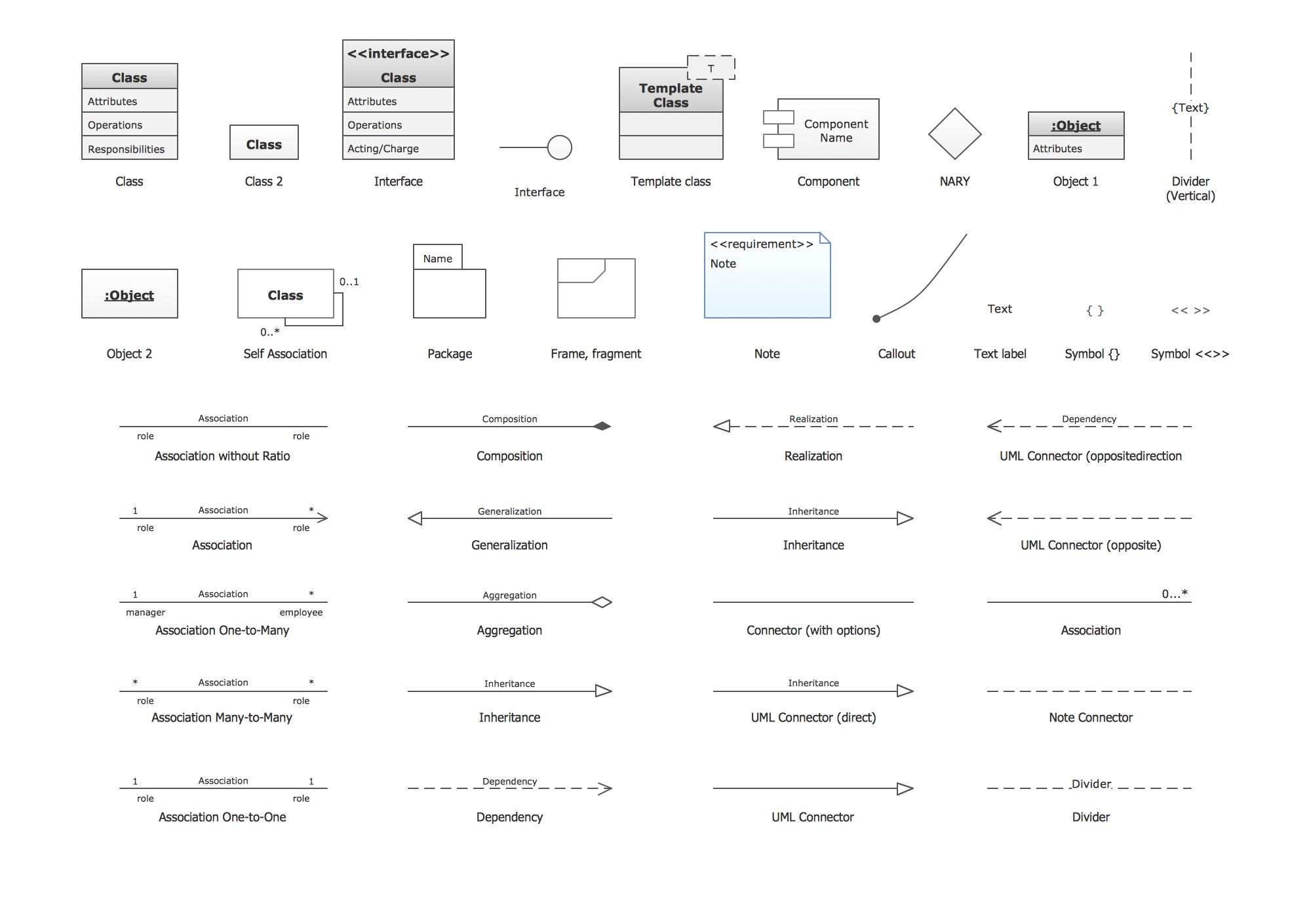
UML Class Diagram library contains 39 shapes:

  • Class
  • Class 2
  • Object 1
  • Object 2
  • Self association
  • Interface
  • Template class
  • NARY
  • Text Label
  • Symbol { }
  • Symbol << >>
  • Divider (Vertical)
  • Divider
  • Association without ratio
  • Association
  • Association One-to-Many
  • Association Many-to-Many
  • Association One-to-One
  • Inheritance
  • Composition
  • Aggregation
  • Inheritance
  • Dependency
  • Connector
  • Package
  • Frame, fragment
  • Note
  • Callout
  • Component
  • Interface 2
  • Realization
  • Generalization
  • UML Connector (Direct)
  • UML Connector
  • UML Connector (opposite)
  • UML Connector (opposite direction)
  • Association (without aggregation)
  • Note Connector

Pic.1. UML Class Diagram Library
UML Class Diagram. Design Elements *

Pic.2. UML Class Diagram Library Elements

ConceptDraw Rapid UML solution provides UML Class Diagram library of vector stencils for drawing the class diagrams using class blocks and assembly connectors.

All libraries for creating UML diagrams are available inside the ConceptDraw DIAGRAM Templates and samples are located in the Rapid UML section of ConceptDraw STORE.

UML Diagram Solution

Pic.3. UML Diagrams solution

Use design element from the UML Class Diagram library to draw your own UML class diagrams of complex systems and software applications.

UML Class Diagram

UML Class Diagram


TEN RELATED HOW TO's:
It is easy to recreate any informational system structure using diagrams. There are three main components of any ER diagram: entity, attribute and relationship. Basing on these three components, one can define other, less used elements, such as weak entity or relationship, derived attribute, recursive relationship etc. This is the set of graphic elements of ERD Chen's notation. This ERD notation is used to represent an entity–relationship models. It involves the set of geometric forms: rectangles - depicting entities, ovals - representing attributes and diamonds depicting relationships assigned for first-class objects, that can have relationships and attributes of their own. Connections are displayed with arrowed lines. It is known that the Chen's ERD notation is used to show a detailed view of entities and relationships. ConceptDraw Entity-Relationship Diagram solution from the Software Development section of Solution Park provides the ability to create ERD of database structure for software development purposes using the Chen’s notation elements.Components of ER Diagram *
Picture: Components of ER Diagram
Related Solution:
UML Diagram Estate Agency. This sample was created in ConceptDraw DIAGRAM diagramming and vector drawing software using the UML Use Case Diagram library of the Rapid UML Solution from the Software Development area of ConceptDraw Solution Park. This sample shows the work of the estate agency and is used by the estate agencies, building companies, at the trainings of the estate agencies, for understanding the working processes of the estate agencies.UML Use Case Diagram Example - Estate Agency *
Picture: UML Use Case Diagram Example - Estate Agency
Related Solution:
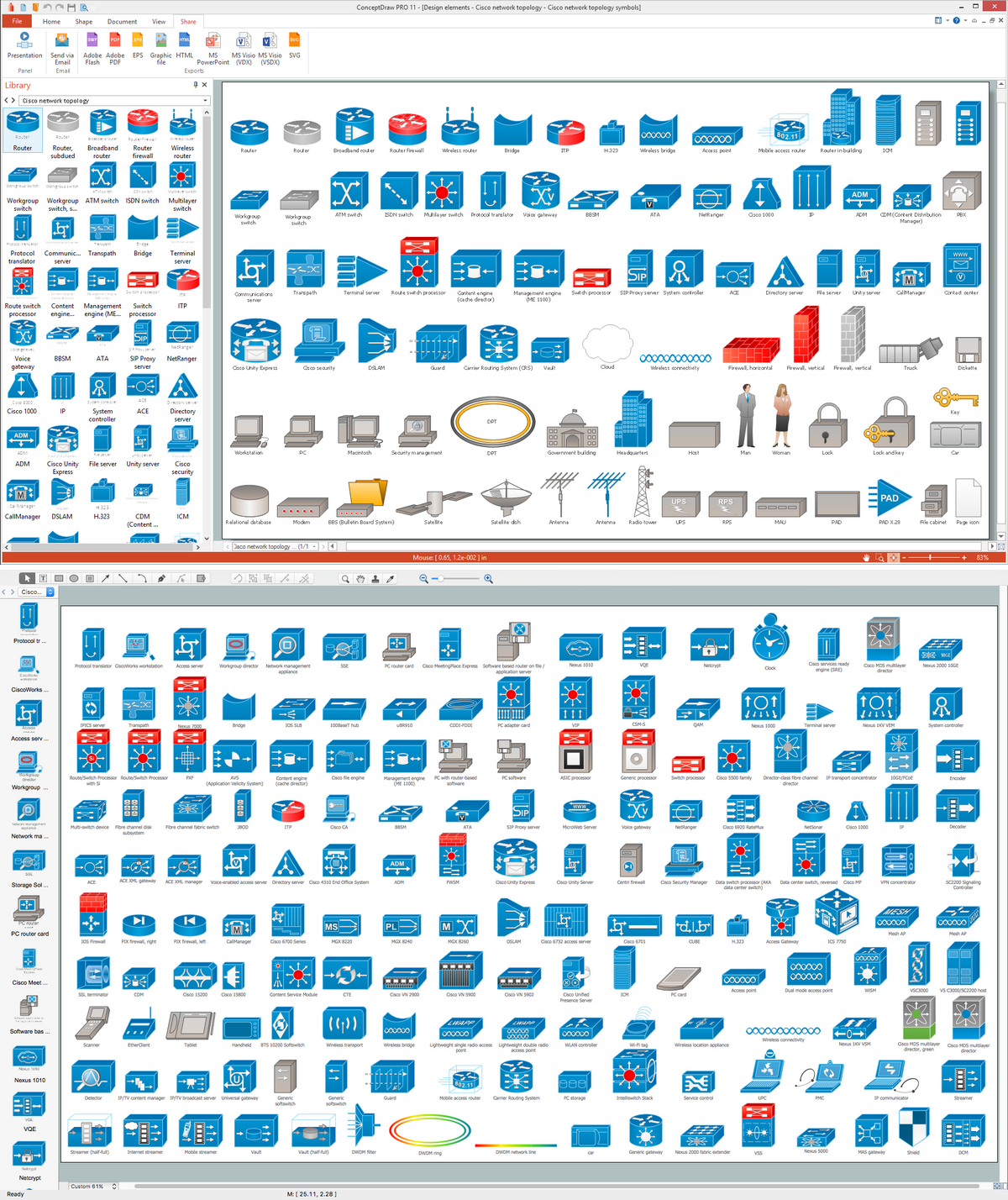
In general, you can use any icons to represent network equipment on a diagram. However, there are some icons, for instance, Cisco icons, shapes, stencils and symbols, that are recognizable worldwide. Using those icons you can create Cisco network topology diagrams in minutes and share them anywhere. The icons depicting Cisco network equipment are recognized and generally applied as standard images for designing network diagrams. They are free to used , but can not be reworked. Cisco network diagrams are created to depict how signals processed on the network equipment and end-user computers and how data transfer through LAN or WLAN between nodes. The vector graphic library of ConceptDraw CISCO Network Diagrams solution includes about 90 icons of Cisco network equipment for designing computer network diagrams with ConceptDraw DIAGRAM.Cisco Network Topology. <br>Cisco icons, shapes, stencils and symbols *
Picture: Cisco Network Topology. Cisco icons, shapes, stencils and symbols
Related Solution:
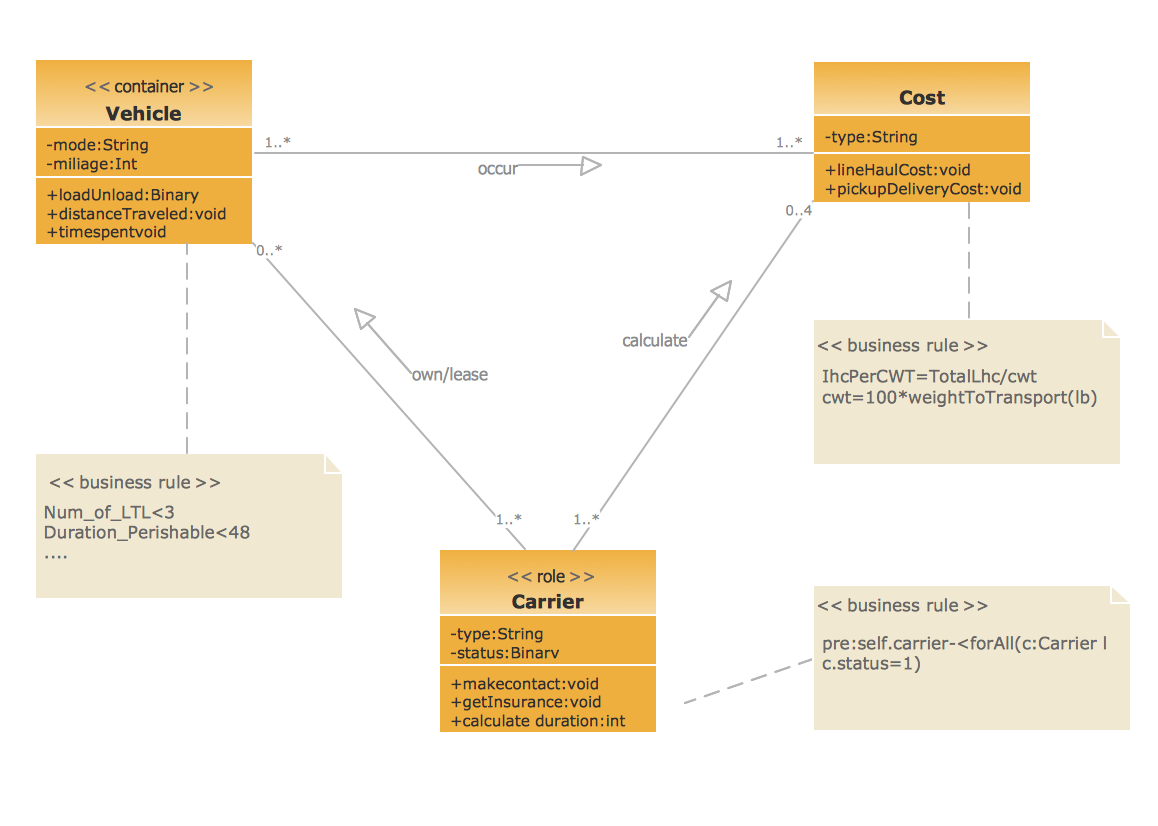
This sample shows the concept of working of the transport company and is used by transport companies, carriers at the transportation of various goods.UML Class Diagram Example for GoodsTransportation System
Picture: UML Class Diagram Example for GoodsTransportation System
Related Solution:
This sample is a UML Class Diagram that shows the banking system. The classes represented as boxes with attributes and are connected with dependency and synchronous message associations. The associations are indicated with the multiplicity 1..*. This sample can be used by the banks, by financial enterprises.Create UML Diagram *
Picture: Create UML Diagram
Related Solution:
UML Diagrams Social Networking Sites Project. This sample was created in ConceptDraw DIAGRAM diagramming and vector drawing software using the UML Use Case Diagram library of the Rapid UML Solution from the Software Development area of ConceptDraw Solution Park. This sample shows the Facebook Socio-health system and is used at the projection and creating of the social networking sites.UML Use Case Diagram Example. Social Networking Sites Project
Picture: UML Use Case Diagram Example. Social Networking Sites Project
Related Solution:
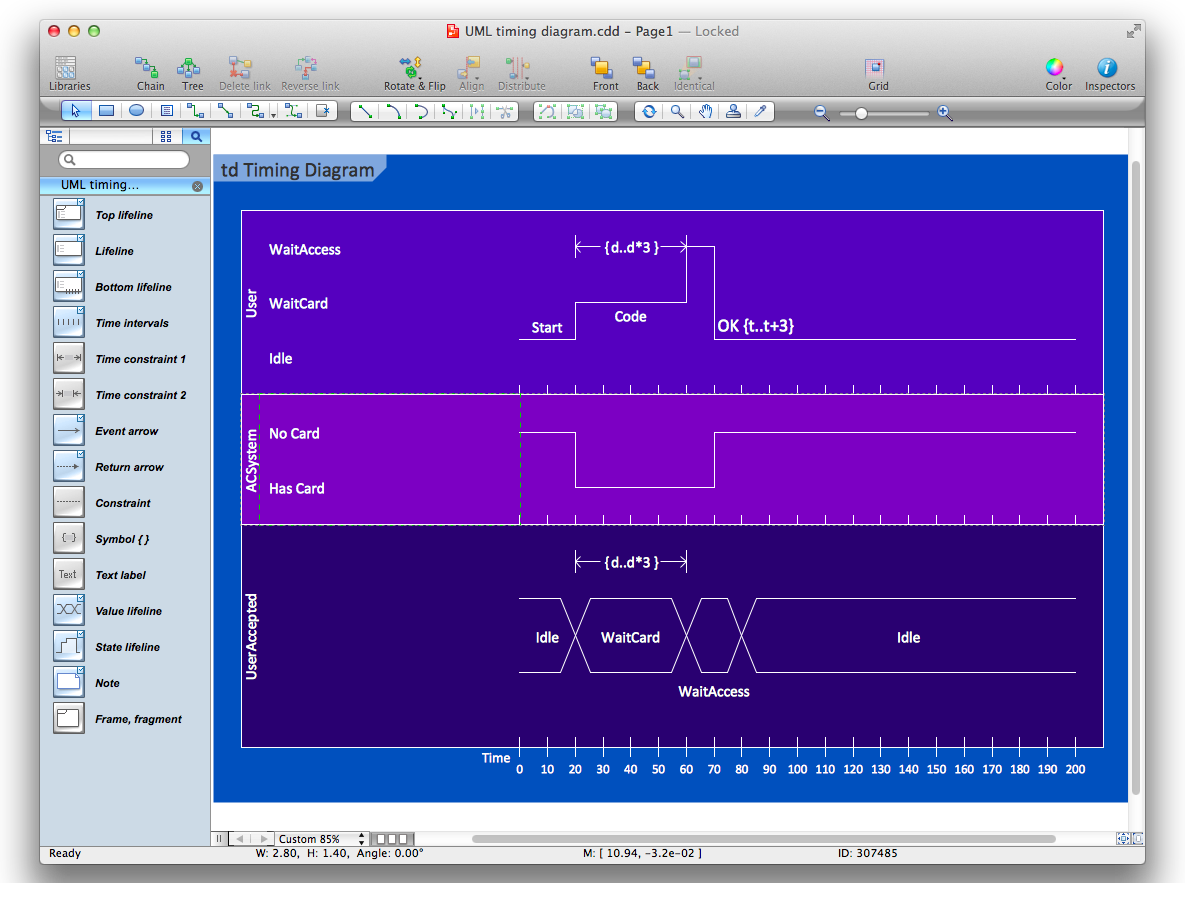
UML Timing Diagram as special form of a sequence diagram are used to explore the behaviors of objects throughout a given period of time.Diagramming Software for Design UML Timing Diagrams *
Picture: Diagramming Software for Design UML Timing Diagrams
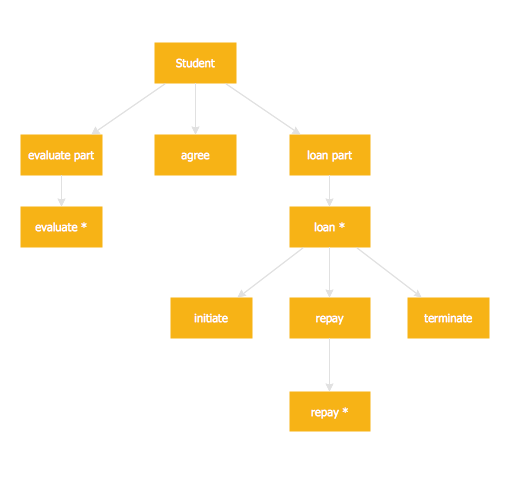
Jackson System Development (JSD) is a linear method of system development created by Michael A. Jackson and John Cameron in the 1980s. It comprises the whole software life cycle directly or providing a framework for more specialized techniques. When implementing the Jackson System Development method and designing JSD diagrams, you can succesfully use the powerful and helpful tools of ConceptDraw DIAGRAM software extended with Entity-Relationship Diagram (ERD) solution from the Software Development area of ConceptDraw Solution Park.JSD - Jackson system development *
Picture: JSD - Jackson system development
Related Solution:
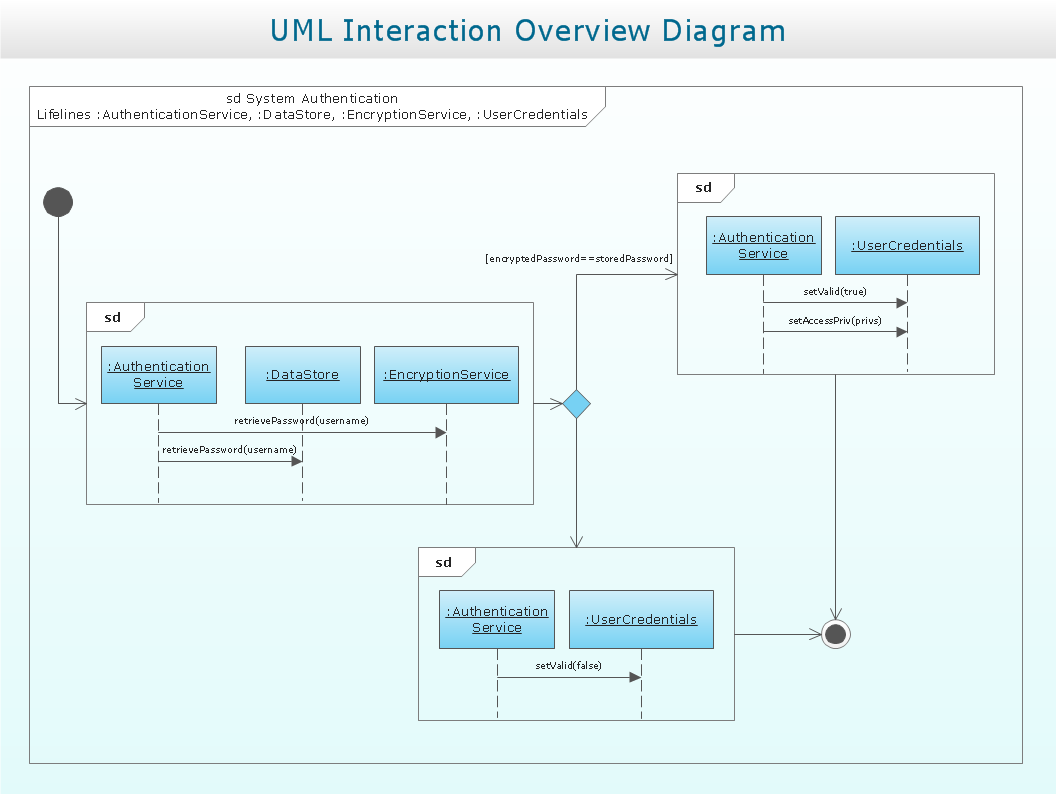
UML Interaction Overview Diagram schematically shows a control flow with nodes and a sequence of activities that can contain interaction or sequence diagrams.Interaction Overview Diagram *
Picture: Interaction Overview Diagram
This sample was created in ConceptDraw DIAGRAM diagramming and vector drawing software using the UML State Mashine Diagram library of the Rapid UML Solution from the Software Development area of ConceptDraw Solution Park. This sample shows the work of the online store and can be used for the understanding of the online shopping processes, for projection and creating of the online store.State Diagram Example - Online Store
Picture: State Diagram Example — Online Store
Related Solution:
ConceptDraw
DIAGRAM 18