UML Object Diagram. Design Elements
UML Object Diagram is a type of Structure Diagrams that shows the objects of the system and attributes, and relations between the objects at a certain moment of time.
UML Object Diagram represents a specific instance of a Class Diagram at a moment of time.
A correlated group of the Object Diagrams shows how the system will develop over the time.
Objects and links on the UML Object Diagram are represented by Instance Specification that use the slots to show the object classifier, instance name, attributes and other structural characteristics. One attribute or feature has the one corresponded slot. Links between instances are named as links. You can also use the associations of aggregation (represents as empty diamond) or composition (represents as filled diamond), and other UML entities on the UML Object Diagram.
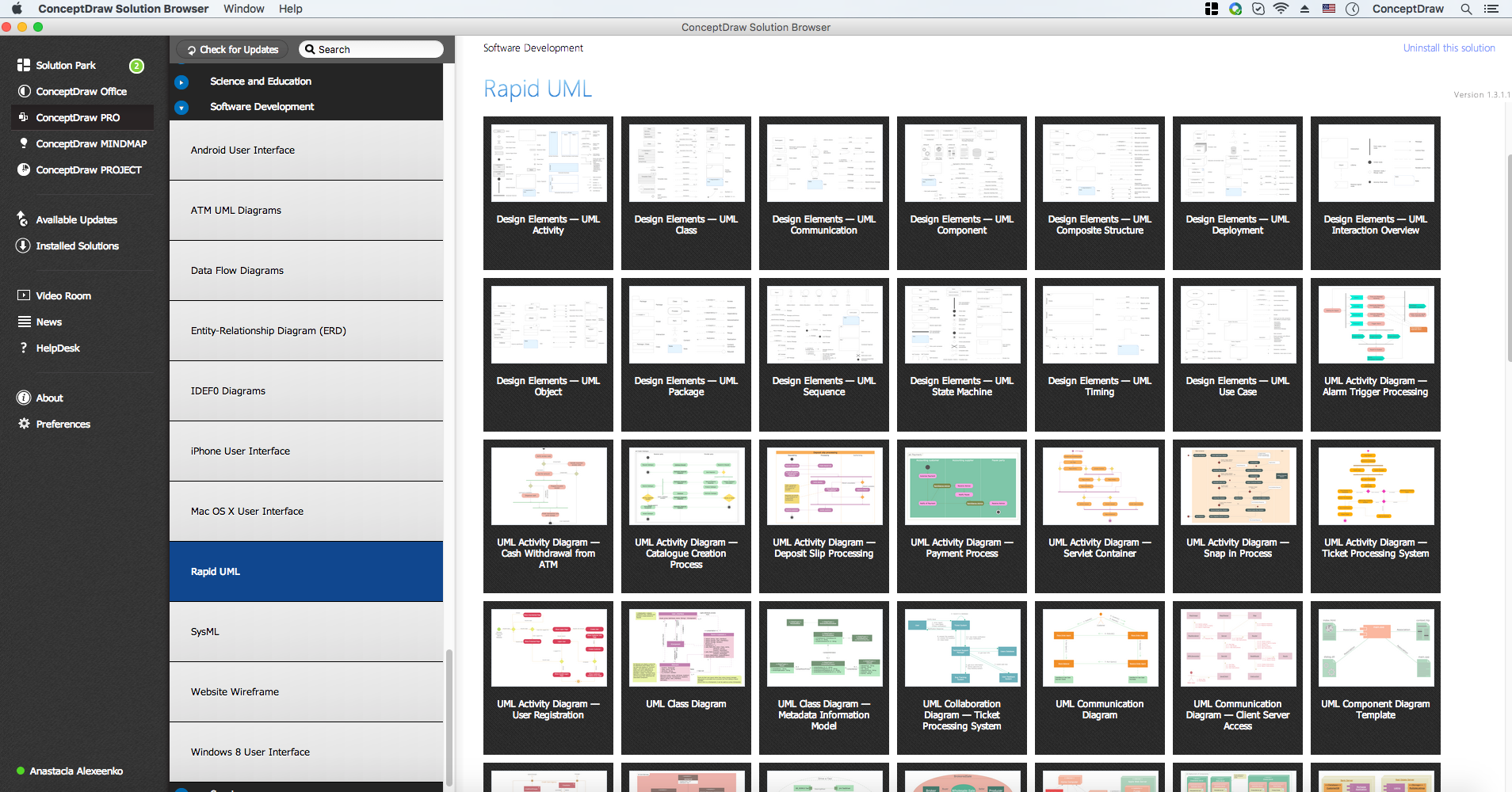
The Rapid UML Solution for ConceptDraw DIAGRAM contains 13 vector stencils libraries with 393 interactive shapes that you can use to design your UML diagrams.

Pic.1. Rapid UML in ConceptDraw STORE
To design an Object Diagram use the UML Object Diagram library.
UML Object Diagram library contains 26 shapes:
- Object
- Class
- Instance specification
- Collection of objects
- Self association
- Multi object
- Association One-to-Many
- Association Many-to-Many
- Association
- Aggregation
- Composition
- Dependency
- Generalization
- Realization
- Link
- Symbol { }
- Note
- Package
- Package (advanced)
- System
- Subsystem
- Object 2
- Smart connector
- Class interface
- Line connector
- Callout

Pic.2. UML Object Diagram Library
ConceptDraw Rapid UML solution provides UML Object Diagram library of vector stencils for drawing the object diagrams using object blocks and assembly connectors.

Pic.3. UML Object Diagram Library Elements
Use design element from the UML Object Diagram library to draw your own UML object diagrams of complex systems and software applications.
TEN RELATED HOW TO's:
UML Package Diagram illustrates the functionality of a software system.
ConceptDraw has 393 vector stencils in the 13 libraries that helps you to start using software for designing your own UML Diagrams. You can use the appropriate stencils of UML notation from UML Package library.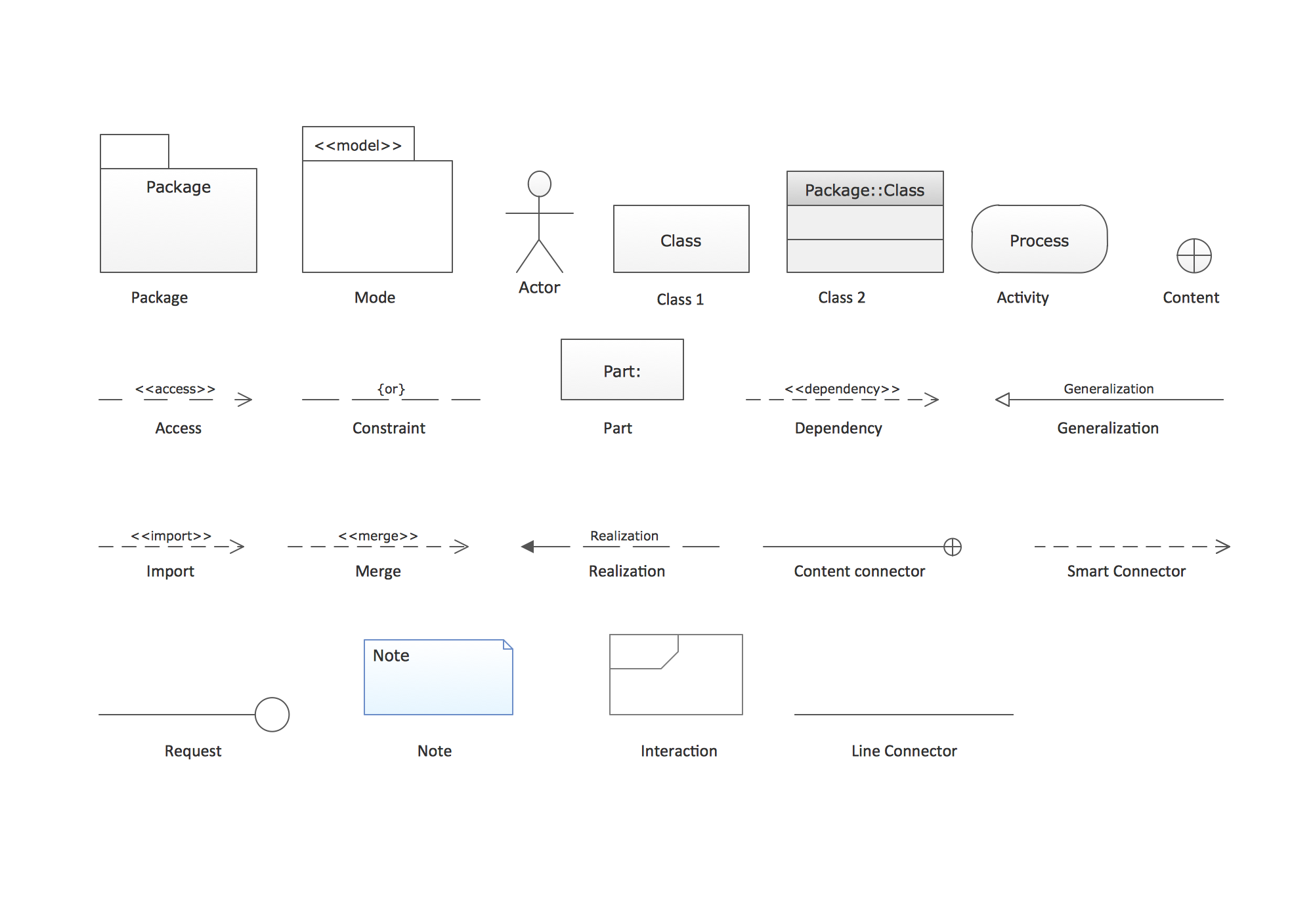
Picture: UML Package Diagram. Design Elements
Related Solution:
This sample was created in ConceptDraw DIAGRAM diagramming and vector drawing software using the UML Class Diagram library of the Rapid UML Solution from the Software Development area of ConceptDraw Solution Park.
This sample shows the transport protocol mappings for SNMP (Simple Network Management Protocol), the classes of the transport system and relationships between them and is used in IP network.
Picture: UML Class Diagram Example for Transport System
Related Solution:
UML Timing Diagram as special form of a sequence diagram is used to explore the behaviours of objects throughout a given period of time.
Picture: Timing diagram
Related Solution:
What is Scrum? Scrum is the famous agile software development methodology which depicts an iterative and incremental approach for the work on the complex projects. Use ConceptDraw DIAGRAM diagramming and vector drawing software extended with SCRUM Workflow solution to draw various types of professional-looking Scrum Charts, Scrum Workflow Diagrams, Scrum Mind Maps, Scrum boards and attractive Scrum Infographics.
Picture: Scrum
Related Solution:
There are many ways to describe a database structure. One of the most usual is to draw an entity relationship diagram (ERD) using a Crow’s Foot notation to represent database elements. If you don’t want to draw it on paper, you should use an appropriate software.
An entity-relationship (ER) diagram is used to show the structure of a business database. ERD represents data as objects (entities) that are connected with standard relationships symbols which Illustrate an association between entities. ERD, there is a wide range of ERD notations used by data bases architects for reflecting the relationships between the data entities. According to the crow’s foot notation relationships are drawn as single labeled lines designating a certain kinds of relationship. Crow foot notation is a most frequently used ERD standard, because of improved readability of diagrams, with a more accurate use of space on the page._Win_Mac.png)
Picture: Entity Relationship Diagram - ERD - Software for Design Crows Foot ER Diagrams
Related Solution:
A team briefing tool is an excellent way to enable communication upwards, downwards and sideways throughout an organisation.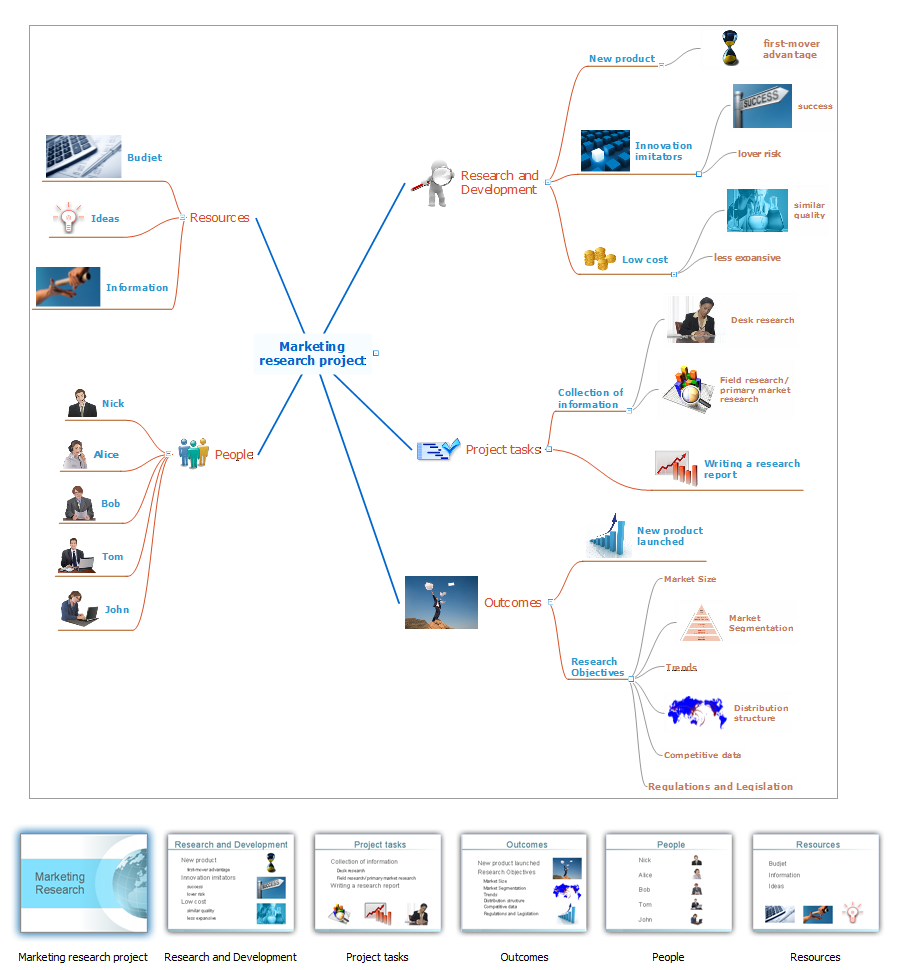
Picture: How To Conduct Effective Team Briefings
Related Solution:
Business People Clipart - Business and Finance solution from Illustration area of ConceptDraw Solution Park.
Use it to quick draw illustrations, diagrams and infographics for your business documents, presentations and websites.
The vector stencils library Business People Clipart includes 12 images.
Picture: Business People Clipart
Related Solution:
The ability to develop UML diagrams as quickly as the ideas come. The solution uses ConceptDraw RapidDraw techniques. The result is a vector graphic document.
Picture: Introductory Guide to Rapid UML Solution
Related Solution:
The vector stencils library Chen ERD from the solution Entity-Relationship Diagrams (ERD) contains specific symbols of the Chen ERD notation including entity symbols and relationship symbols for ConceptDraw DIAGRAM software.
Picture: Chen ERD Diagram
Related Solution:
Structure of a software product might get very complex and complicated, if software engineers did not pay much attention to the architecture of the product. It will take a few minutes to create UML diagrams with ConceptDraw DIAGRAM , because this software is just perfect for diagramming. You can alter ready-to-use templates, or make your own, whatever you need.
This illustration represent the example of UML diagram made by using ConceptDraw Rapid UML solution. This activity diagram displays the stages of the software development process similar to a flow chart. This diagram depicts the states of elements in the software system. It can be applied to represent software and coding logic. This UML diagram was drawn with the help of the ConceptDraw Rapid UML solution which supplies the kit of vector libraries, containing the symbols of the Unified Modeling Language notations.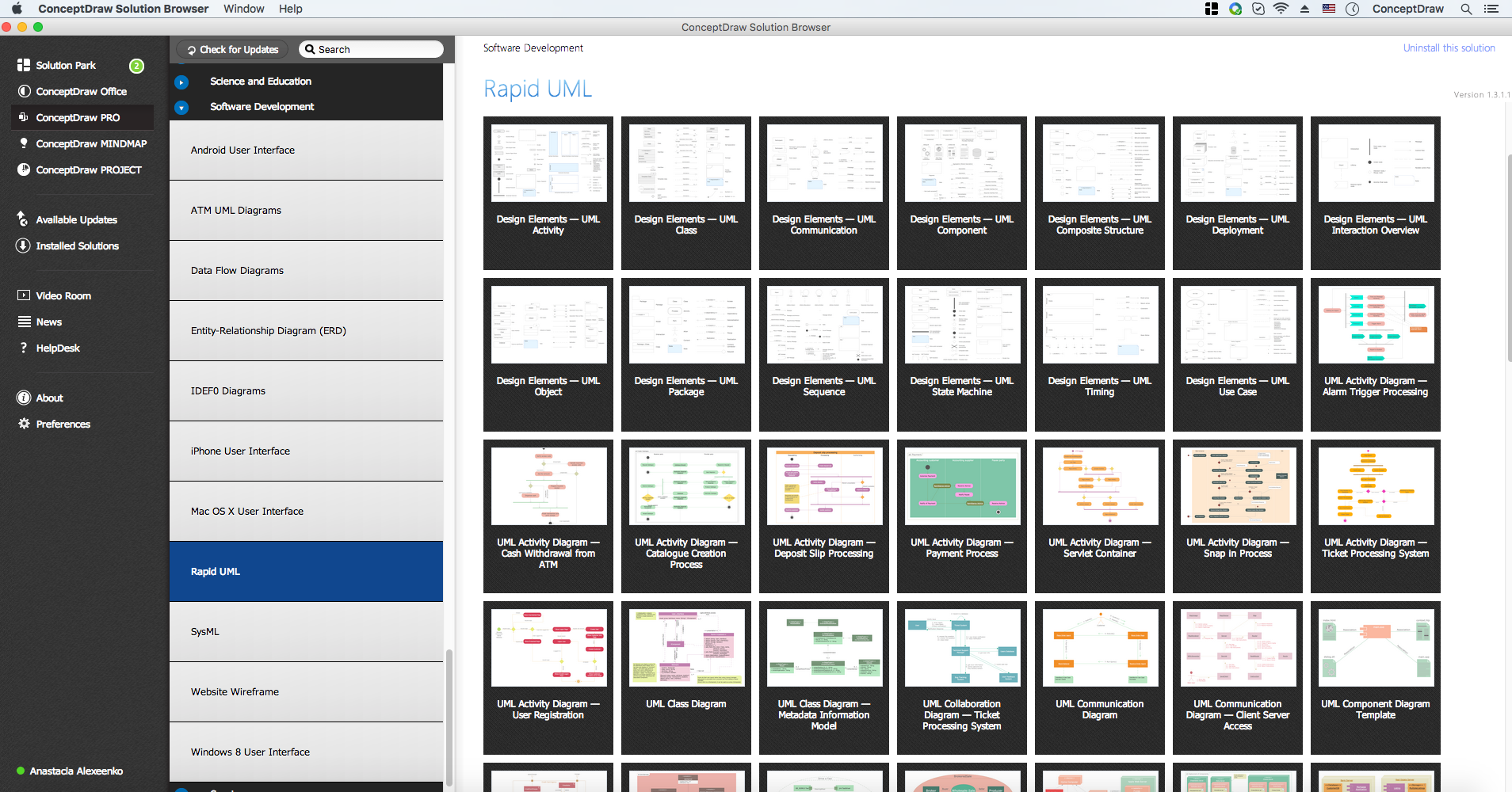
Picture: UML Diagrams with ConceptDraw DIAGRAM
Related Solution: