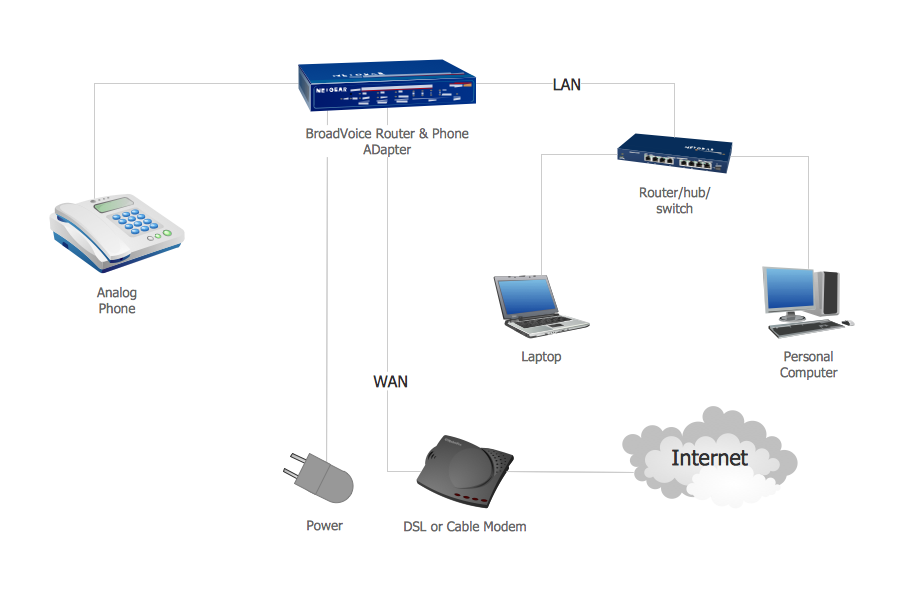
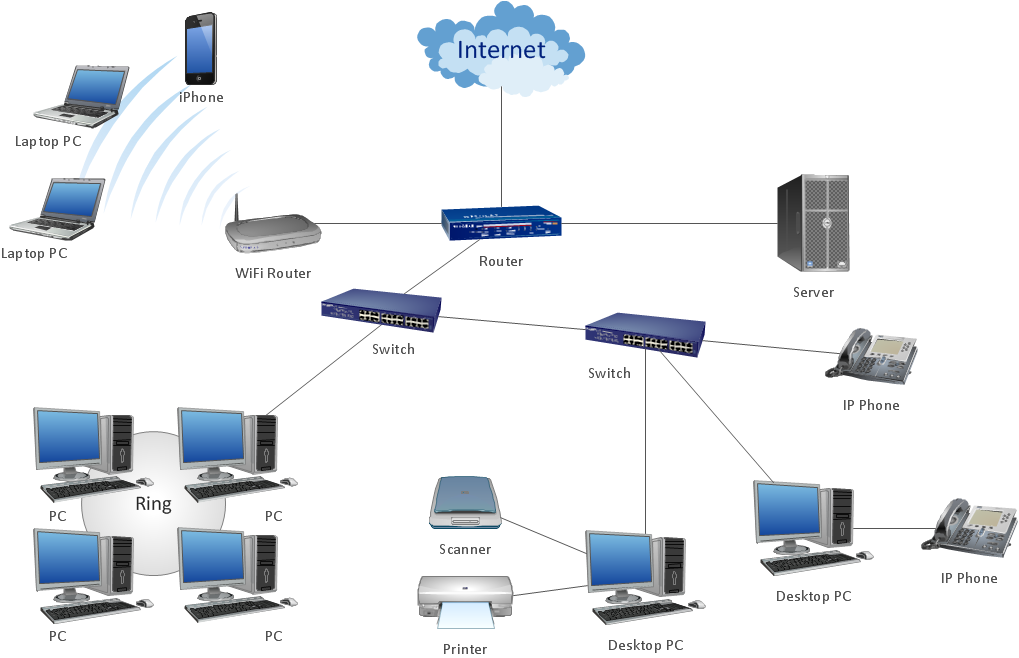
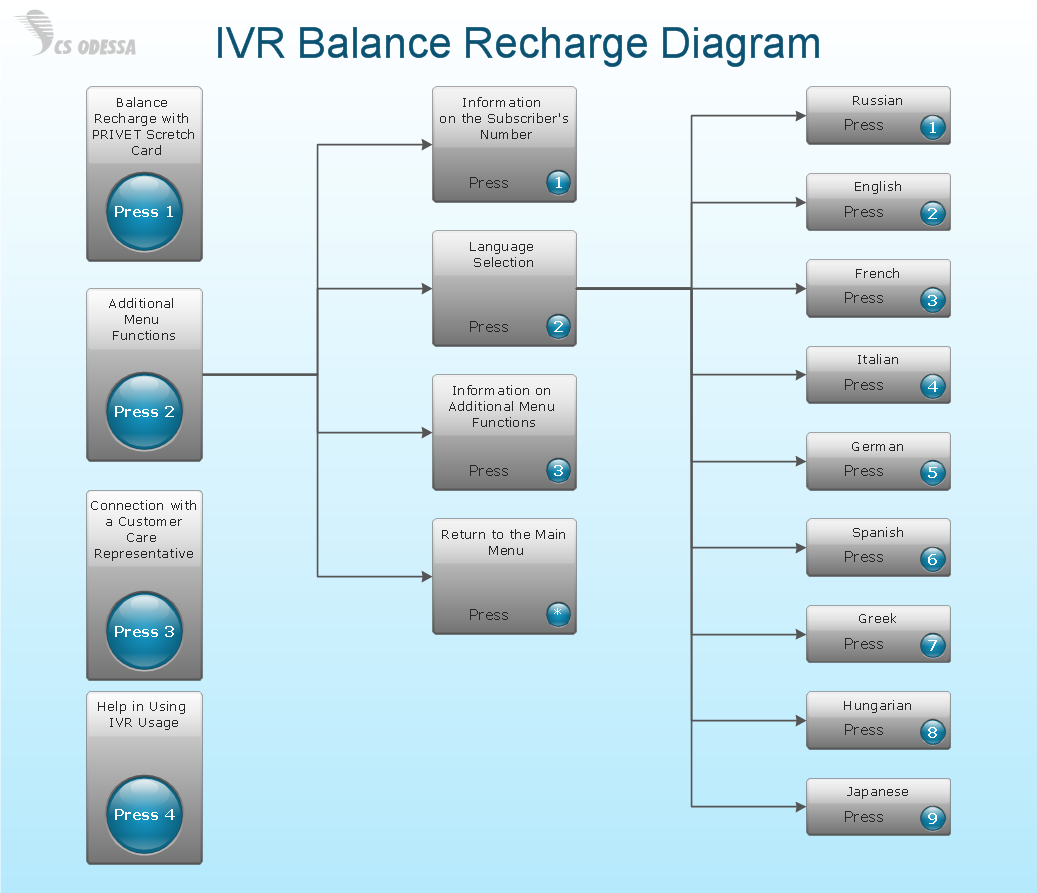
Example 1. Voice Actors
Now you don't need to be an artist to create professional looking and attractive IVR and VoIP diagrams with voice actors. Interactive Voice Response Diagrams Solution offers you the Interactive Voice Response library which contains 35 vector shapes to help you in your drawing process.
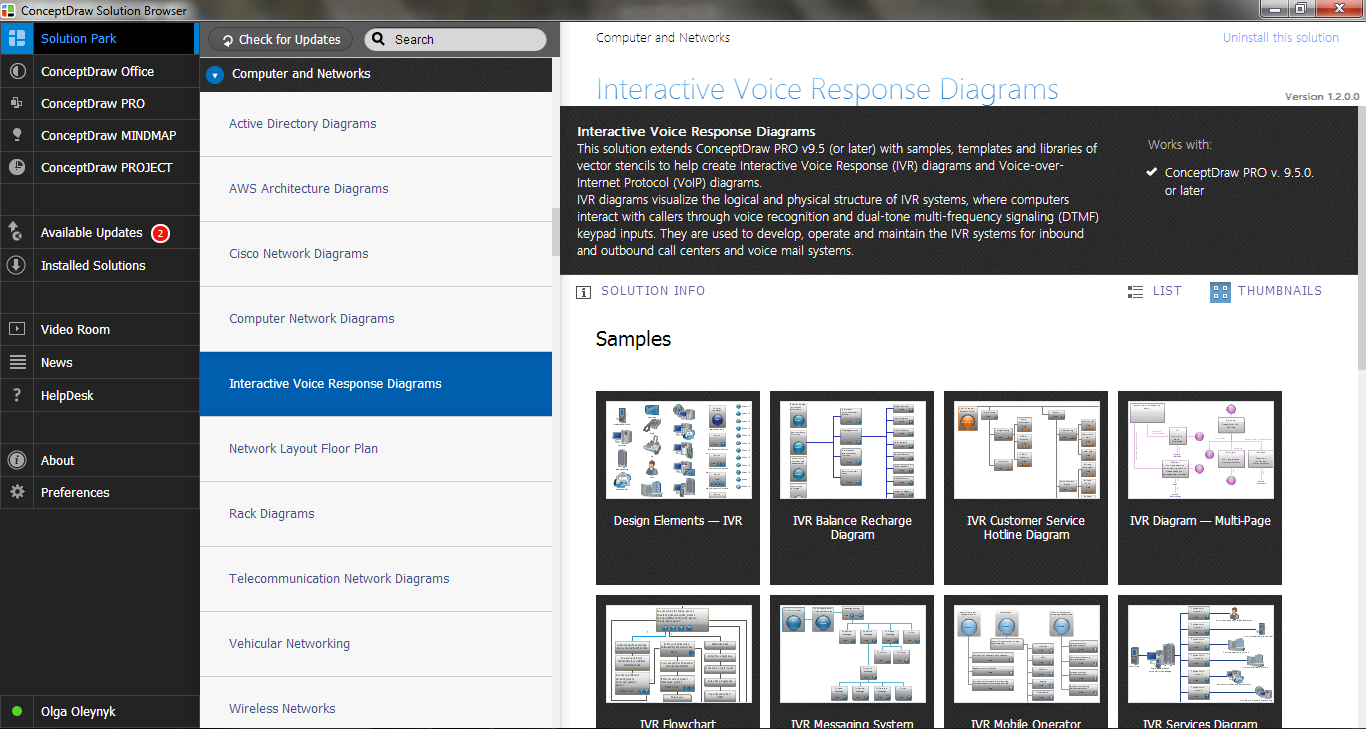
Example 2. Interactive Voice Response Diagrams Solution in ConceptDraw STORE
Don't afraid to use also the ready samples and templates as the base for your own Interactive Voice Response and Voice-over-Internet Protocol diagrams and schemes. All they are available from ConceptDraw STORE. We hope you will find the useful for you.
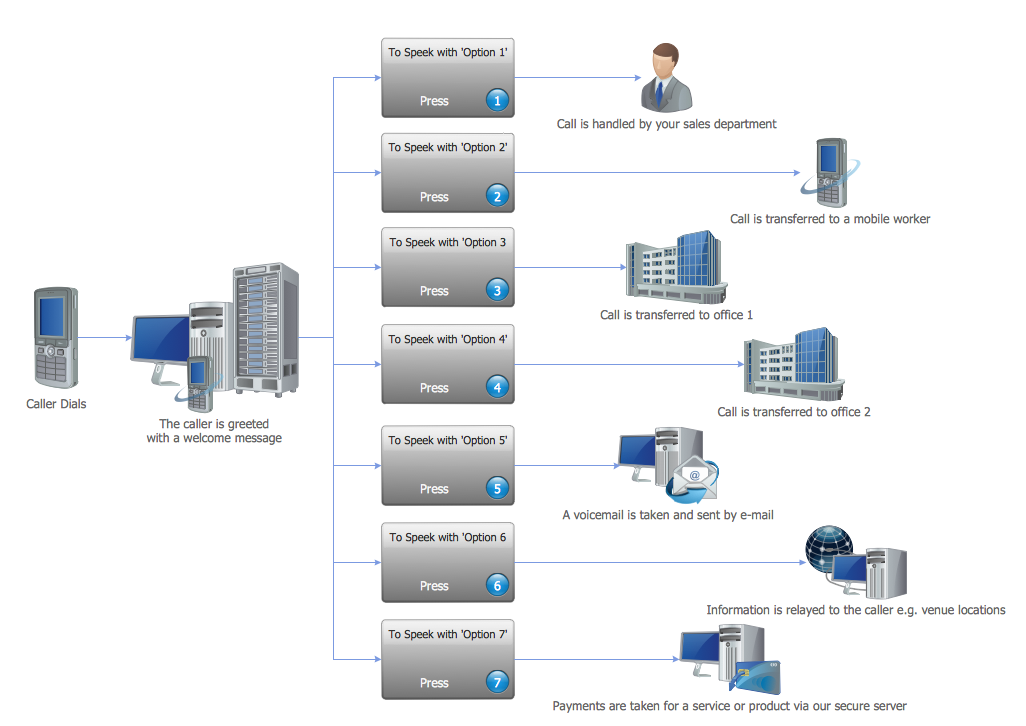
Example 3. IVR Voice Services Diagram
This sample was created in ConceptDraw DIAGRAM using the Interactive Voice Response Diagrams Solution and shows the logical and physical structure of IVR system in the form of IVR Services Diagram. An experienced user spent 10 minutes creating every of these samples.
Use the Interactive Voice Response Diagrams Solution for ConceptDraw DIAGRAM software to create your own professional looking IVR and VoIP diagrams and represent the voice actors quick, easy and effective.
All source documents are vector graphic documents. They are available for reviewing, modifying, or converting to a variety of formats (PDF file, MS PowerPoint, MS Visio, and many other graphic formats) from the ConceptDraw STORE. The Interactive Voice Response Diagrams Solution is available for all ConceptDraw DIAGRAM or later users.
FIVE RELATED HOW TO's:
How to represent the Interactive Voice Response System? The commonly used way is to draw the IVR diagram. You can draw it manually in a graphic editor, but ConceptDraw DIAGRAM diagramming and vector drawing software offers you the more effective way - to use the powerful tools of the Interactive Voice Response Diagrams Solution for ConceptDraw Solution Park.
Picture: Interactive Voice Response System
Related Solution:
ConceptDraw DIAGRAM extended with IDEF0 Diagrams solution from the Software Development area of ConceptDraw Solution Park is a powerful diagramming and vector drawing IDEF0 software. All IDEF0 diagrams created in ConceptDraw DIAGRAM are vector graphic documents and can be reviewed, modified and converted to MS Visio XML format. To obtain the IDEF0 Visio documents from ConceptDraw DIAGRAM documents use the wide export possibilities of ConceptDraw DIAGRAM.
Picture: IDEF0 Visio
Related Solution:
UML Sequence Diagram shows object interactions arranged in time sequence, how processes operate with one another and in what order and illustrate the sequence of messages exchanged between the objects and classes involved in the scenario.
Picture: UML Sequence Diagram. Design Elements
UML Use Case Diagrams are used to illustrate the structure of arbitrarily complex systems and illustrates the service consumer - service provider relationship between components.
Picture: UML Use Case Diagram. Design Elements
Stakeholders are the groups of people or organizations whose contribution matters to the organization's success, this can be labour participation, financial participation, dissemination of information about organization, etc. So, the employees of the company, its suppliers, customers, media, public organizations, state authorities, all they are stakeholders of the company.
ConceptDraw DIAGRAM diagramming and vector drawing software extended with Stakeholder Onion Diagrams Solution from the Management Area of ConceptDraw Solution Park is a powerful stakeholder mapping tool which allows easy create Stakeholder Onion diagrams and maps depicting the layers of a project, relationships of stakeholders to a project goal, and relationships between stakeholders.
Picture: Onion Diagram as Stakeholder Mapping Tool
Related Solution: