

World-class Business Diagram Maker
ConceptDraw DIAGRAM (previously known as ConceptDraw PRO) is a versatile diagram creator. It is your tool for making diagrams of all sorts from flowcharts to floor plans. It provides a user-friendly interface and a wide range of templates, vector libraries, and samples to streamline the diagramming process. The cross-platform compatibility of ConceptDraw DIAGRAM contributes to enhanced collaboration and productivity among users working on both macOS and Windows platforms within the same project or team. The rich feature set and broad compatibility make it a valuable diagram tool for creating and sharing professional-looking diagrams and illustrations for a wide range of purposes.
Why ConceptDraw DIAGRAM Software?
Powerful Business Diagramming Solutions
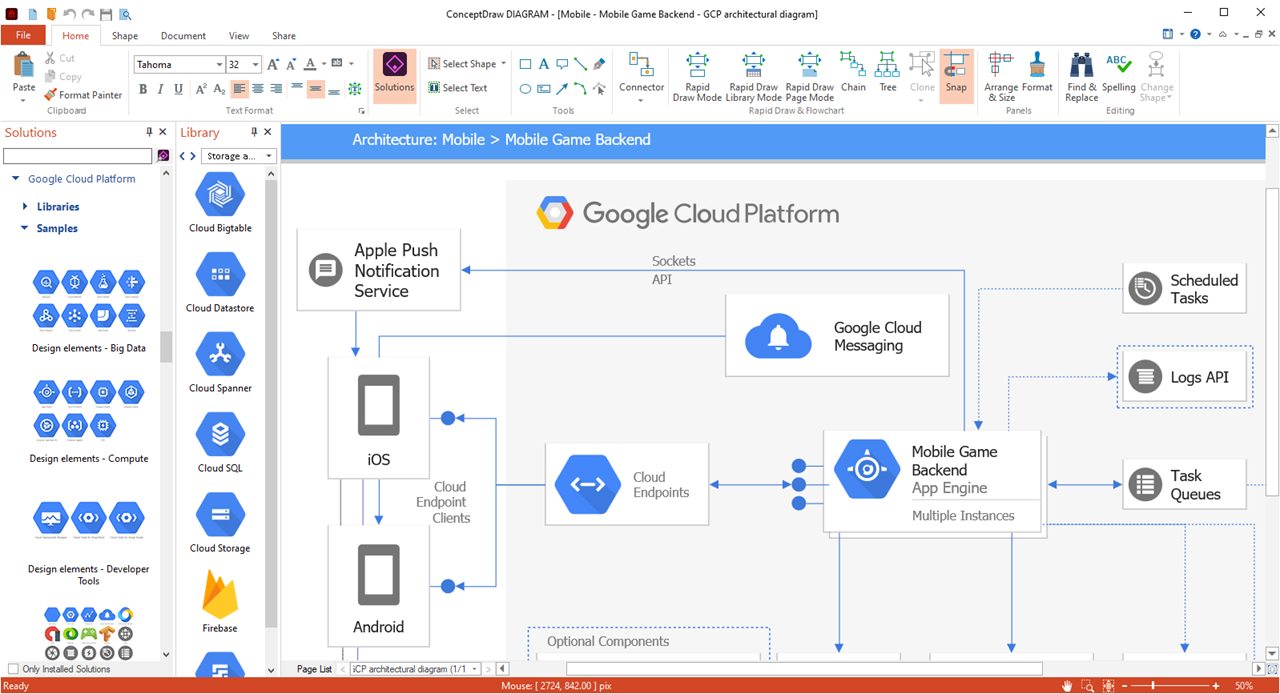
ConceptDraw DIAGRAM is supported by a full range of business graphics solutions with thousands of vector images collected in thematic libraries and hundreds of templates for rapid diagramming. ConceptDraw Solutions provides business-specific diagram builder extensions that support a wide range of workflow requirements.
Model Your Own Solutions
My ConceptDraw panel provides instant access to ConceptDraw DIAGRAM documents, templates, libraries, and presentations. Model your own solution: Simply select pre-designed content provided by ConceptDraw Solutions and save it along with your own ConceptDraw files in the My ConceptDraw folder on your computer.
Drawing Tools
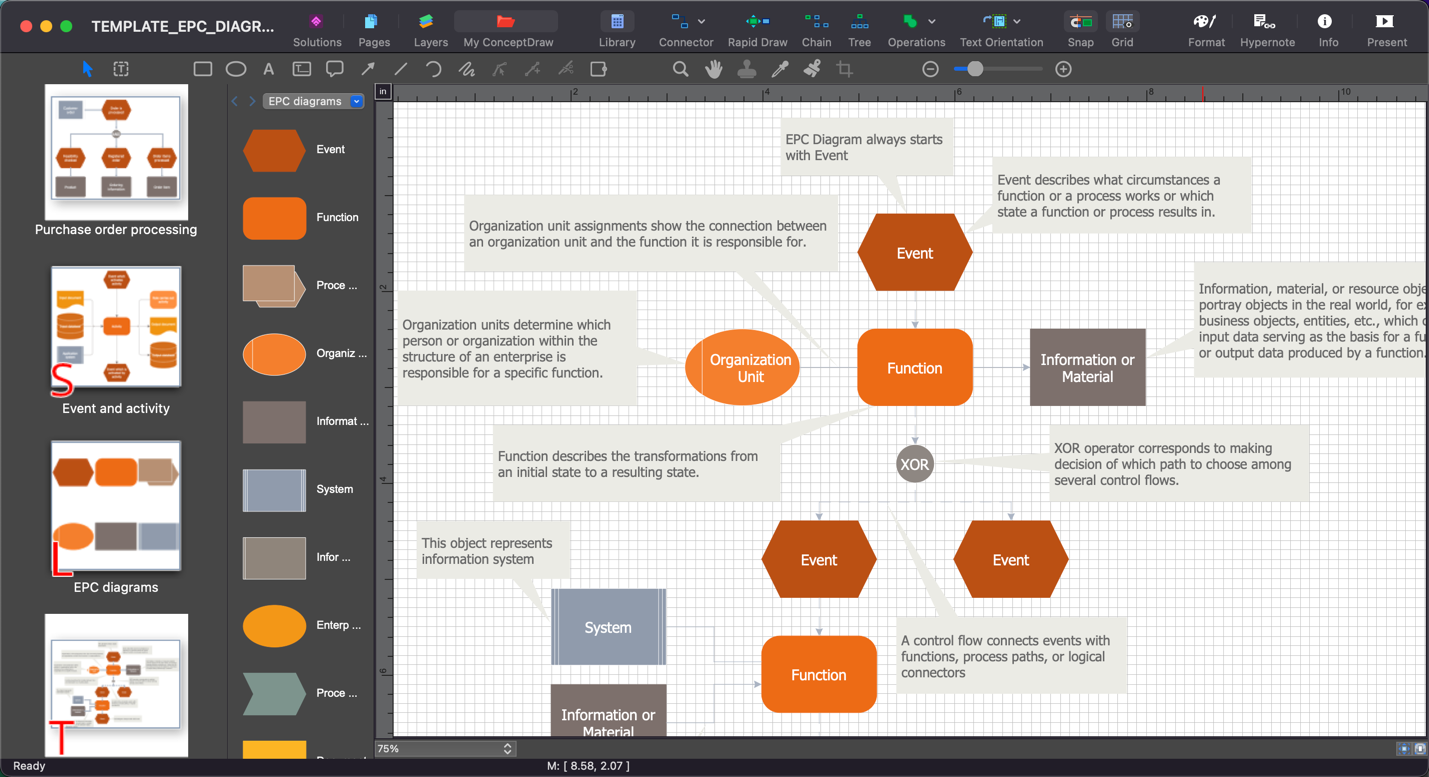
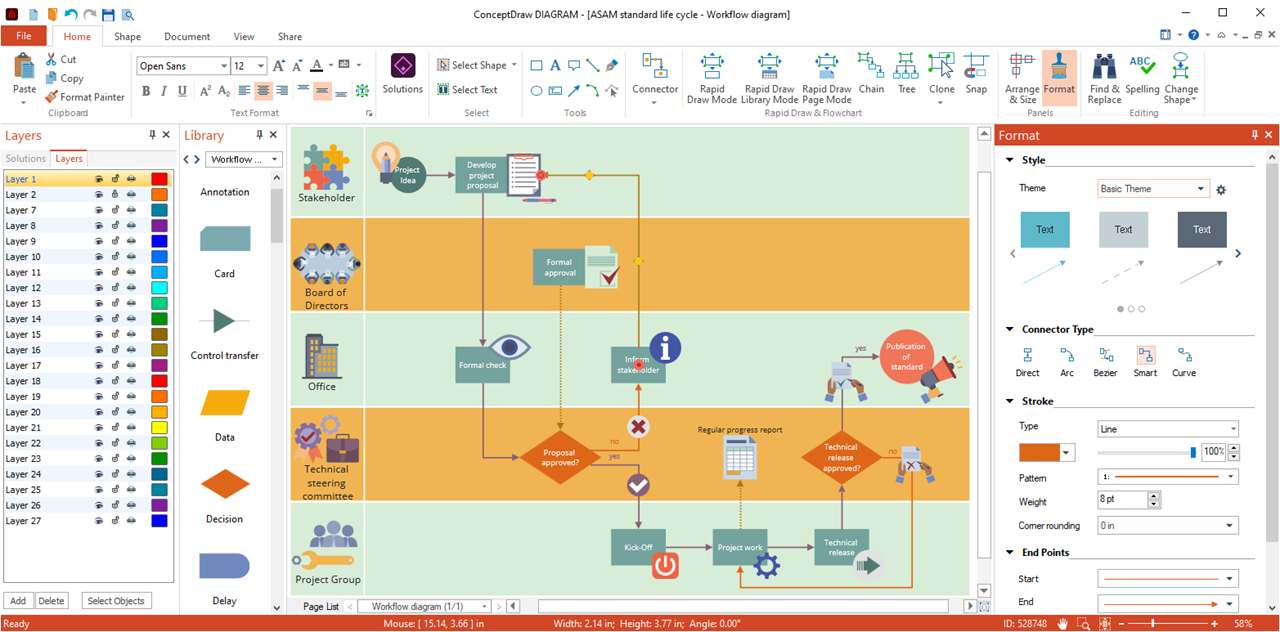
ConceptDraw DIAGRAM provides a set of powerful and comprehensive drawing software tools. Easily create any custom stencils to visualize specific business diagrams. Organize and format diagrams of any complexity using sidebars. Formatting, organizing, alignment, and positioning tools let you create professional-looking flowcharts, process diagrams, engineering drawings, infographics, dashboards, and other diagrams that are clear and easy to understand.
Live Objects Technology
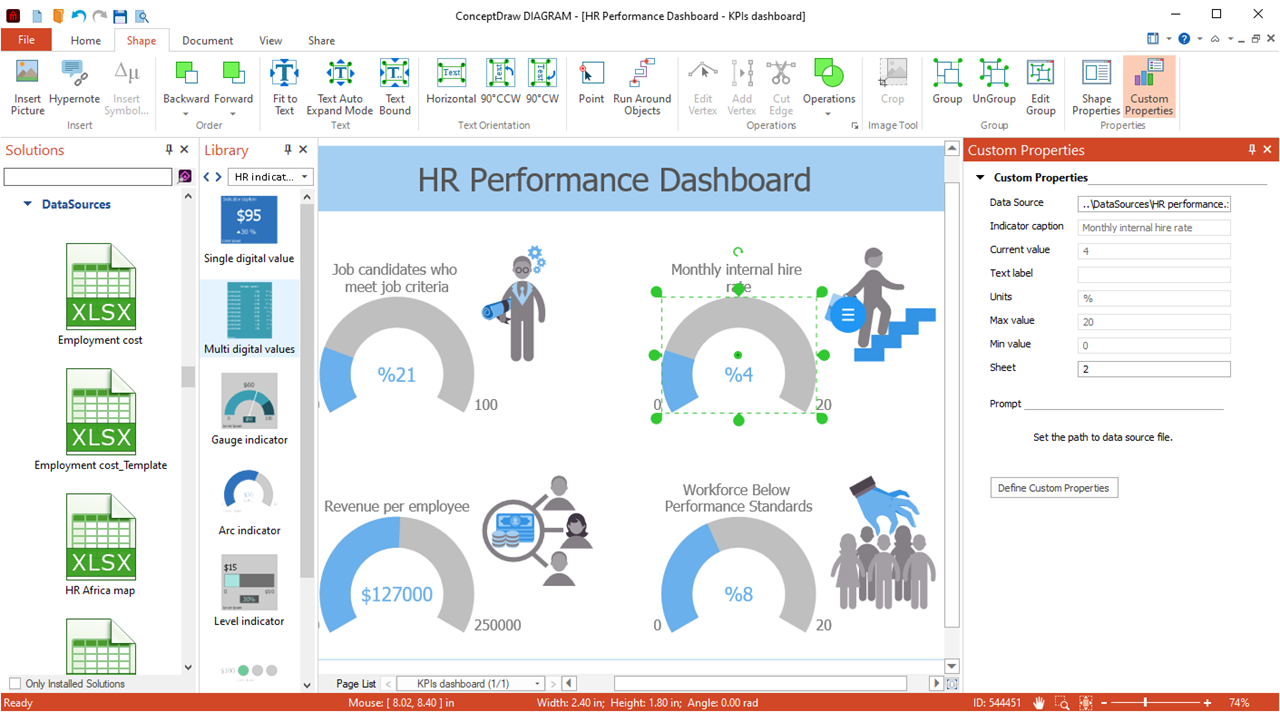
Important business metrics can be viewed and tracked with live object technology. Live objects can dynamically show changes based on external data source files to give you an accurate overview of any process. ConceptDraw Solutions provide a set of solutions with library stencils of data-driven charts and indicators. Using live objects, you can communicate the state of any process or the metrics of any workflow. Making custom KPI dashboards will provide real-time information with the help of interactive and easy-to-understand charts and indicators. The ability to rapidly and visually communicate these items makes live objects a powerful tool for helping your organization function more efficiently.
MS Visio Compatibility
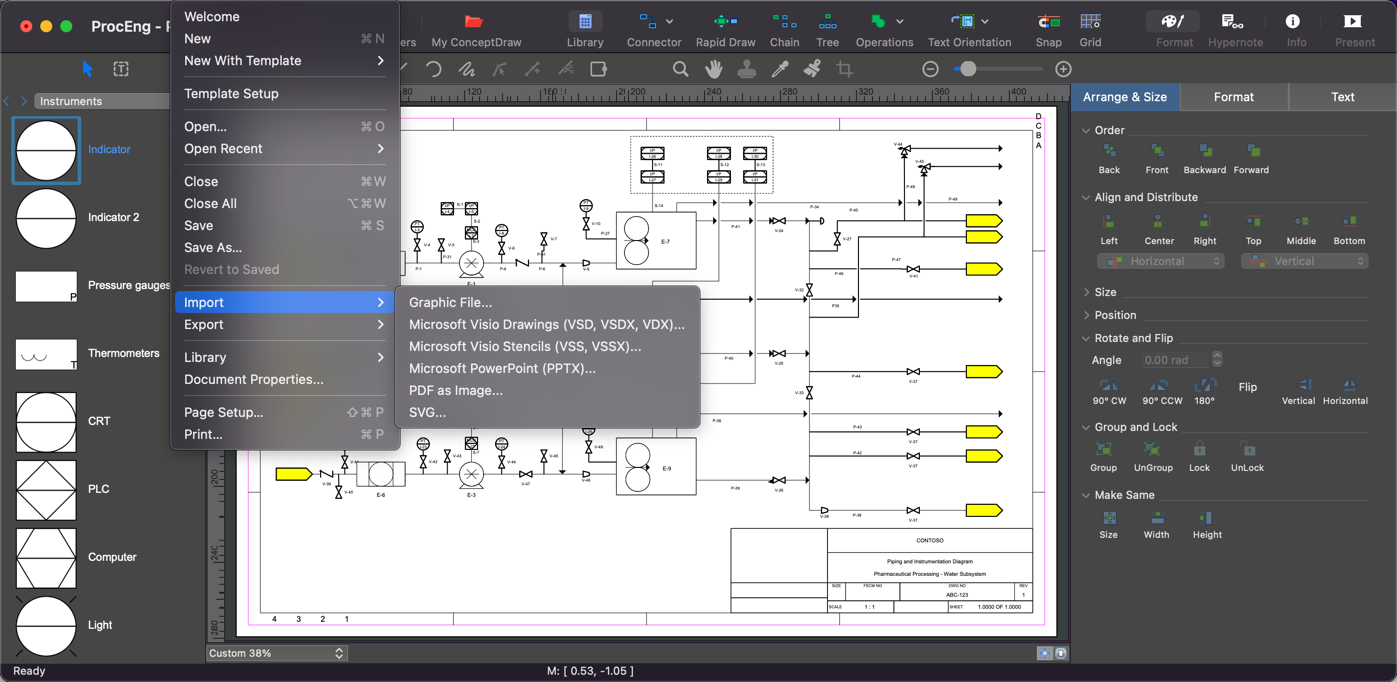
For years the de facto standard file format for business diagramming has been Microsoft Visio™. As a result, many visual communicators require the ability to open and save MS Visio files. ConceptDraw DIAGRAM is a powerful diagram creator that is an alternative to Visio for individuals and organizations and supports two-way import and export of native Visio file formats on Windows and macOS computers.
Integration with Other ConceptDraw Products
The integration of the DIAGRAM app with other ConceptDraw OFFICE products promotes cross-functionality and collaboration among team members working on different aspects of a project or task. For example, team members can create mind maps in ConceptDraw MINDMAP to generate ideas, use ConceptDraw DIAGRAM as diagram builder for further refinement, and then incorporate them into project plans in ConceptDraw PROJECT for execution and monitoring.
Cross-platform
ConceptDraw DIAGRAM is available for macOS and Windows operating systems. It enables users to create, edit, and share diagrams seamlessly across both operating systems. This flexibility is particularly advantageous for teams and organizations with diverse computing environments, as it ensures consistent access to diagramming tools and documents regardless of the platform being used.
Data Exchange and Compatibility
ConceptDraw DIAGRAM diagram creator supports various file formats for import and export, including Microsoft Visio, PDF, PNG, JPEG, and HTML, among others. This compatibility ensures seamless data exchange between ConceptDraw DIAGRAM and other diagramming tools, allowing users to collaborate with colleagues who use different software platforms.
ConceptDraw DIAGRAM Creator Case Studies
Flowcharts and Process Diagrams
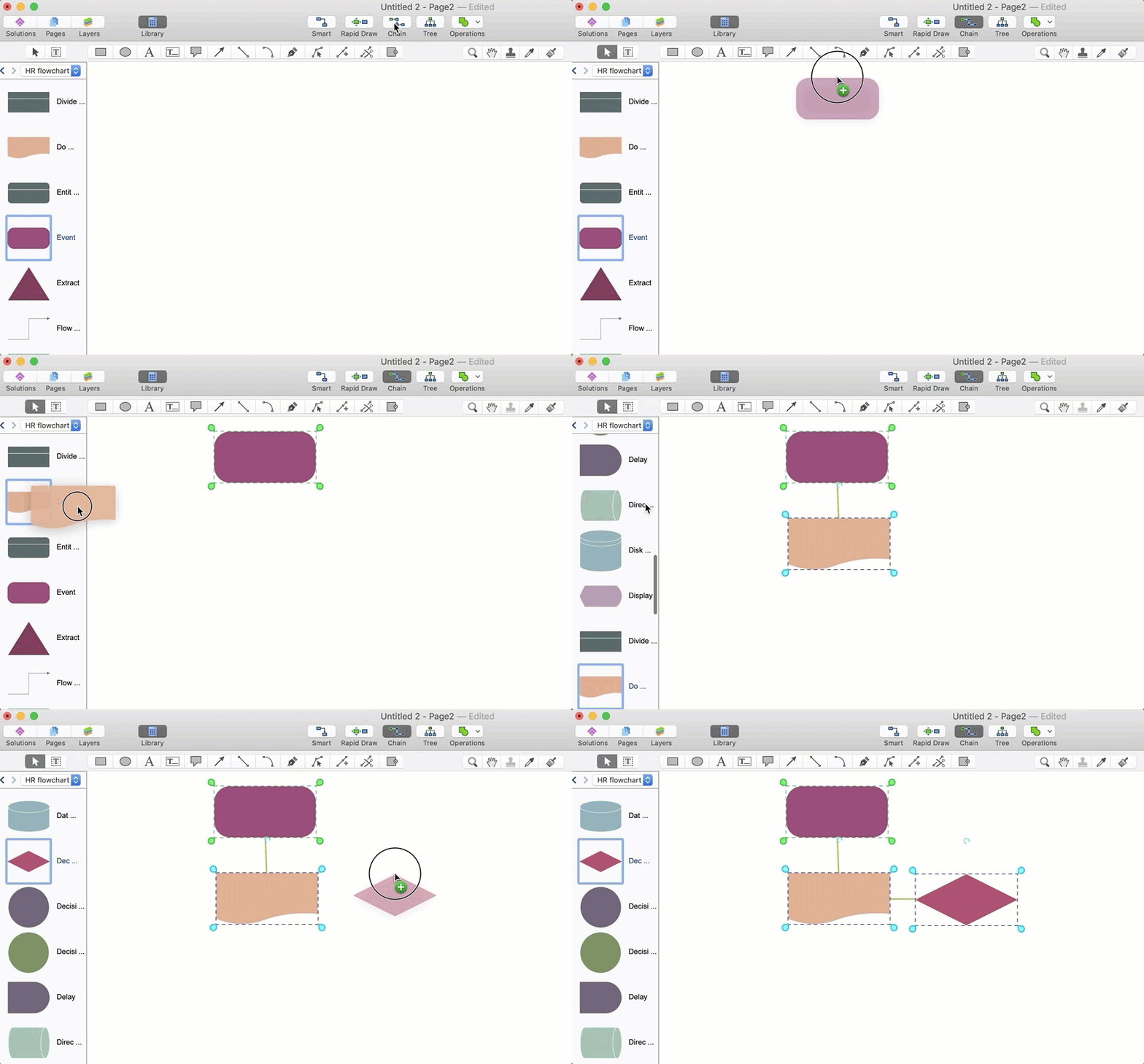
ConceptDraw DIAGRAM is a versatile flowchart software and block diagram maker. It provides extensive support for creating flowcharts, block diagrams, and process diagrams, which are essential for visualizing workflows, business processes, software development, and decision-making procedures. Users can choose from a variety of flowchart symbols, connectors, and templates to design clear and concise diagrams that depict complex processes and sequences of actions.
Organizational Charts
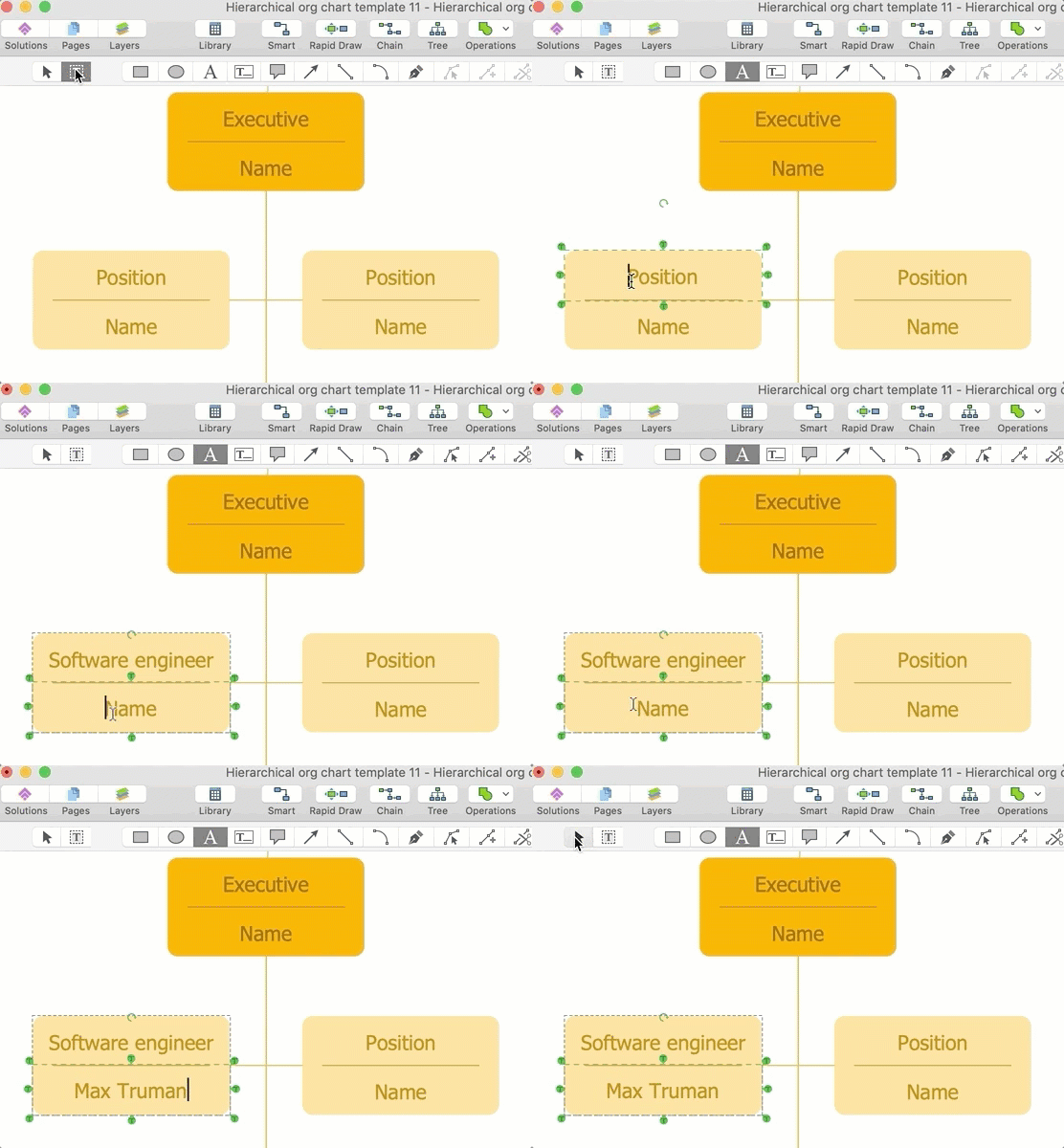
Organizational charts are used to illustrate the hierarchical structure of an organization, including reporting relationships, departmental divisions, and job roles. ConceptDraw DIAGRAM drawing software offers intuitive tools for creating organizational charts of various types, such as hierarchical charts, matrix charts, and flat organizational structures.
Decision Trees and SWOT Analysis Matrices
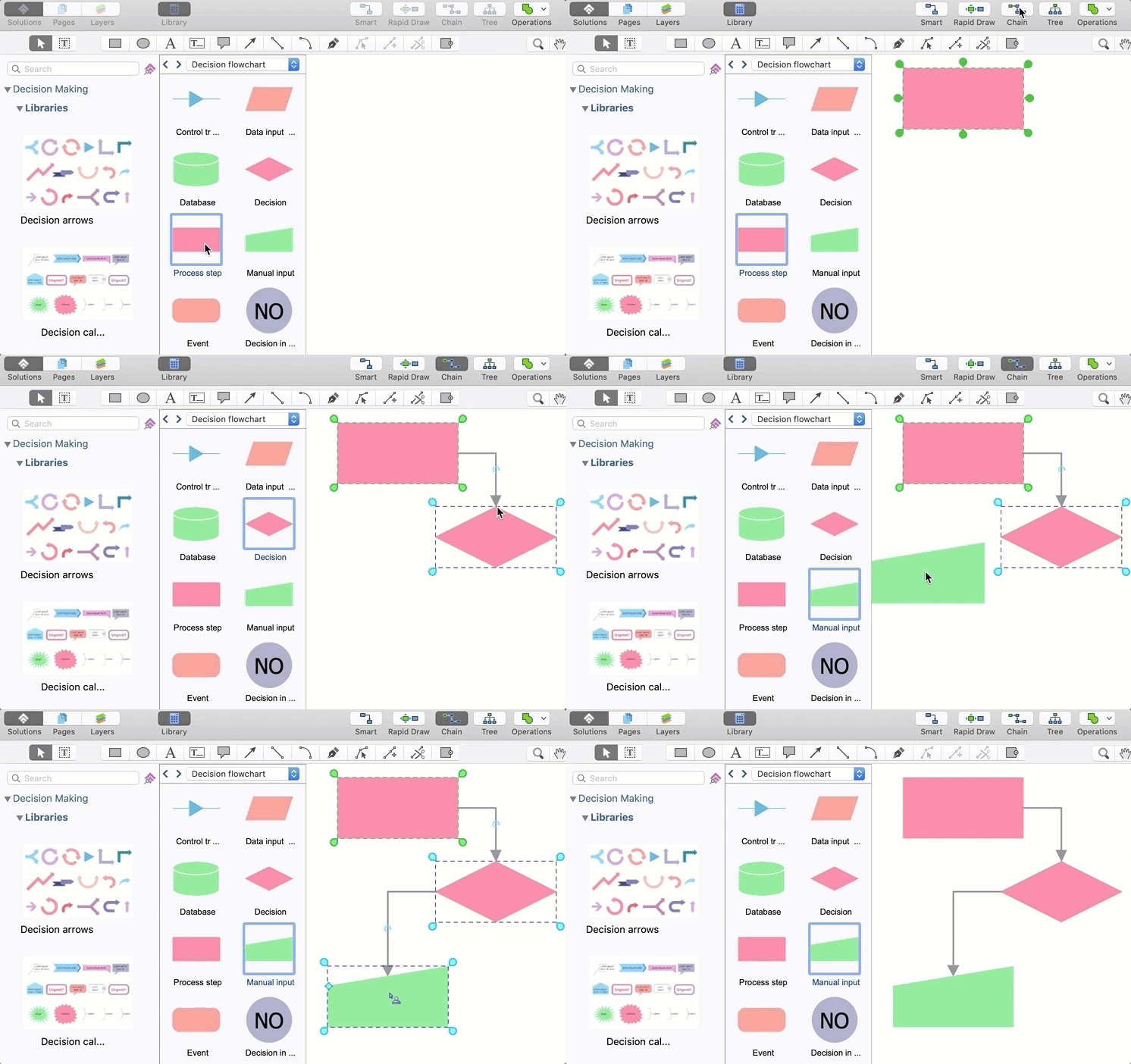
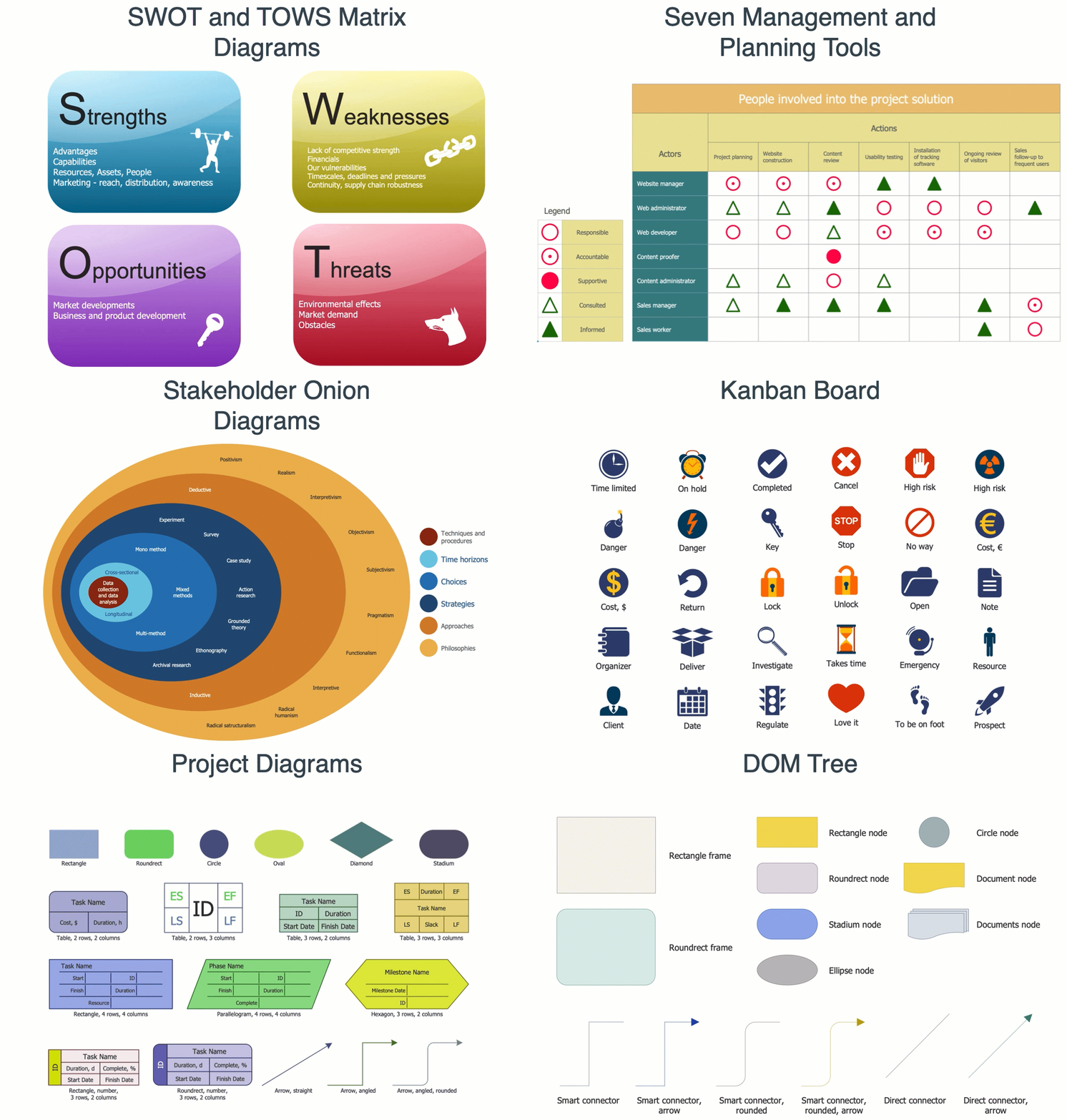
SWOT analysis diagrams and decision trees are commonly used in strategic planning, risk assessment, and decision-making processes. ConceptDraw DIAGRAM provides pre-designed templates and libraries of shapes for creating SWOT analysis diagrams, decision trees, and other analytical diagrams that help organizations evaluate options, identify strengths and weaknesses, and make informed decisions.
Computer and Network Diagrams
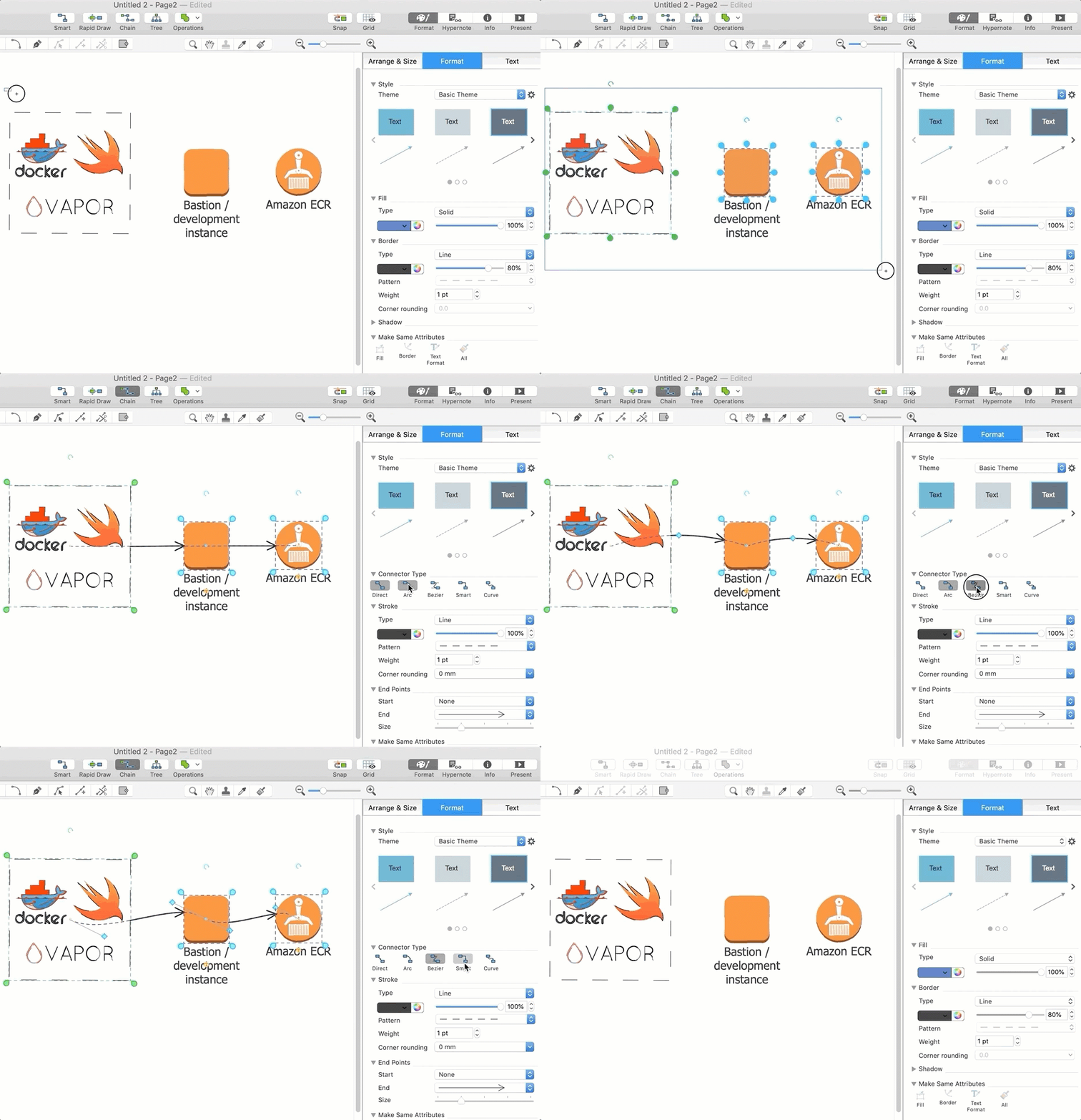
ConceptDraw DIAGRAM is a versatile schematic diagram program. Network diagrams are essential for planning, designing, and managing IT infrastructure, including computer networks, telecommunications systems, and data centers. ConceptDraw DIAGRAM offers robust tools for creating network diagrams, rack diagrams, and cloud service architecture diagrams, allowing IT professionals and network administrators to visualize network configurations, equipment layouts, and connectivity arrangements.
Building Plans and Architectural Drawing Software
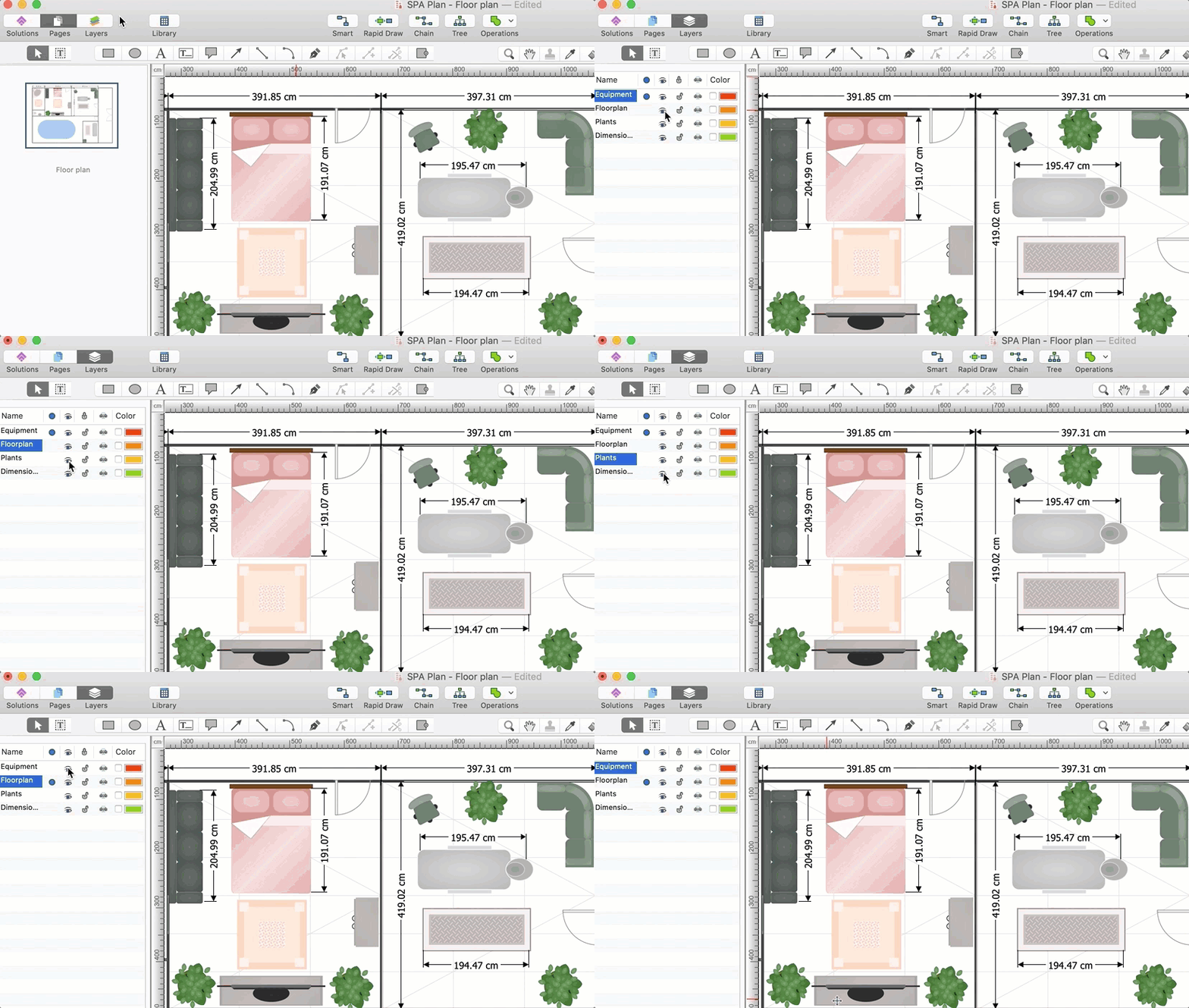
ConceptDraw DIAGRAM serves as valuable wiring diagram software for architects, designers, engineers, and construction professionals involved in the planning, design, and visualization of building projects. ConceptDraw DIAGRAM is a professional architectural drawing software tool that imagines your blueprints, architectural, and floor plans; for a home, business center, restaurant, shop, or office layout. Solutions are available for office layouts; piping and instrumentation diagram (P&ID); heating, ventilation, and air conditioning (HVAC); and emergency exit plans.
Illustrations, Infographics, and Presentations
ConceptDraw DIAGRAM offers powerful vector drawing program tools that allow users to create detailed and informative illustrations and infographics. Users can design slideshows, pitch decks, training materials, and interactive presentations using a variety of visual tools and presentation features available in the software.
Testimonials
ConceptDraw DIAGRAM is indeed the best tool for creating diagrams and visualizations for various purposes. User reviews confirm this. Check out some of our user testimonials about the successes they have achieved using ConceptDraw DIAGRAM.