Made with
ConceptDraw
DIAGRAM 18

Control and Information Architecture Diagrams (CIAD)
with ConceptDraw DIAGRAM

One of the three main constituents of any enterprise is the Control and Information Architecture. The rest two are Production facilities and People and Organization. The Control and Information Architecture in big organizations can be sufficiently complicated, therefore to facilitate the perception, study and analysis of this architecture the creation of diagrams which describe it in the form of graphical schemes is worthwhile. As a rule, the Control and Information Architecture Diagrams (CIAD) present the diagram series where each subsequent diagram has the higher degree of the detail elaboration. On the first level the general philosophy of the Control and Information Architecture in organization is described. Further, there can be created network diagrams presenting physical structure of data processing in organization and diagrams of entities showing the logic of data processing.

The purpose of CIAD is to present in the form of graphical schemes all objects in organization, which process data and connections between them, and also to denote the direction and consequence of data processing. CIAD show these processes analogously to Process Flow Diagrams (PFD) and similarly to PFD they are created on the projection stage.

On creation of CIAD the following should be considered:

  • On the diagram there should be presented all main calculating systems and objects which process data and lines of connections and form the organization data network.
  • Lines of connections should differ in thickness and color depending on the carrying capacity.
  • The description of the level of detailed elaboration which is described in the diagram should be presented.
  • Additional systems do not displayed on the diagram but can be mentioned in it.

With the development of technologies and computer networks the new kind of CIAD has appeared. More detailed CIAD began to present Control and Information Network Diagram (CIND) diagrams. These diagrams in many respects are similar to CIAD but they are built on the level of servers and include the same elements as CIAD and besides them they include:

  • All the main calculating servers
  • Indications of speeds of connections’ line and connections protocols
  • Indications of all commutating devices
  • Additional calculating systems
  • All data depositories

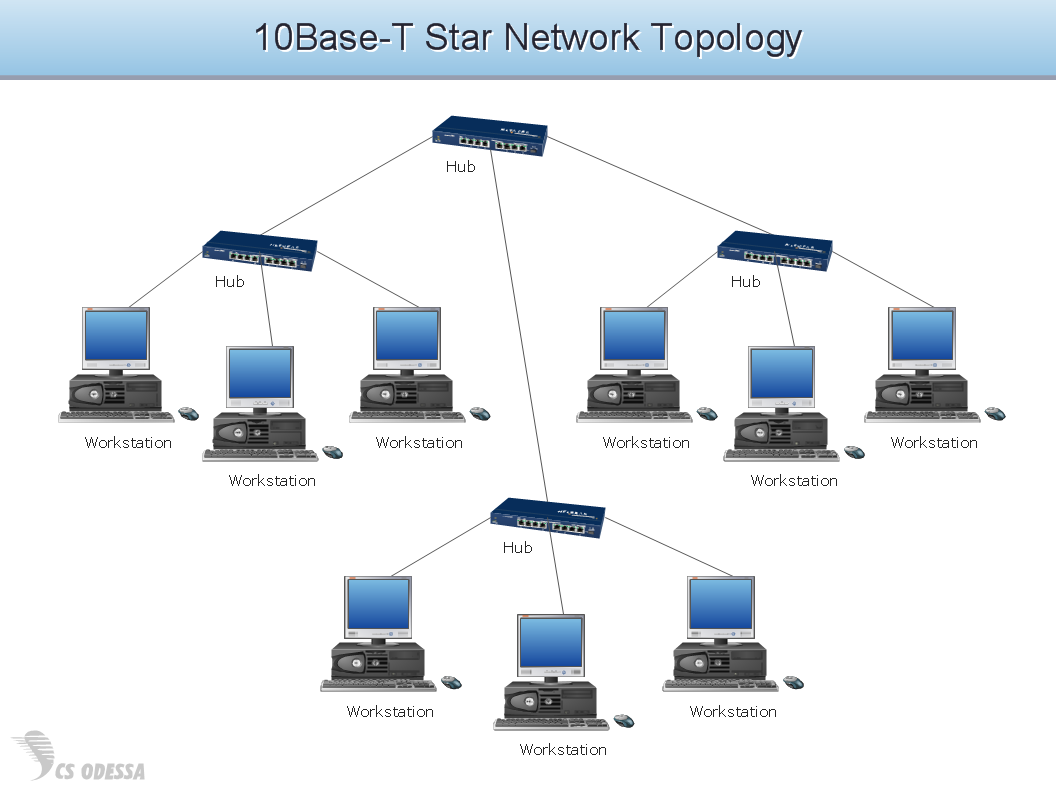
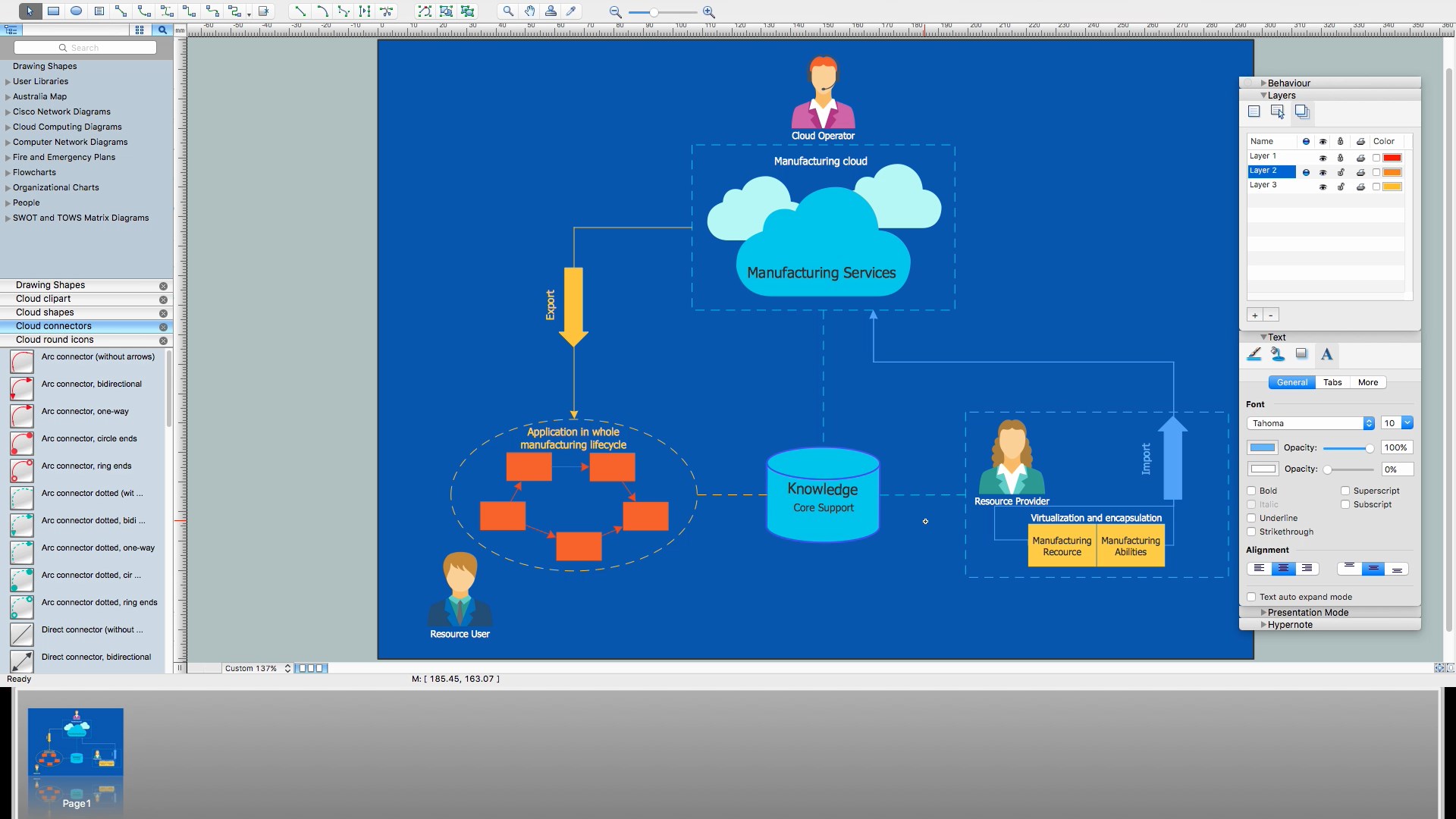
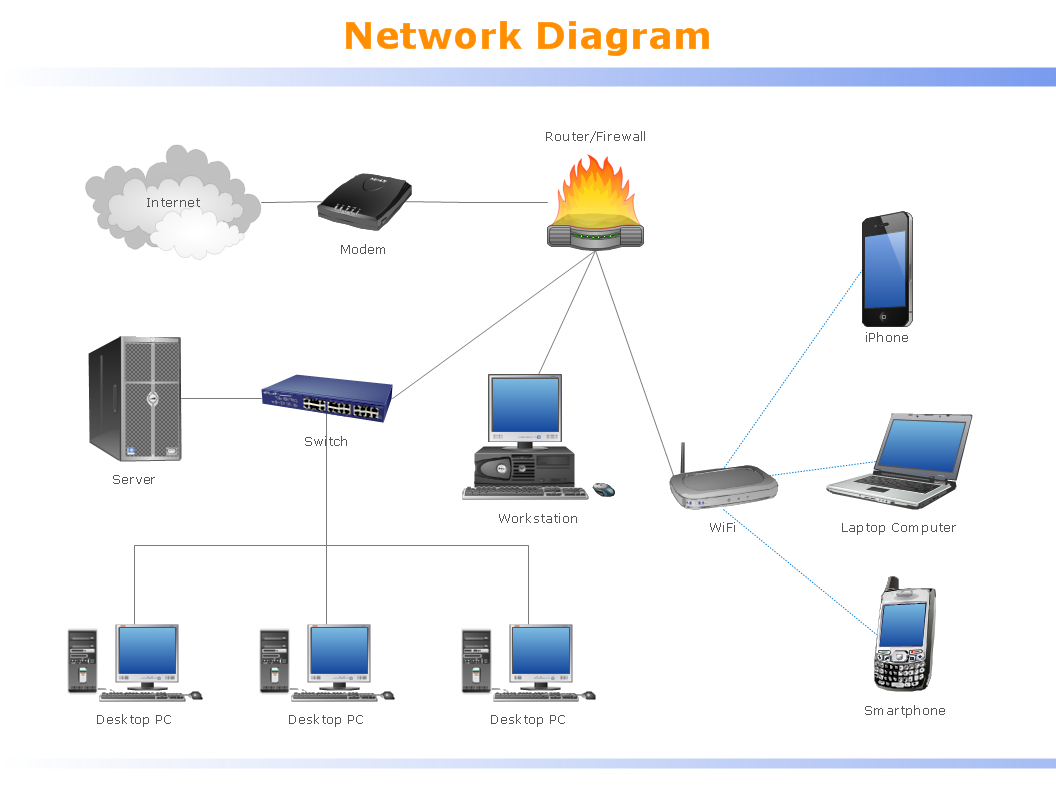
Physical structure of information architecture of an enterprise

Logic structure of information architecture of an enterprise

Control and Information Architecture Diagrams (CIAD)<br> with ConceptDraw DIAGRAM  *

TEN RELATED HOW TO's:
Social media is a popular view of mass communication which allows people, companies and organizations create, share, discover, modify, access, comment, discuss and exchange information through the Internet. Social Media Response solution for ConceptDraw DIAGRAM provides collection of 10 libraries with diversity of predesigned vector social media flowchart symbols for fast and easy creating interactive Social Media Flowcharts, Response Charts and Action Mind Maps.Social Media Flowchart Symbols *
Picture: Social Media Flowchart Symbols
Related Solution:
ConceptDraw DIAGRAM is a powerful intelligent vector graphics engine that can be used to create basic diagrams including flowcharts, charts, workflows, flowcharts, organizational charts, business diagram, learn business diagrams, flow diagrams.The Best Mac Software for Diagramming or Drawing
Picture: The Best Mac Software for Diagramming or Drawing
Related Solution:
Learn what a workflow diagram is, how it differs from a flowchart, and how to create one step by step. Includes real examples, structural elements, KPIs, and best practices for clearer execution and process improvement.Emergency assessment workflow with coordinated response stages
Picture: WorkFlow Diagram
Related Solution:
Why do you need network visualizations? 🔸 Unlock the full potential of network visualization with our in-depth guide on using the ConceptDraw Network Visualization Tool. ✔️ Explore features, tips, and best practices to create stunning visual representations of your network architectureNetwork Visualization with ConceptDraw DIAGRAM
Picture:
Network Visualization Guide.
How to Use ConceptDraw Network Visualization Tool
Related Solutions:
ConceptDraw DIAGRAM is a powerful tool that helps you create a Cross Functional Flow Chart quickly and easily. Fine-tuning the objects in ConceptDraw DIAGRAM allows you to create a really professional finished article. ConceptDraw Arrows10 Technology gives drawing connectors a smart behavior that provides quick and precise placement, allows for easy changes and automatic rearrangement.Double-headed Cross Functional Flowchart *
Picture: Double-headed Cross Functional Flowchart
Related Solution:
Near field communication (NFC) is a wireless communication technology that allows smartphones and other similar devices to establish the radio communication with each other on the short distance around 10 centimeters (4 inches). This example was created in ConceptDraw DIAGRAM using the Computer and Networks Area of ConceptDraw Solution Park and shows the Near field communication (NFC) network.Near field communication (NFC). <br>Computer and Network Examples *
Picture: Near field communication (NFC). Computer and Network Examples
Related Solution:
The ConceptDraw vector stencils library Cisco Multimedia, Voice, Phone contains equipment symbols for drawing the computer network diagrams.Cisco Multimedia, Voice, Phone. <br>Cisco icons, shapes, stencils and symbols *
Picture: Cisco Multimedia, Voice, Phone. Cisco icons, shapes, stencils and symbols
Related Solution:
Venn diagrams are illustrations used in the branch of mathematics known as set theory. Use ConceptDraw DIAGRAM to quick and easy design your own Venn Diagram of any complexity.Venn Diagram - Sustainable Development
Picture: Venn Diagram
Related Solution:
Using the ready-to-use predesigned objects, samples and templates from the Business Diagrams Solution you can create your own professional-looking Venn Diagrams quick and easy.2 Circle Venn Diagram
Picture: 2 Circle Venn Diagram. Venn Diagram Example
Related Solution:
Use ConceptDraw DIAGRAM software as a powerful audit application. 🔸 Create professional Audit Workflow Diagrams and Audit Process Flowcharts to ✔️ plan and implement audit process, ✔️ enhance financial transparency, ✔️ improve financial reporting, ✔️ streamline operations, ✔️ improve business efficiency, ✔️ identify risks and issues, ✔️ prevent financial fraud, ✔️ track progress, ✔️ enhance trustAudit Process Flowchart. <br> Audit Flowchart Design in ConceptDraw DIAGRAM
Picture: Understanding the Audit Process: A Comprehensive Guide. Audit Process Flowchart
Related Solution:
ConceptDraw
DIAGRAM 18