Made with
ConceptDraw
DIAGRAM 18

Design Diagrams the Fast and Easy Way

Drawing Diagrams Fast

How should diagramming software work? Is it possible to develop a diagram as quickly as the ideas come to you?

The innovative technology included in ConceptDraw DIAGRAM software that changes the way drawings are produced.

While making the drawing process easier and faster.


ConceptDraw DIAGRAM is a powerful tool that helps you create professional looking diagrams with the well-designed objects. ConceptDraw DIAGRAM allows you to focus on work, not the drawing process. ConceptDraw Arrows10 Technology allows to draw connectors with smart behavior that gives flexibility to you during work process.
Design Diagrams the Fast and Easy Way

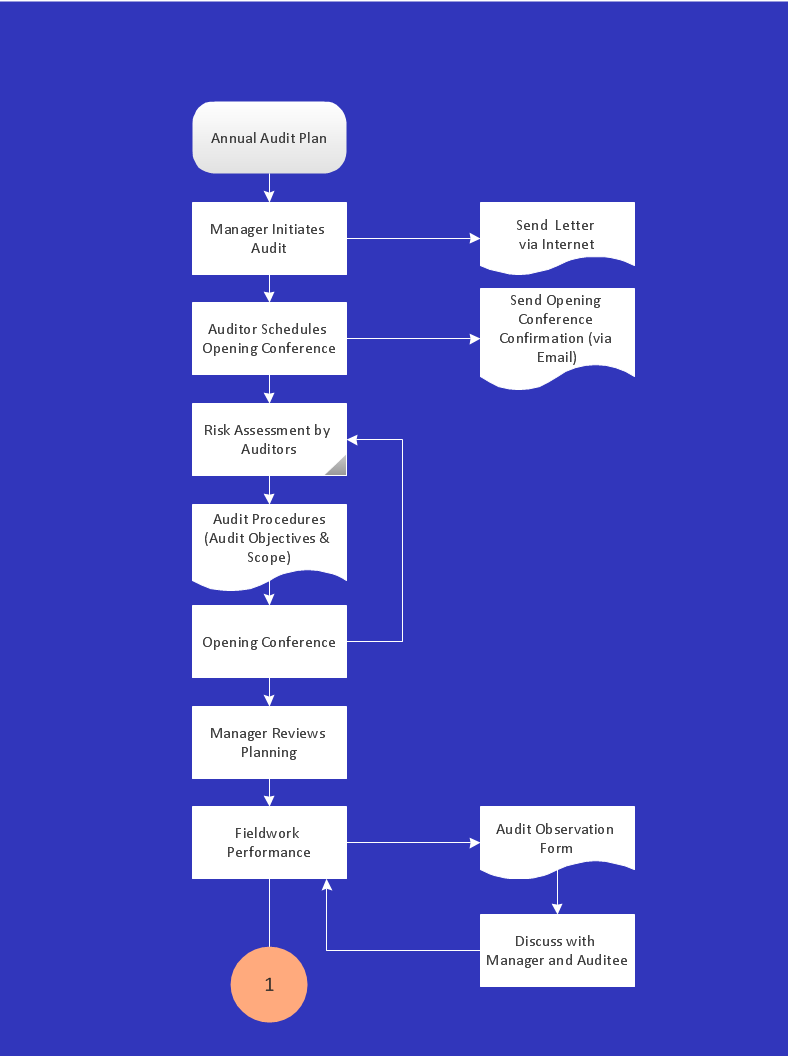
Sample 1. Audit process flowchart.

ConceptDraw DIAGRAM diagramming software provides vector shapes and connector tools for quick and easy drawing diagrams for business, technology, science and education.

Use ConceptDraw DIAGRAM enhanced with solutions from ConceptDraw Solution Park to create diagrams to present and explain structures, process flows, logical relationships, networks, design schemes and other visually organized information and knowledge.

FOUR RELATED HOW TO's:
ConceptDraw Arrows10 Technology - This is more than enough versatility to produce professional diagrams more quickly. Professional diagramming software for mac helps you create variety diagrams, graphics, charts, live dashboards and plenty of graphics and pictures for your business and study.Produce Professional Diagrams More Quickly,<br> Easily and Cost Effectively *
Picture: Produce Professional Diagrams More Quickly, Easily and Cost Effectively
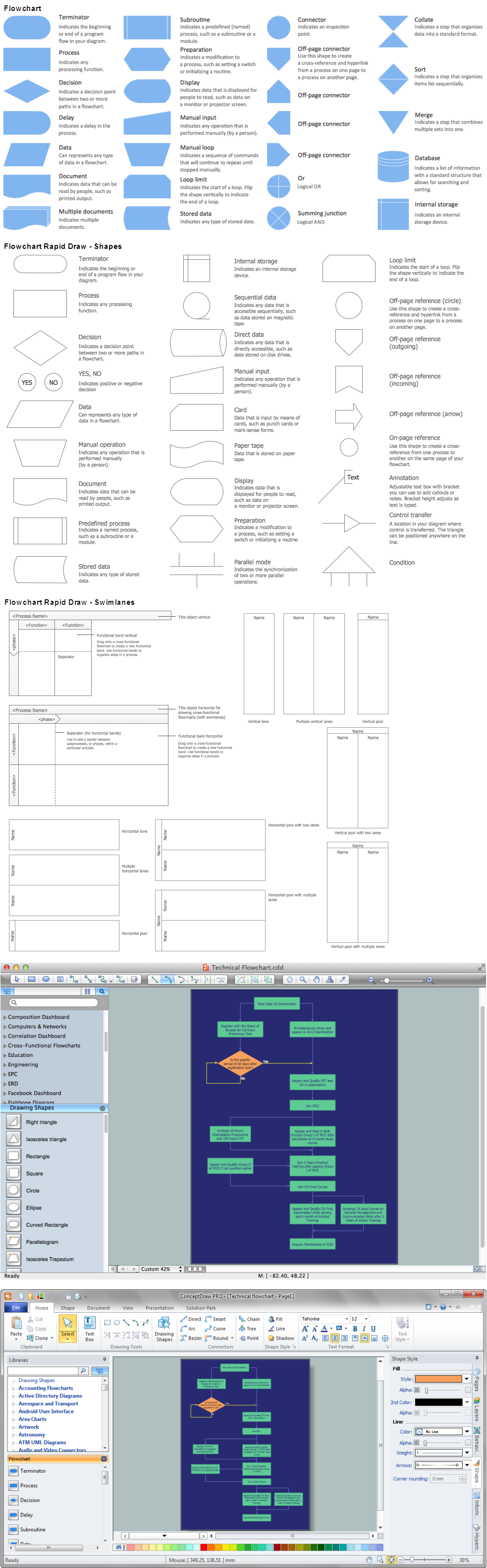
Flow chart is a diagrammatic representation of an algorithm and essential part of planning the system. Flow charts are widely used in technical analysis and programming for easy writing programs and explaining them to others. So, one of the most popular type of flow charts is Technical Flow Chart. Technical Flow Chart can be drawn by pencil on the paper, but it will be easier to use for designing a special software. ConceptDraw DIAGRAM diagramming and vector drawing software extended with Flowcharts Solution from the Diagrams Area of ConceptDraw Solution Park will be useful for this goal.Technical Flow Chart *
Picture: Technical Flow Chart
Related Solution:
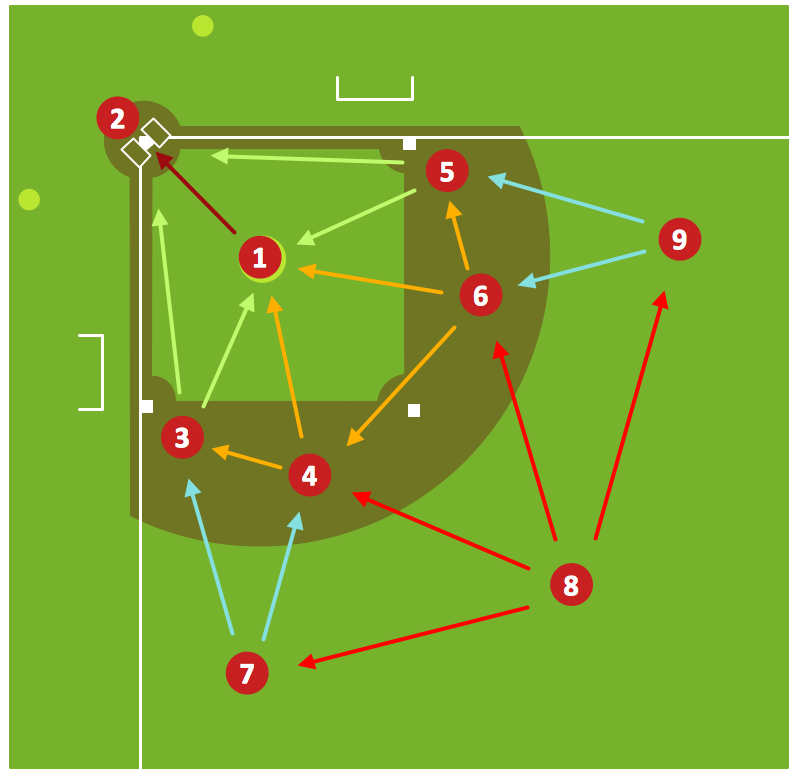
The Baseball solution for ConceptDraw DIAGRAM contains a set of samples depicts helpful baseball diagrams examples. Using embedded presentation tools you are able to share your baseball knowledge with wide audience.Baseball Diagram – Defensive Fly Ball
Picture: Baseball Diagram – Defensive Fly Ball
Related Solution:
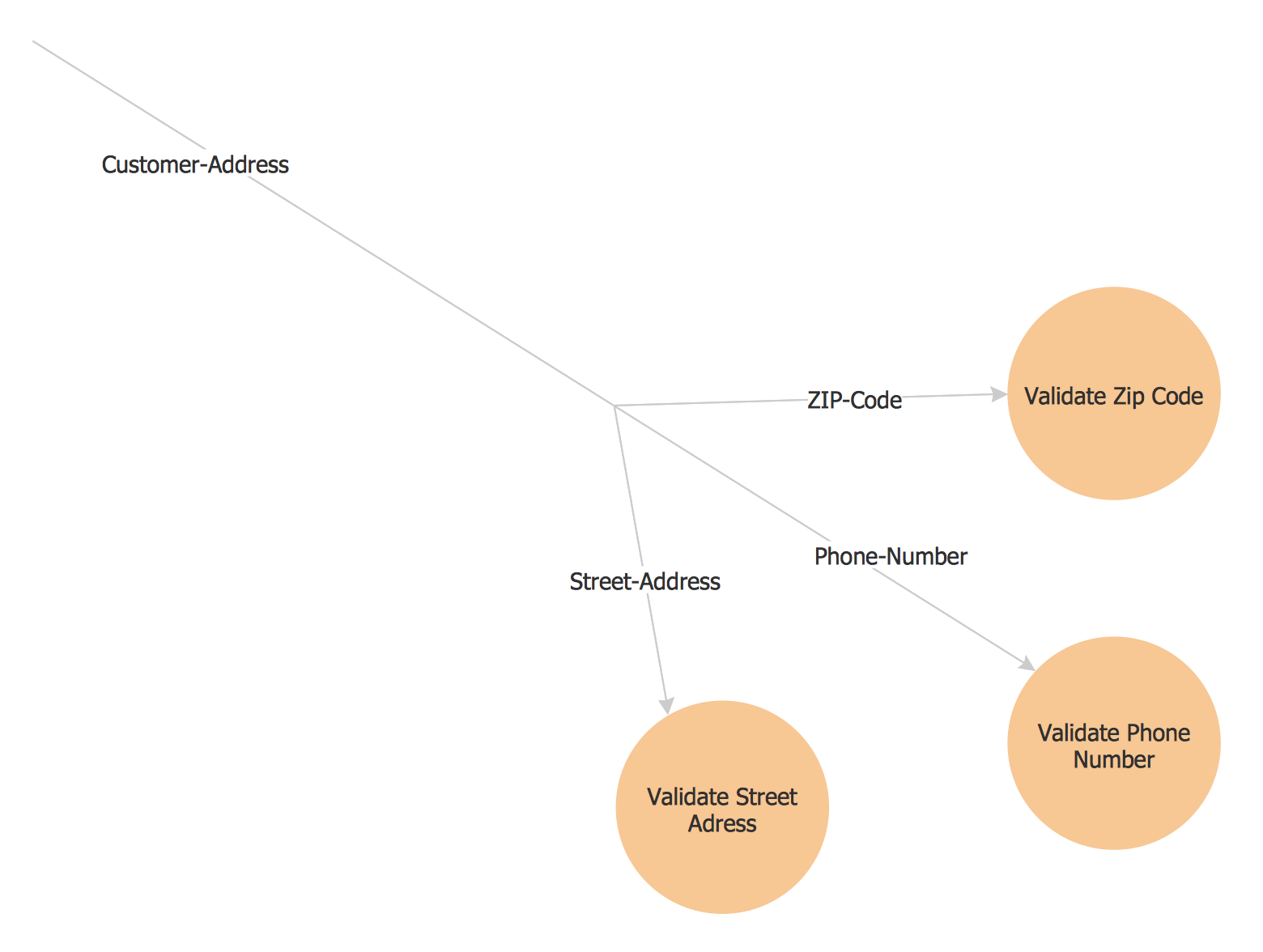
The vector stencils library Yourdon and Coad Notation from the solution OOAD contains specific symbols of the Yourdon and Coad notation such as data store symbol, data process symbol, loop symbol for ConceptDraw DIAGRAM software.Yourdon and Coad Diagram
Picture: Yourdon and Coad Diagram
ConceptDraw
DIAGRAM 18