Made with
ConceptDraw
DIAGRAM 18

IDEF9 Standard

IDEF9 method, as well as other IDEF methods, was developed in the framework of the BBC USA program on information integration for coordinated development (The Air Force Information Integration for Concurrent Engineering (IICE)). IDEF9 method is one of the methods, which constitute the technology of the work with existing information and knowledge. In particular, IDEF9 method (Business Constraint Discovery) is developed for calculation and analysis of conditions and limitations in business-systems. The main motivation for development of such method was the perception of the fact, that conditions and limitations, influenced on the enterprise structure, usually are poorly defined and studied. An organization can normally function (which frequently happens) without knowledge about conditions and limitations, which acts in its system, in other words, without knowledge about requirements of this system.Nevertheless, if there is a task to improve the functioning of the production system, to increase its effectiveness and adapt the enterprise to new market conditions, the knowledge about the enterprise system requirements is critically significant.

Each object of the production system has its own requirements, and their fulfillment affect the execution of the production task in general. Accordingly, if there is a necessity to change the system behavior (to increase the effectiveness or production) it is necessary to know which requirements of the system objects must be satisfied for this. As a result of using IDEF9 method, system requirements are specified and cataloged. Thus, it is always possible to check easily how much system requirements are satisfied and correspondingly to change work conditions for gaining the necessary result. By knowing the system requirements it is also possible to explain why at the moment the system works this way and how to improve its work. IDEF9 method is an indispensable tool of a business-engineer, as with its help is it possible to define how the system will work and which requirements will have to be satisfied for the system work accordingly to the project.

Accordingly to IDEF9 method, requirement is a kind of a connection between system parts, which must obligatory exist at the given conditions set (context). The condition is considered as fulfilled if all conditions of its existence in the given context are fulfilled. Requirement is a connection type, which can be established between system objects, between processes, between objects and processes, between processes and objects properties, etc.

Requirements are described by statements. An example of the requirement statement to objects: “Only heads of departments are authorized to sign waybills.” An example of the requirement statement of the process to objects: “Transportations are only allowed in the presence of a signed waybill” or “Credit giving out is only possible at monthly paying off the percents on the credit.” An example of the requirement statement of the process to object properties: “Maximum carrying capacity of the elevator is 500 kg.”

In that way, the system is represented in the view of a set of objects and processes, which have definite requirements for system functioning. Also into the system description the purpose of the work of this system is usually included. This is necessary for definition of only those requirements of objects and processes, which are important for execution of the considered task.At the system projecting the requirements define which rules, conditions, limitations and necessary connections the project must involve. The production system represents the set of objects, executing one or several functions under the influence of requirements for reaching the preset goal.

Requirements are divided into:

  • Inner (in), which influence inside the system;
  • Outer (on) which influence outside the system or which are managed outside the system;
  • Belonging to the system (of), which belong to the system and are controlled by it;
  • Intersystem (between), which connect systems between each other in the capacity of objects of a big system.

Also the requirements are divided into enabling and limiting in the context of the considered conditions. Surely, limiting requirements are more obvious and become apparent in the form of following problem symptoms: excess costs, low quality, terms increase, etc. Such symptoms are called evidence of existing of the requirements in a system.

The set of opinions, proving the necessity of definition and providing the requirement for system objects is called rationale for the requirement. The consequences of the influence of the requirement on the system are called effects of the requirements. Effects can be direct and indirect, intended and unintended, desirable and undesirable in the framework of the considered context.

It is necessary the sufficient number of evidence of requirements existence, otherwise the requirement will remain undefined. The effective definition of requirements and their management lets quickly identify requirements and react upon the typical industrial problems of requirements, listed below:

  • The cost of the requirement execution exceeds the requirement value;
  • An existing requirement does not correspond to the enterprise purposes anymore;
  • The requirement provokes unforeseen and undesired effects;
  • Objects of the system, responsible for the requirements fulfillment are incapable to provide the requirements fulfillment;
  • The requirement does not have an obvious mechanism of provision.

Also systems overloaded with outdated or inappropriate requirements lose productivity and waste resources on execution of these requirements.

Potential users of IDEF9 method are business owners, organization managers, system projecting and planning specialists and analysts. The knowledge of system requirements may help in Business Process Reengineering (BPR), Total Quality Management (TQM) and in strategic planning..

There is an example of the procedure of definition, confirmation and further improving of the requirement. The given procedure consists of following stages:

  1. Information collection (Collect) – implies the collection of data about the system and getting evidence of the requirement necessity.
  2. Classification (Classify) - definition of system conditions, objects, objects’ properties, processes and connection types.
  3. Hypotheses formation (Hypothesize) – selection of requirements-candidates, based upon received data and evidence.
  4. Requirement realization (Substantiate) – collection of examples for definition of the best requirement-candidate.
  5. Requirement check-up (Challenge) - checking-up of the requirement with the engagement of the interested persons.
  6. Requirement improvement (Refine) – modernizations, checkout, improvement of the requirement and adding details to the requirement characteristics.

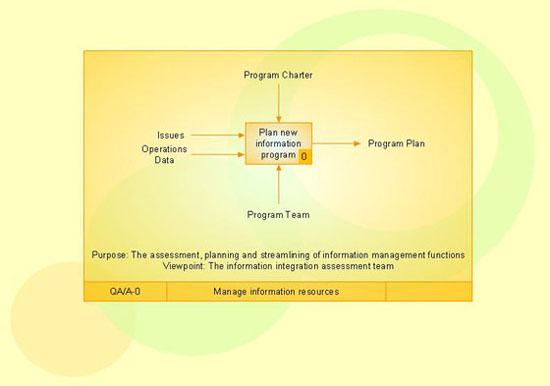
Accordingly to IDEF9 method requirements are displayed in the form of visual schemes. Requirements on the schemes are displayed by way of rounded rectangles, objects and processes in the form of rectangles. Connections between objects of the scheme are represented by way of lines. The connection, indicating at obliging circumstances, is represented in the form of a line with the black little circle at the end. There are also used junctions, which are shown on the scheme in the form of squares with the definition of the junction type: &, O, X.

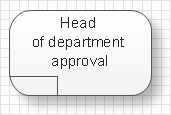
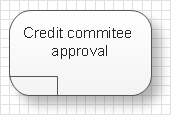
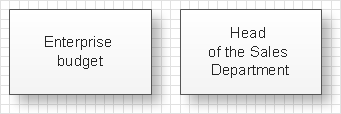
For example there is a following requirement: “An account for payment of consumed electricity must be signed by the head specialist of the power engineering, by the chief accountant and the head of the enterprise.” The corresponding scheme will have the following view:

Here the double-sided rectangle presents the context of a task, the rounded rectangle shows the requirement itself, and rectangles represent objects, which influence on the requirement execution. & junction shows that the requirement needs an influence of all objects, i.e. the account should be signed by each of the three faces.

Analogously it is possible to compose a scheme of the selection of requirements-candidates, a scheme, reflecting requirement effects and a scheme showing which requirements should be executed for reaching the general goal.

An effective management of changes is significantly facilitated by way of definition and documenting of business-requirements. The knowledge about the business-requirements which exist and how they interrelate between each other in the best way is insufficient sometimes. Nevertheless the requirements trigger, manage and bound the behavior of objects of the business-system and affect them so that the final goal is reached with more or less costs of resources and time. IDEF9 method is developed to help with definition and analysis of the requirements.

IDEF9 Standard *

TEN RELATED HOW TO's:
Workflow Diagram created by using special software based on graphic mastering technology Arrows10. Its automatics follows the global concept of business graphics and diagramming. The practical effectiveness of Arrows10 technology used in ConceptDraw DIAGRAM are around the quick auto-arrows behaving as expected and connecting boxes of workflow diagram from workflow symbol to process flow symbol. ConceptDraw DIAGRAM is a workflow diagram software contains specific features help you to draw diagrams faster, such as RapidDraw, or Arrows10. There is also a rich set of samples and templates to give you an example of data may be visualized as workflow diagram.Workflow Diagram Data *
Picture: Workflow Diagram Data
Related Solution:
Of course it is possible to keep network records in text documents, but it is very difficult to use them later. A more sound way to keep such documentation is to create a network diagram that might represent either logical network structure or physical. These diagrams are easy to understand and you will thank yourself later. There is a physical network diagram. It is a tool to represent, maintain and analysis of network equipment and interconnections. Network diagram depicts the actual network information in the attractive clear graphic form. One can learn here the LAN cable length, telecommunication type and carrying capacity. The diagram depicts servers, IP address and domain name as well. Also it shows location of hubs, switches, modems, routers, and other network equipment. The sets of special symbols and images delivered with ConceptDraw Network Diagrams solution are used to show network components. Symbols have a standard view. Therefore, various specialists can read the network diagram without any discrepancies.Network diagrams with ConceptDraw DIAGRAM  *
Picture: Network diagrams with ConceptDraw DIAGRAM
Related Solution:
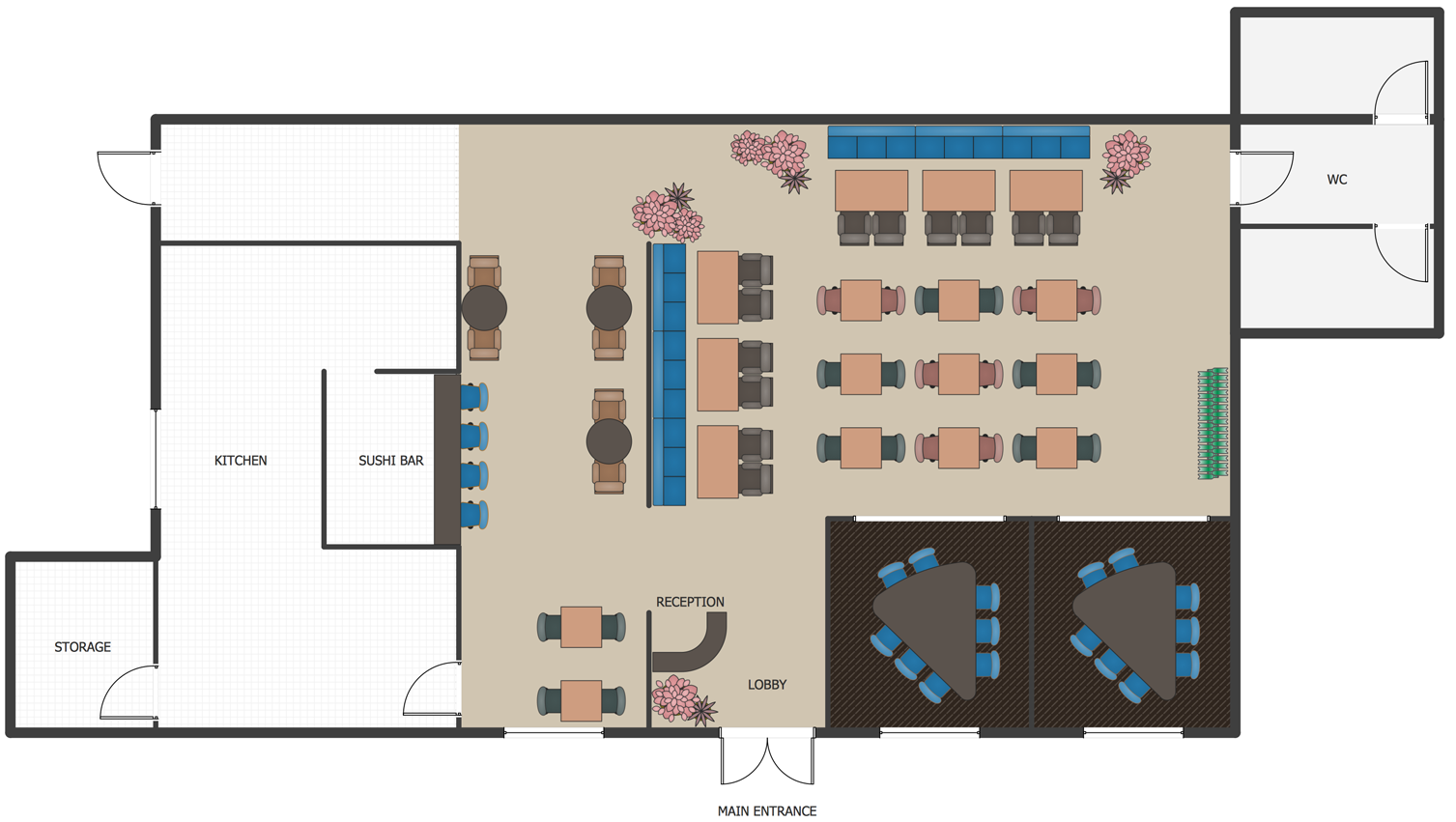
Architectural drawing allows to show the location of a building or ensemble of buildings on the ground, indicating the cardinal points. For centuries, people had been studying architecture in universities to learn how to draw building plans and now everyone can do it easily just using appropriate software. While developing the building plan, its graphic part, you can display the part of the floor or the entire floor of a building with an indication of the exact location of the drawn premise. Small-sized apartments does not restrict the advanced interior design opportunities. Here is a detailed and precise floor plan of a pretty small apartment. A furniture objects are added to show possible interior of this home. This plan can be used to help somebody with a floor layout and furniture arrangement. Having this floor plan in a pocket while shopping would be useful to check if there is enough rooms for a new furniture.How To Draw Building Plans
Picture: How To Draw Building Plans
Related Solution:
PDPC →
ConceptDraw DIAGRAM extended with Seven Management and Planning Tools Solution from the Management Area of ConceptDraw Solution Park is the best software for drawing all types of diagrams from the Seven Management and Planning Tools: Affinity Diagram, Relations Diagram, Prioritization Matrix, Root Cause Analysis Tree Diagram, Involvement Matrix, PERT Chart, and Risk Diagram (PDPC).PDPC *
Picture: PDPC
Related Solution:
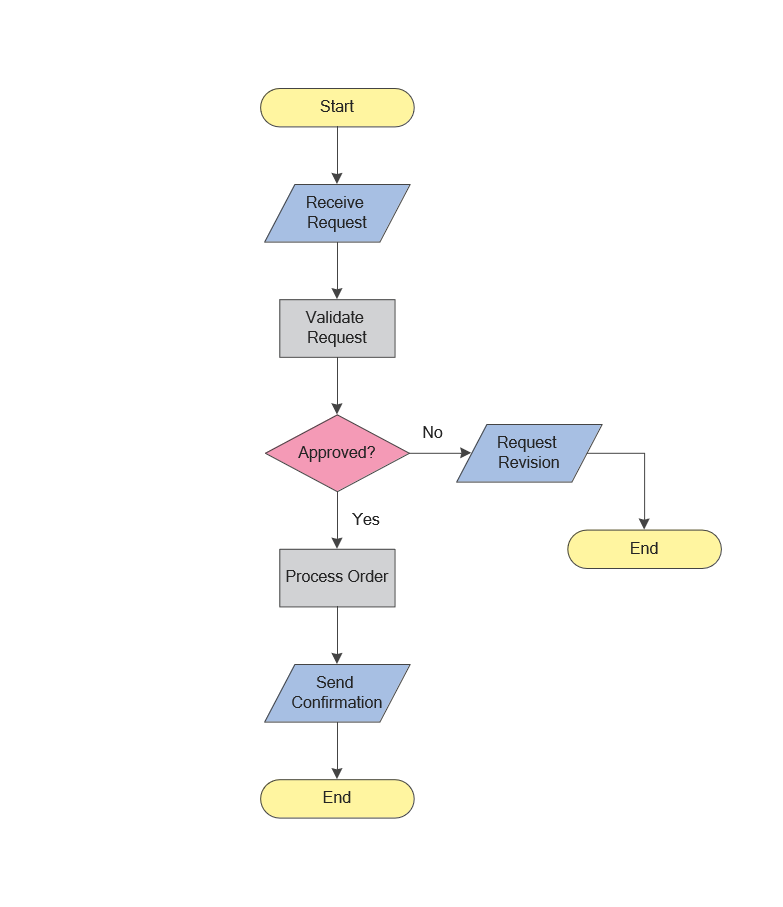
ConceptDraw Flowcharts visualize a process or algorithm of program as step/operation blocks of various shapes connected with arrowed lines showed the process flow direction. They are used to visualize business or technical processes and software algorithms.Selecting & Creating Flowcharts *
Picture: Selecting & Creating Flowcharts
Related Solution:
Process Flow Charts are very popular and widely used in chemical and process engineering for representation a general flow of plant processes and equipment. If you need often draw them, the ConceptDraw DIAGRAM diagramming and vector drawing software extended with tools of Flowcharts Solution will be useful for you. The mostly used set of process flow chart symbols includes the following: Rectangle (box) process flow chart symbol, Rounded rectangle, Circle, Diamond.Process Flow Chart Symbol *
Picture: Process Flow Chart Symbol
Related Solution:
Using mind mapping in education is very popular way to make your lecture materials more structural and clear both for you and for students. At remote learning session your students also can make notes or type questions to the current slides without interrupting slide show.Presentations in Educational Process *
Picture: Presentations in Educational Process
Related Solution:
When moving to a new apartment it is always pleasure to develop an interior design project. Nevertheless, another important part that should not be forgotten is the piping plan, because wrong piping system might ruin all the renovation. So, to avoid such problems, a stress analysis is performed. Plumbing and piping plans should be created for any premises. They are used to trace location of pipes, fixtures and valves in the house. This diagram presents a set of certified piping plan symbols for drawing plumbing and piping floor plans, diagrams and other technical drawings. Applying standard symbols when creating a piping plan is very important for creating a valid piping plan included into the building documentation pack. It is essential for any professional to be able to read and properly interpreted any piping plan.Interior Design. Piping Plan — Design Elements *
Picture: Interior Design. Piping Plan — Design Elements
Related Solution:
Apply Electrical Engineering solution for ConceptDraw DIAGRAM and numerous electric circuit symbols to 🔸 develop and illustrate all types of electrical circuits as ✔️ electrical circuit diagrams, ✔️ electrical schematics, ✔️ electrical diagram drawingsElectrical Symbols — Electrical Circuits Library for ConceptDraw DIAGRAM
Picture: Electrical Circuits — Electrical Symbols
Related Solution:
Choose the business illustration design you love best, and sign our design your own style with Business and Finance Illustrations library from ConceptDraw DIAGRAM. The Business and Finance solution contains 12 vector clipart libraries: Advertising, Business, Business people clipart, Business people figures, Currency, Mail and post, Management, Marketing, Money, Office, Project management, TimeBusiness and Finance Illustrations *
Picture: Business and Finance Illustrations
Related Solution:
ConceptDraw
DIAGRAM 18