Made with
ConceptDraw
DIAGRAM 18

MTA Subway Map

ConceptDraw DIAGRAM diagramming and vector drawing software offers the easiest and time-saving way of drawing the MTA Subway Map. Let's try to make sure this with Metro Map Solution from the Maps Area for ConceptDraw DIAGRAM Solution Park.
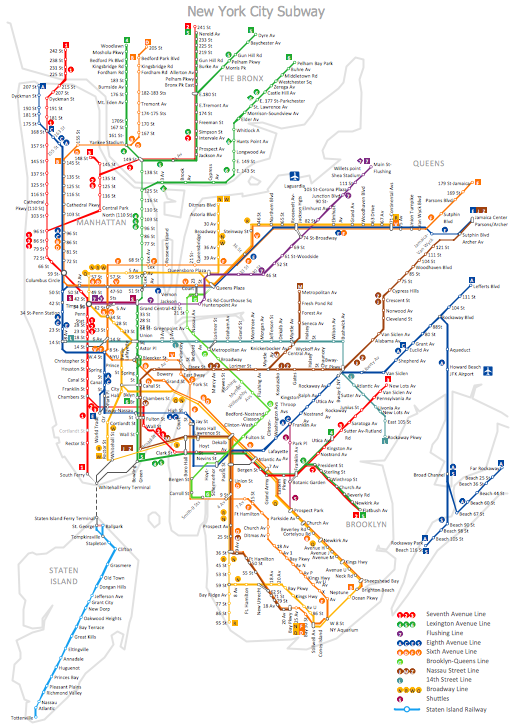
MTA Subway Map *

Example 1. MTA Subway Map - New York City Subway

First of all the Metro Map Solution provides the Transport Map library with numerous vector objects that will help you design the MTA Subway Map of any complexity and degree of detailing in a few minutes.
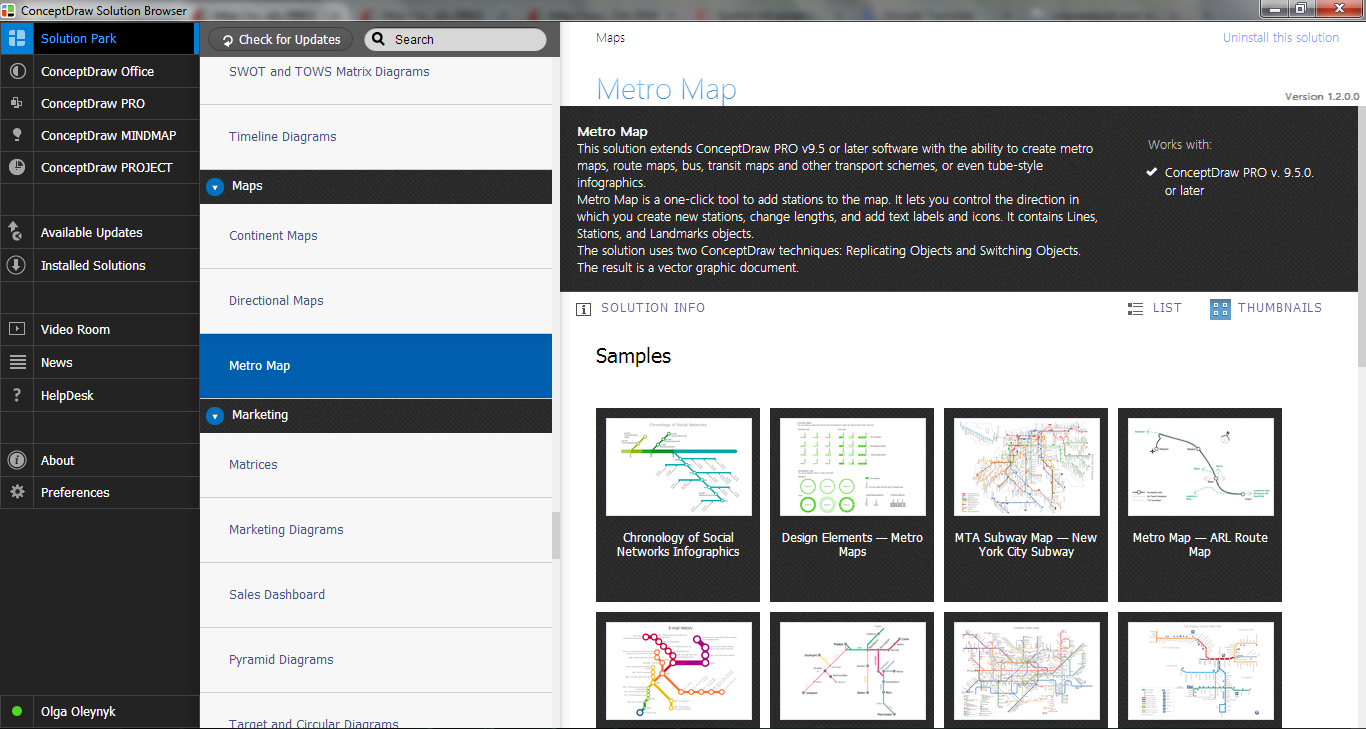
Metro Map Solution in ConceptDraw STORE

Example 2. Metro Map Solution in ConceptDraw STORE

Observe also collection of predesigned Metro Maps, MTA Subway Map, Metro Train Maps samples in ConceptDraw STORE. Every of them is carefully chosen and well thought-out example designed specially for ConceptDraw DIAGRAM users. You can use any desired of them as is or modificate according to your needs.
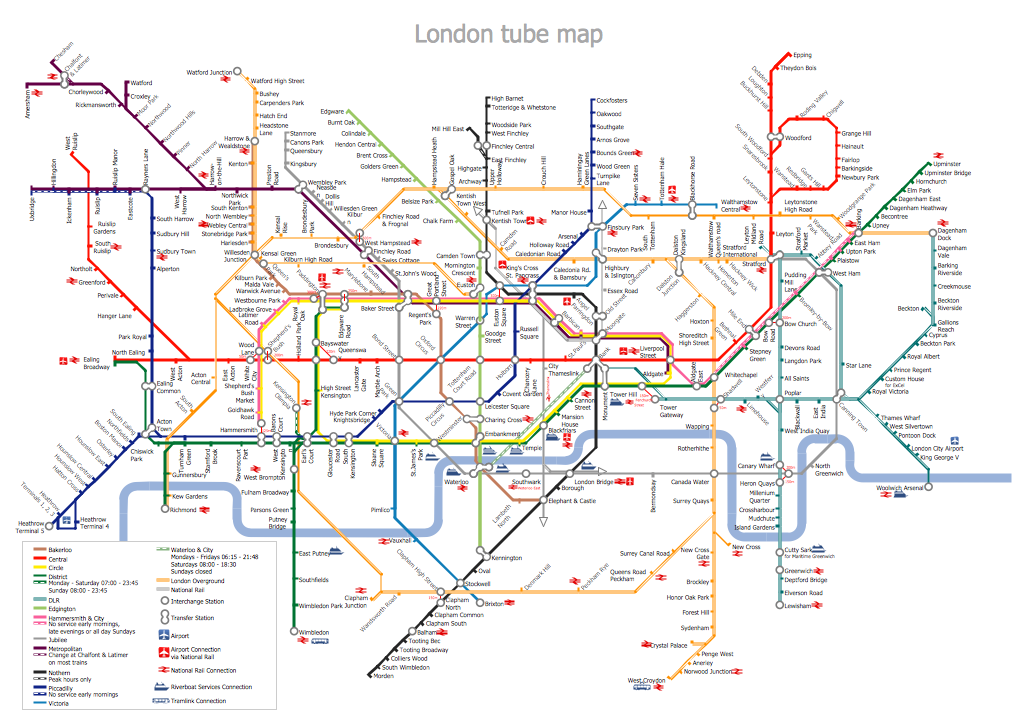
MTA Subway Map - London Tube Map

Example 3. MTA Subway Map - London Tube Map

The MTA Subway Map samples you see on this page were created in ConceptDraw DIAGRAM software using the Metro Map solution. Each MTA Subway Map created in ConceptDraw DIAGRAM successfully demonstrates solution's capabilities and professional results you can achieve. An experienced user spent 40-50 minutes creating each of these samples.

Use the Metro Map solution for ConceptDraw DIAGRAM software to create your own Metro Map or MTA Subway Map quick, easy and effective.

All source documents are vector graphic documents. They are available for reviewing, modifying, or converting to a variety of formats (PDF file, MS PowerPoint, MS Visio, and many other graphic formats) from the ConceptDraw STORE. The Metro Map Solution is available for all ConceptDraw DIAGRAM or later users.


THREE RELATED HOW TO's:
If you want to find a way to understand complex things in minutes, you should try to visualize data. One of the most useful tool for this is creating a flowchart, which is a diagram representing stages of some process in sequential order. There are so many possible uses of flowcharts and you can find tons of flow charts examples and predesigned templates on the Internet. Warehouse flowchart is often used for describing workflow and business process mapping. Using your imagination, you can simplify your job or daily routine with flowcharts. Warehouse flowcharts are used to document product and information flow between sources of supply and consumers. The flowchart provides the staged guidance on how to manage each aspect of warehousing and describes such aspects as receiving of supplies; control of quality; shipment and storage and corresponding document flow. Warehouse flowchart, being actual is a good source of information. It indicates the stepwise way to complete the warehouse and inventory management process flow. Also it can be very useful for an inventory and audit procedures.Warehouse Flowchart
Picture: Flow Chart Example: Warehouse Flowchart
Related Solution:
ConceptDraw helps you to start designing your own UML Collaboration Diagrams with examples and templates.Diagramming Software for Design <br>UML  Collaboration Diagrams *
Picture: Diagramming Software for Design UML Collaboration Diagrams
Subway infographic design elements for ConceptDraw DIAGRAM (mac and pc).Infographic design elements, software tools<br>Subway and Metro style *
Picture: Infographic design elements, software toolsSubway and Metro style
Related Solution:
ConceptDraw
DIAGRAM 18