Made with
ConceptDraw
DIAGRAM 18

Recruitment

ConceptDraw DIAGRAM software becomes more and more popular nowadays providing all the necessary tools for creating the smart looking professional drawings, such as diagrams and charts, flowcharts and schemes as well as many more other schematics for those who are involved in many different kinds of business, such as recruitment, for example.

Recruitment itself is a core function of any human resource management, being a part of any commercial organization nowadays. Recruitment is known to be the first step of any appointment, referring to the overall process of selecting, appointing and attracting the suitable candidates for jobs. The offered jobs may be either temporary or permanent, depending on the needs of the organization.

The process of the recruitment can be also referred to a process which is involved in choosing the individuals for the unpaid positions: for example, the unpaid trainee roles or the voluntary roles. Human resource generalists, recruitment specialists as well as managers are all in charge for being tasked with carrying out the process of recruitment. At the same time in some cases the so-called “public-sector employment agencies” as well as the commercial recruitment agencies or specialist search consultancies are those who are being used for undertaking the parts of the process of recruitment.

The internet-based technologies are used for supporting all the aspects of the process of recruitment becoming more and more widespread. In the particular situations when there are multiple new jobs are available for the potential candidates who are needed urgently, the special agencies may be involved in the process of the searching the right people.

Those, who are being recruited for the first time, people may have to go through some particular tests in order to be accepted for the certain types of jobs. Thus, to match the job descriptions as well as the job specifications they have to pass the tests they are offered. Occasionally, any company which provides the job descriptions for the existing positions needs someone better, but the amount of money they have for paying to such candidates is limited. That’s why the recruitment specialists always have to make sure that those people who intend to be working for their organization are smart enough to develop their skills and so to make it possible to achieve more complex goals in the future.

As a general rule, before recruiting people the recruiters have to make sure that those people’s specification is finalized. Such term as “sourcing” is very commonly used within the process of recruitment, being used at one or more strategies for attracting or identifying the candidates for filling the job vacancies. The described process may involve both internal and external recruitment advertising in a way of using the appropriate media: national or/and local newspapers, job portals, social media, business media, professional publications, window advertisements, specialist recruitment media, job centres, or other sites on the Internet.

The employers also often use the recruitment agencies or consultancies for finding the needed candidates. Such initial research for candidates is known to be producing the contact information for the potential candidates, whom the recruiter working for some particular organization can then screen and contact. Lots of the psychological tests can be used during the process of recruitment. The assessments of the candidates can be also those for measuring the physical ability of those who intend to work for an organization.

Agencies and recruiters sometimes use the so called “applicant tracking systems” for “filtering” the candidates. From time to time they also use the software tools for the psychometric testing. In order to do the performance-based assessment there are many other tests which are widely used nowadays.

Most of the employers aim to recognize the value of each of the candidates with an ease, especially those, who encompass such skills as team or interpersonal leadership. Many of the modern companies, including different multinational organizations, are often known to be concerned about their candidates wondering if they fit the prevailing company culture or not.

Lots of major corporations are known to be recognizing the need for diversity in hiring people very well in order to complete it successfully in a global economy. Most of them try to show they support the diversity as an essential value for their own and their business success.

The so called “Recruitment Process Outsourcing”, or "RPO", is simply a form of the business process outsourcing where some company tries to engage a third party (a provider) for managing all or only a part of its recruitment processes. The “internal recruitment” term can be referred to the process of the candidate being selected from the existing workforce in order to take up a new job in the same organization.

Such well-known terms as “promotion” and “career development opportunity” become more and more popular nowadays as companies try to keep the best workers to continue working developing their business by stimulating the employees with grants and new, higher, positions.
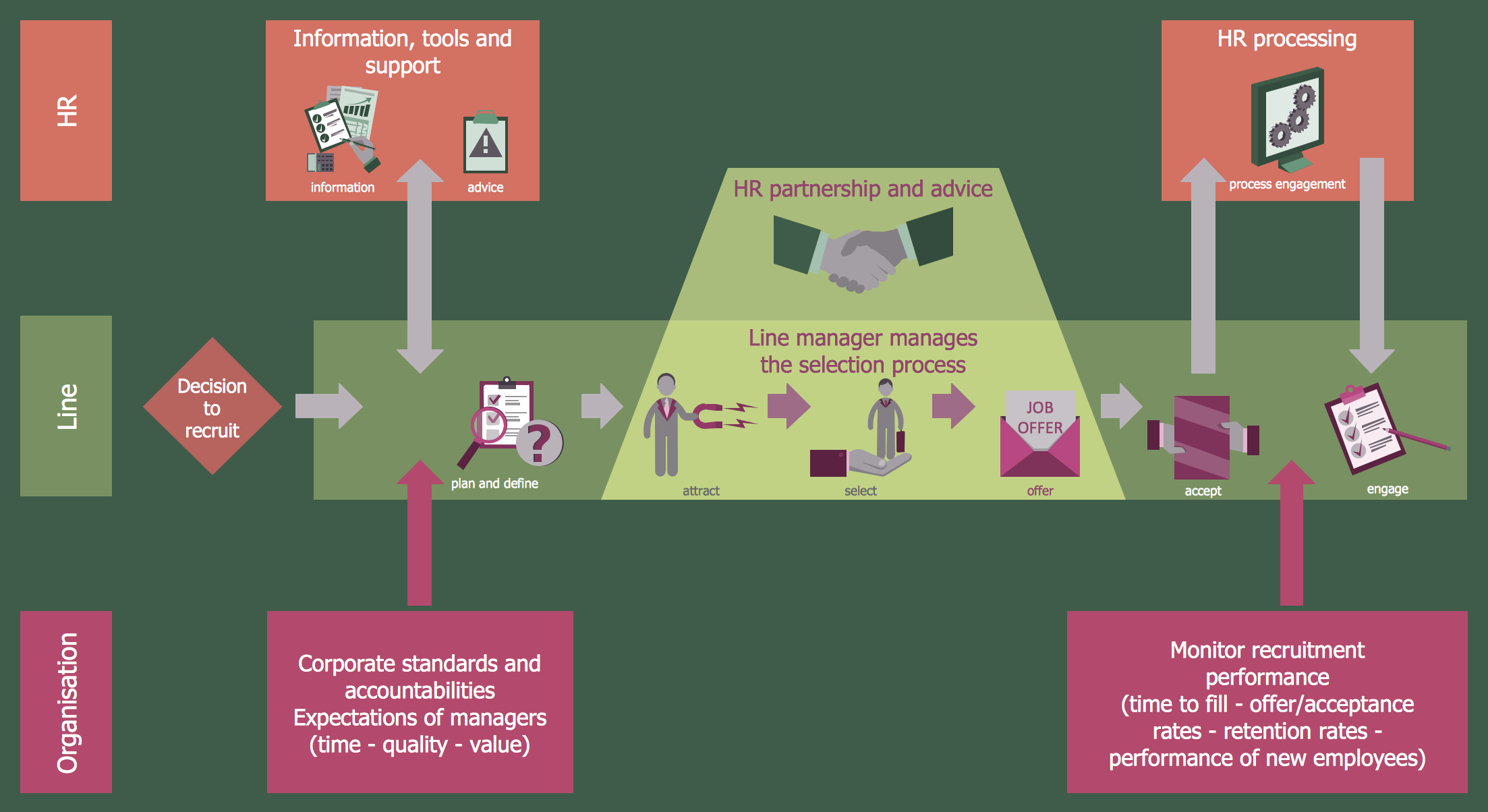
Recruitment

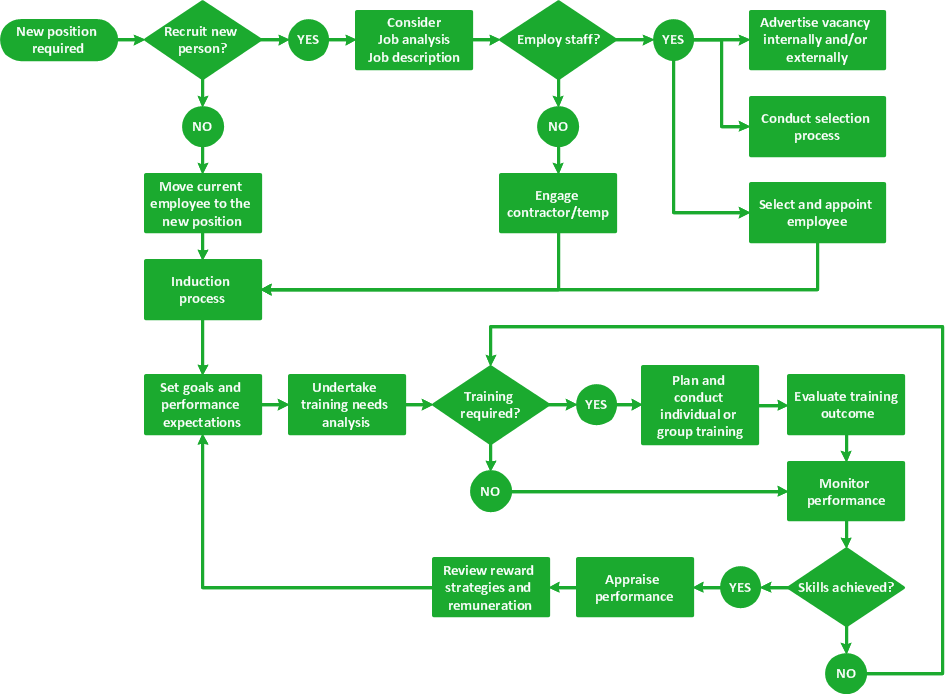
Example 1. Recruitment Model

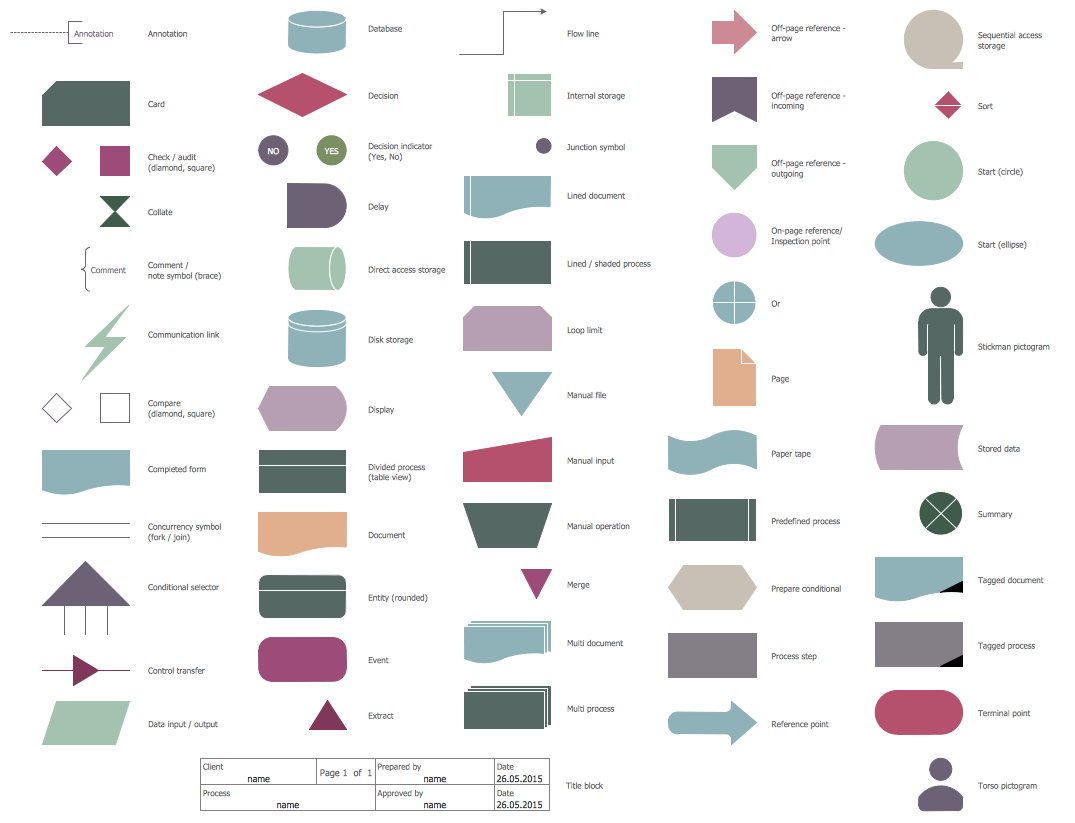
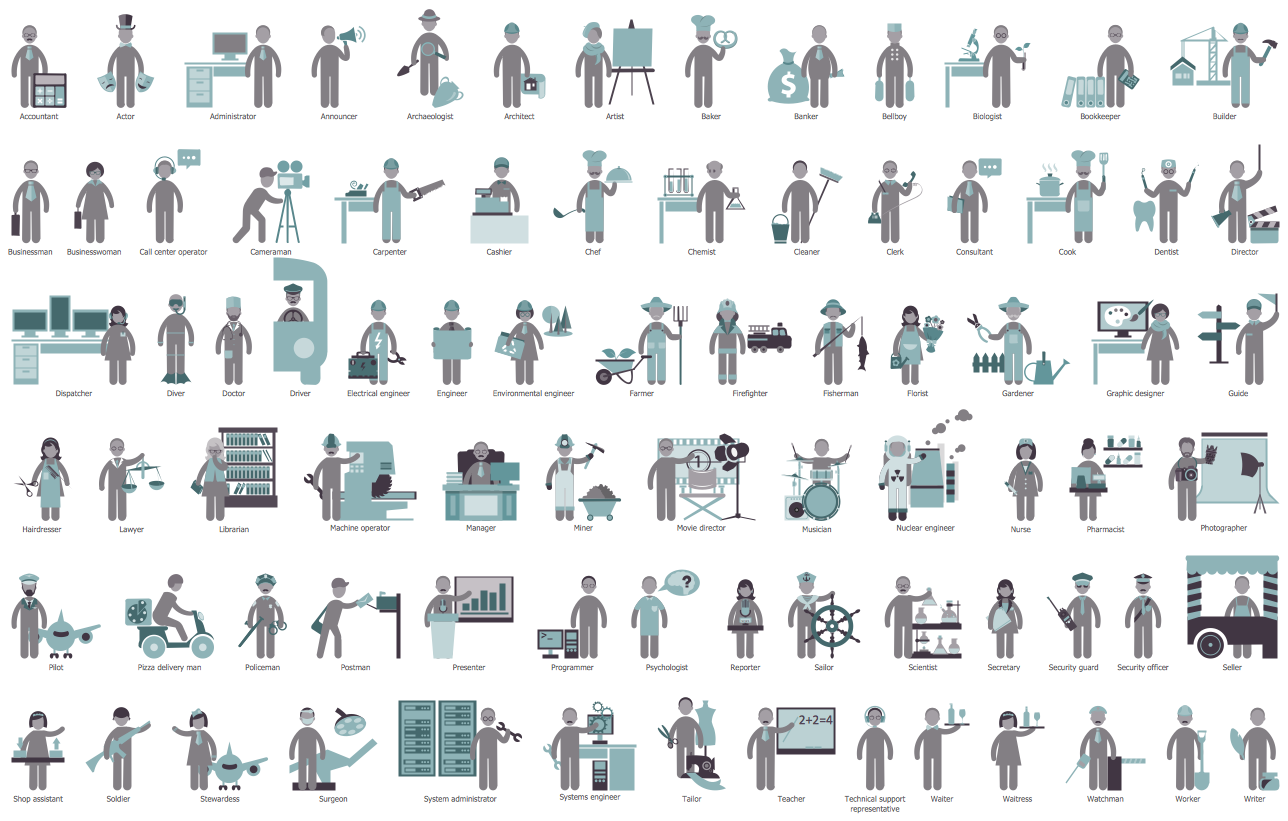
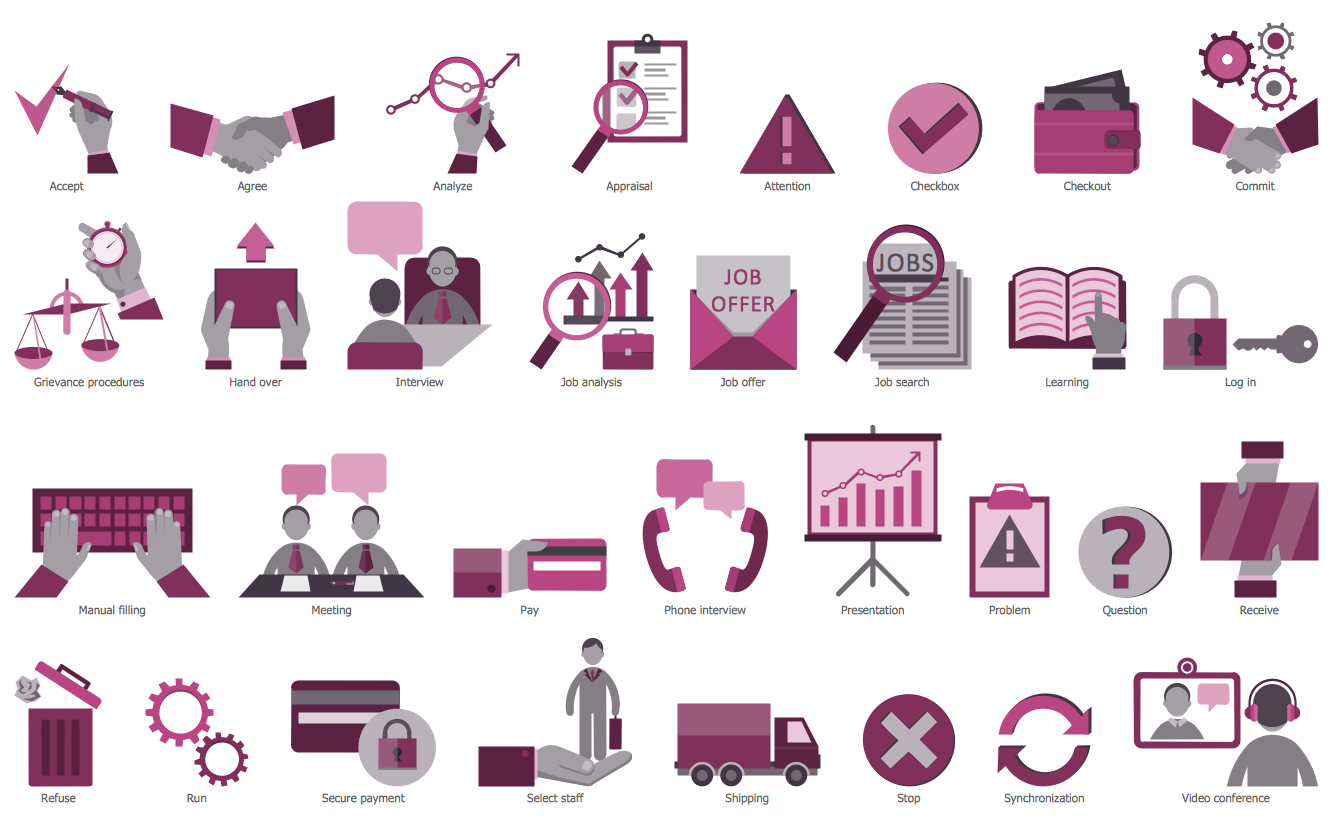
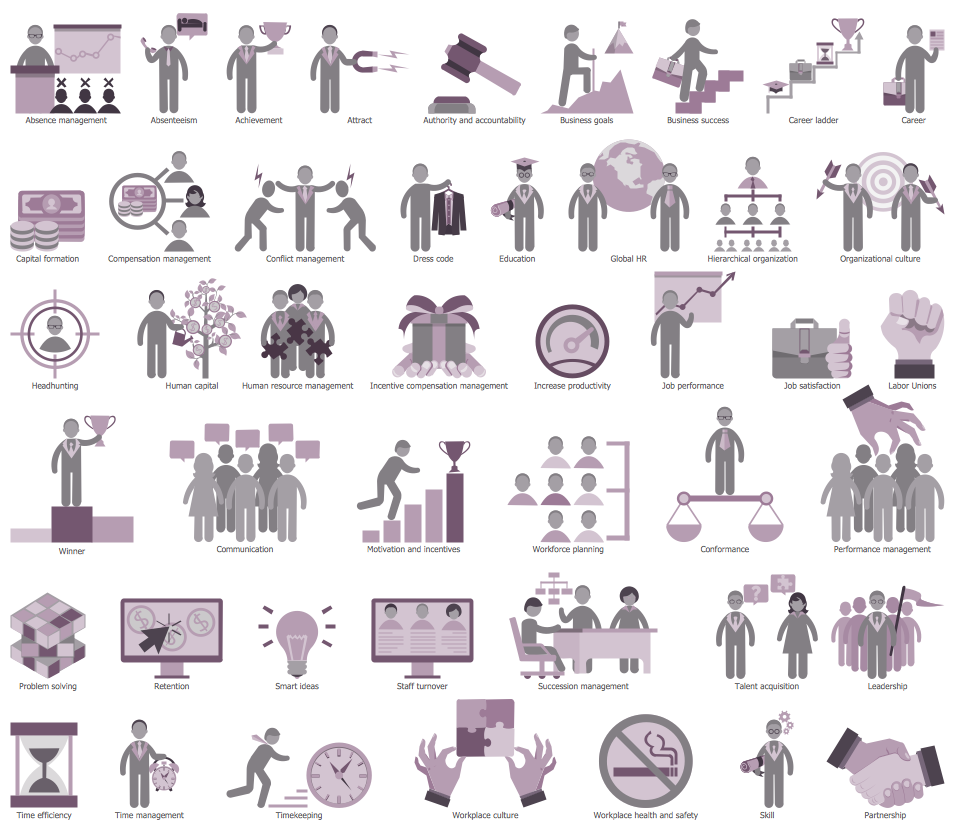
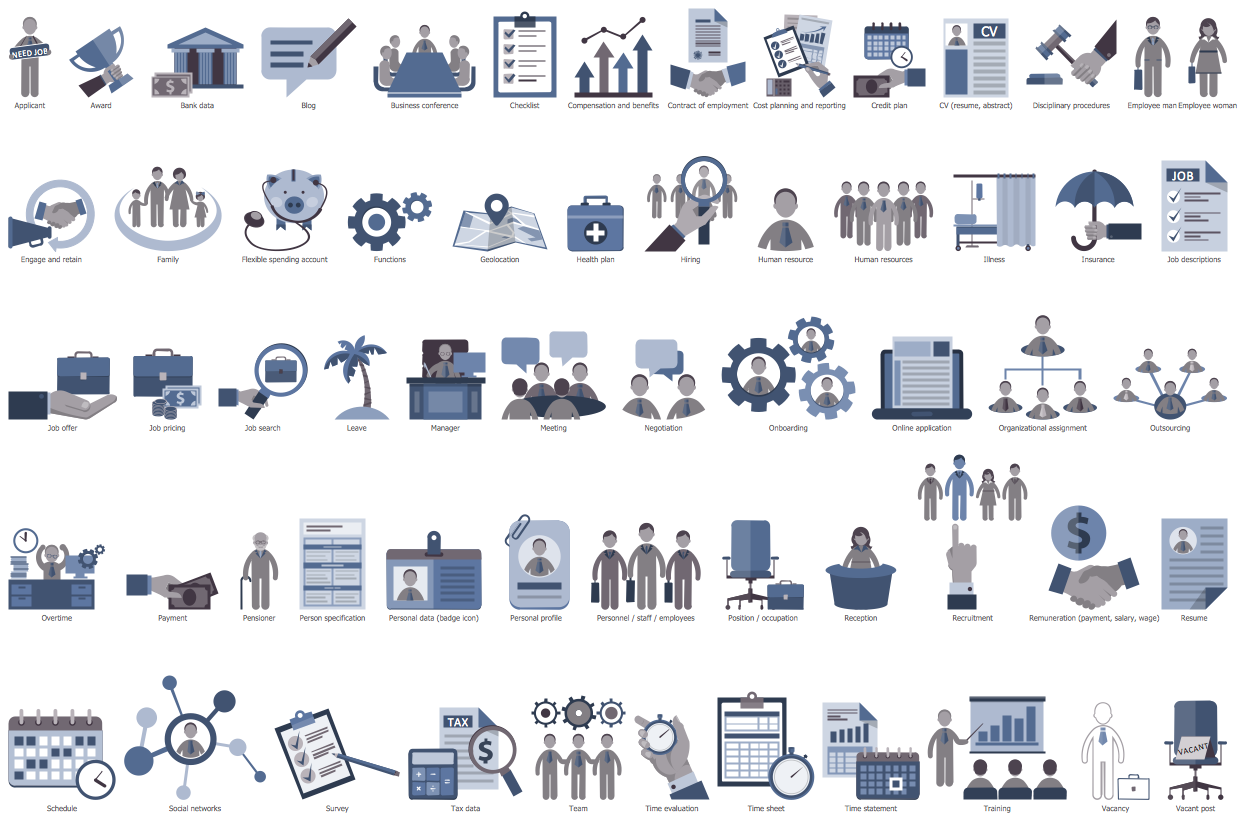
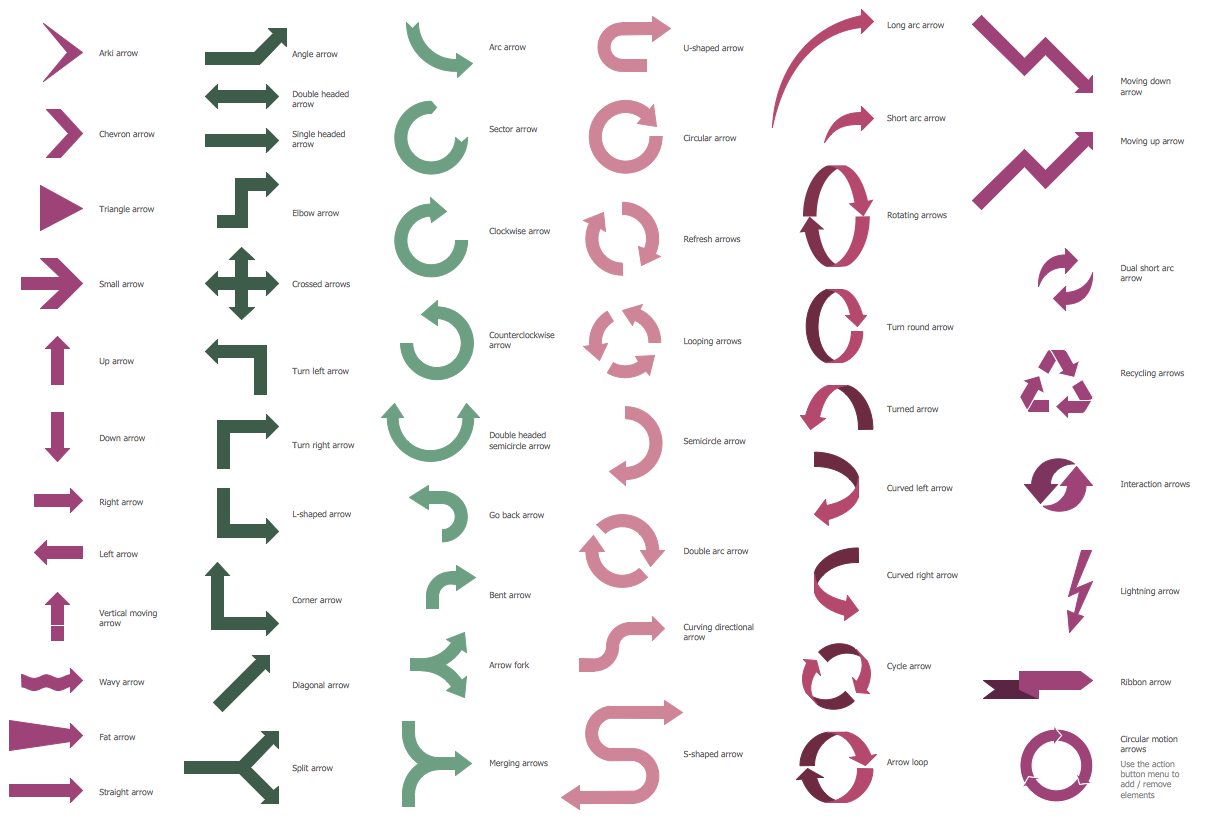
The most important and useful that includes the HR Flowcharts Solution is extensive set of libraries — 7 libraries with 387 predesigned human resources themed images, icons and connectors specially developed for ConceptDraw DIAGRAM users.
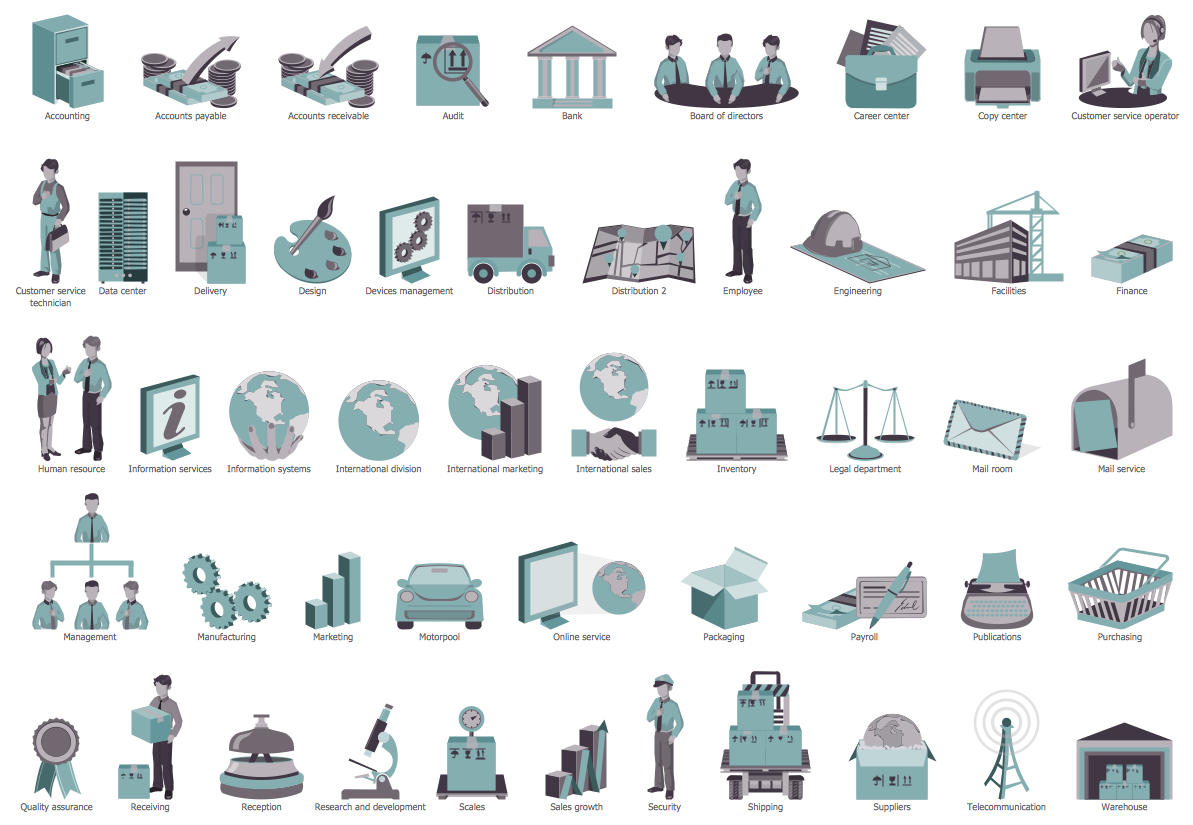
ConceptDraw DIAGRAM software offers you the choice — you can design your Recruitment HR Flowchart from the beginning using the predesigned objects from the libraries or use as the base the suitable sample from the offered by HR Flowcharts Solution.
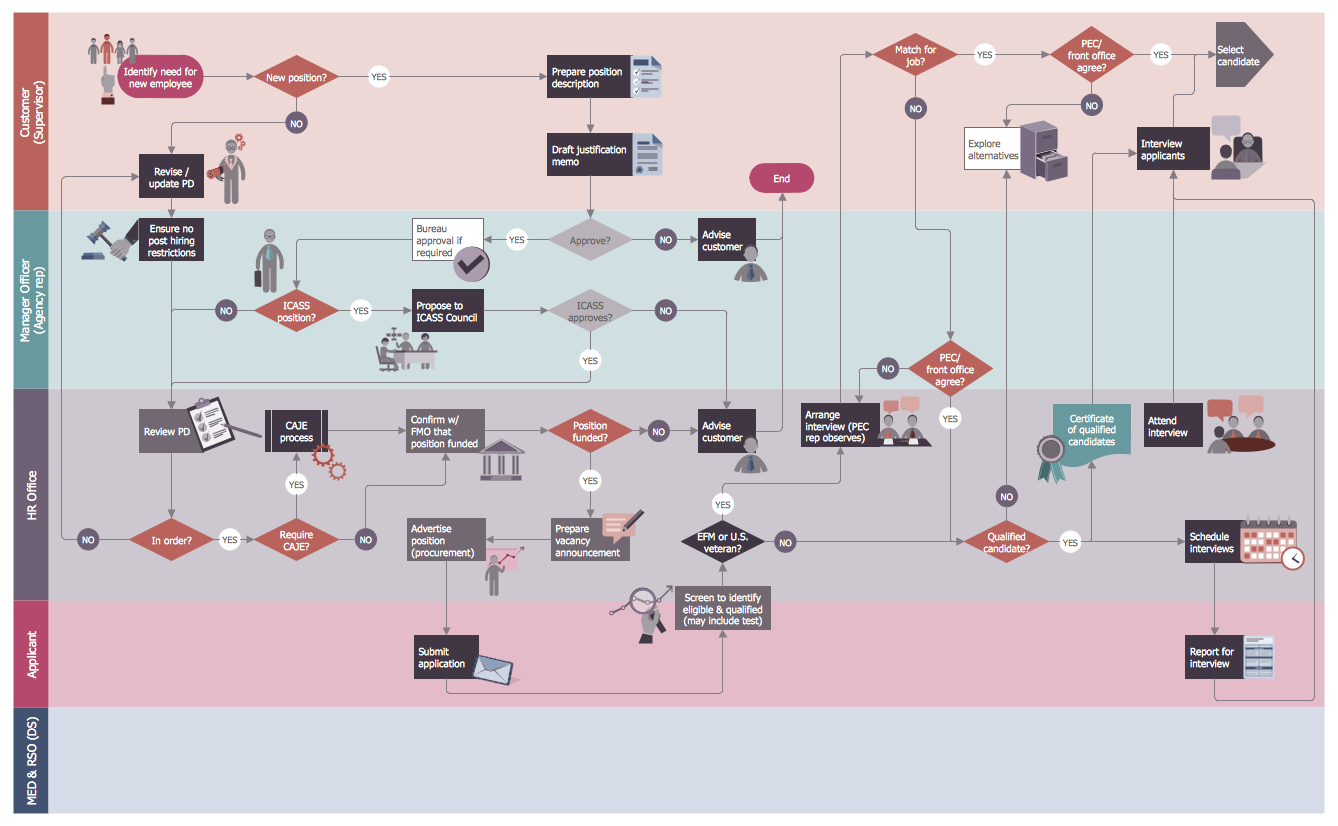
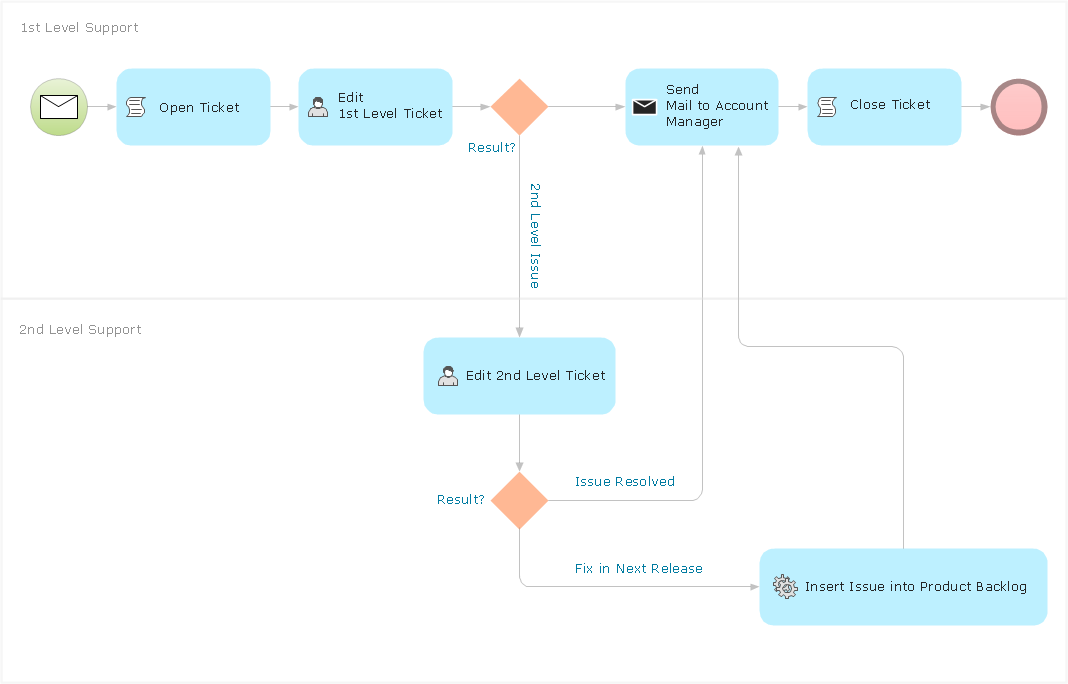
Post Employment Committee Recruitment Flowchart

Example 2. Post Employment Committee Recruitment Flowchart

It is always possible to illustrate the process of recruitment with help of such professional software as ConceptDraw DIAGRAM one as it allows to create any needed business related drawing, including flowcharts, diagrams, charts, maps, schemes and many other types of schematics. Having the HR Flowcharts Solution it will become much simpler to create any needed recruitment related drawing, such as Recruitment HR Flowchart within a very short time using the pre-made examples of such flowcharts, which all can be found in the mentioned solution.


TEN RELATED HOW TO's:
This action mindmap helps to quick answer customers' frequently asked questions and to provide useful info about bank services.Bank Detailed Answers *
Picture: Bank Detailed Answers
Related Solution:
ConceptDraw gives the ability to draw simple diagrams like flowcharts, block diagrams, bar charts, histograms, pie charts, divided bar diagrams, line graphs, area charts, scatter plots, circular arrows diagrams, Venn diagrams, bubble diagrams, concept maps, and others.Simple Drawing Applications for Mac *
Picture: Simple Drawing Applications for Mac
Related Solution:
For those who want to know what is a cross functional flowchart and how to draw it, we preared a special library and professional looking templates. Take all the advantage of your drawing software to learn and create such a well-designed flowcharts. Watch the HowTo video to learn more.What is a Cross Functional Flow Chart? *
Picture: What is a Cross Functional Flow Chart?
Big and complex projects sometimes need some simplification of plans and schedules. That's why Program Evaluation and Review Technique was invented and first implemented in 1958. You can create PERT diagrams effortlessly with ConceptDraw DIAGRAM and share them with your colleagues. Program Evaluation Review Technique (PERT) is a method that is used to assess and analyze projects. PERT is a valuable tool for the project management practice. PERT gives an assessment and analysis of the time needed to the project completion. A PERT chart is a visual tool that delivers a graphical view of a project timeline. It is used to display the sequences and dependences of project tasks necessary to complete a project. ConceptDraw DIAGRAM delivers the possibility to build a PERT along with other diagrams applied to assist management process by using its Seven Management and Planning Tools solution.Program Evaluation and Review Technique <br>(PERT) with ConceptDraw DIAGRAM  *
Picture: Program Evaluation and Review Technique (PERT) with ConceptDraw DIAGRAM
Related Solution:
Working with information can be quite tedious, furthermore, some data can be quite difficult to perceive without any graphic representation. So, to facilitate your work, you can use business diagrams, such as simple flowcharts or Gantt charts for project management and orgcharts for clarifying your company structure. You can use a proper software, like ConceptDraw Pro, draw them on paper, or use whiteboards, but it is more convenient to use a digital tool. This diagram shows a cross-functional flowchart that was made fore telecom service provider. A workflow of a common telecommunication service provider has a rather branched structure. Thus, it is useful to have a flow chart to visualize the sequences and interrelations of the work flow steps. Business process flowchart contains 17 processes and 4 decision points,that are distributed through 2 lines depicting the participants involved. Also there are connectors that show the data flow within processes. This flowchart displays a detailed model of the telecom service trading process, as well as all participants in the process and how they interact with each other.Business diagrams & Org Charts with ConceptDraw DIAGRAM  *
Picture: Business diagrams & Org Charts with ConceptDraw DIAGRAM
The human organism is so constituted that for a full life you need a wide range of nutrients, minerals and vitamins. To get all this, it is necessary to enrich your nutrition by natural and healthy food. The same microelements and nutrients are contained in different foods, so it is very important to create your own healthy diet plan, based on your preferences and containing the balance of nutrients suitable for you. ConceptDraw DIAGRAM diagramming and vector drawing software extended with Health Food solution from the Food and Beverage area of ConceptDraw Solution Park contains powerful tools for designing healthy diet plan.Healthy Diet Plan *
Picture: Healthy Diet Plan
Related Solution:
A database is a data collection, structured into some conceptual model. Two most common approaches of developing data models are UML diagrams and ER-model diagrams. There are several notations of entity-relationship diagram symbols and their meaning is slightly different. Crow’s Foot notation is quite descriptive and easy to understand, meanwhile, the Chen notation is great for conceptual modeling. An entity relationship diagrams look very simple to a flowcharts. The main difference is the symbols provided by specific ERD notations. There are several models applied in entity-relationship diagrams: conceptual, logical and physical. Creating an entity relationship diagram requires using a specific notation. There are five main components of common ERD notations: Entities, Actions, Attributes, Cardinality and Connections. The two of notations most widely used for creating ERD are Chen notation and Crow foot notation. By the way, the Crow foot notation originates from the Chen notation - it is an adapted version of the Chen notation.ERD Symbols and Meanings
Picture: ERD Symbols and Meanings
Related Solution:
ConceptDraw DIAGRAM is a powerful tool that helps you create a Cross Functional Flow Chart quickly and easily. Fine-tuning the objects in ConceptDraw DIAGRAM allows you to create a really professional finished article. ConceptDraw Arrows10 Technology gives drawing connectors a smart behavior that provides quick and precise placement, allows for easy changes and automatic rearrangement.Double-headed Cross Functional Flowchart *
Picture: Double-headed Cross Functional Flowchart
Related Solution:
ConceptDraw DIAGRAM diagramming and vector drawing software enhanced with Fishbone Diagrams solution from the Management area of ConceptDraw Solution Park gives the ability to draw Fishbone diagram, which identifies many possible causes for an effect for problem solving. Fishbone Diagram procedure of creation includes the set of steps easy for execution in ConceptDraw DIAGRAM.Fishbone Diagram Procedure *
Picture: Fishbone Diagram Procedure
Related Solution:
Experience the main advantage of using ConceptDraw Ice Hockey solution with all tools you need to 🔸 create professional ice hockey diagrams as quickly as possible and visualize ✔️ ice hockey rinks, ✔️ roles, ✔️ positioning, ✔️ game situations, ✔️ tactics, and ✔️ strategies to succeed in tactical planningIce Hockey Rink Diagram
Picture: Ice Hockey Rink Diagram
Related Solution:
ConceptDraw
DIAGRAM 18