Made with
ConceptDraw
MINDMAP 16

Think. Act. Accomplish.

We hope it is apparent to you by now that accomplishing your goals can be made easier by the benefits to be derived from productivity thinking technique based on mind maps. ConceptDraw MINDMAP is ready to provide you with mind mapping tool which can serve as comprehensive productivity tool for your business.

ConceptDraw MINDMAP Business -packs

Brainstorming

Brainstorming is a simple yet effective method for generating new ideas and solving problems, which should not be overlooked. Mind mapping software such as ConceptDraw MINDMAP has a number of advantages over the traditional methods for recording ideas. In the result of brainstorming session you will get a mind map, which can be open on both Macintosh or Windows platforms.

Read more...


Project Management

The visual display of information provides for quick and easy collecting, structuring and distributing number of various data, various resources. It makes applying of mind mapping technique in projects extremely useful for managing. ConceptDraw MINDMAP is the mind mapping software specialized for teamwork with Project management tools.

Read more...


Decision Making

We all come up against the need to make decisions in every area of life - starting in business and finishing with daily problems. We all know how difficult it is to make the correct decision and sometimes how difficult it is to foresee the consequences of this or that action. A mind map is an effective tool for analytical thinking, as it displays information in a visual form allowing us to use the resources of our brain more fully, and promotes the development of creative thinking.

Read more...


Problem Solving

Try to increase the efficiency of your approach to the solution of problems by using creative thinking. If you are thinking creatively, at each stage of a problem it is possible to reach a set of various solutions. The main thing is always to be ready to make use of new opportunities. These are the advantages which come with the use of mind mapping tool such as ConceptDraw MINDMAP

Read more...


Event Planning

Events that need to be organized in life can come in many forms: business presentations for new products or services, exhibitions and corporate parties, etc. Here is some advice which can be useful when planning any event.Mind mapping technique released by mind mapping software ConceptDraw MINDMAP can help you successfully plan for a whole range of diverse events.

Read more...


Time& information Management

Most of us share the same problem - how to find a simple way to store and manage the information upon which business is based. It's true to say that dealing with a large amount of information has for a long time been a regular part of most people's daily lives. Mind map is just the same thing that will help you to cope with it in the best way.

Read more...


Meeting Management

How to conduct a meeting so that it is productive and effective, instead of wasting everybody's time? Use ConceptDraw MINDMAP - the advanced mind mapping tool at all stages of conducting a meeting from preparation up to controlling the carrying out of proposals.

Read more...


Daily Planning

One of the main questions in life is how to do a large amount of things in the shortest possible time. Use mind map to apply the technique of time management to increase personal efficiency by the sensible use of time.

Read more...


Presentation Preparing

Have to present some information to an audience? How can you get a top class presentation ready quickly, as well as achieve the maximum desired results from it? The use of ConceptDraw MINDMAP, for preparing and giving presentations is something we think you should know about. Due to cross platform compatibility you can easily export your mind maps for presentation using other software on both Mac and Windows platforms.

Read more...


SWOT analysis

The use of mind mapping techniques for carrying out a mind maps for SWOT-analysis, realized with the help of ConceptDraw MINDMAP will help you to structure the available information for your company, a product in the market, as well as take a fresh look at your current situation and developing prospects.

Read more...


Theory of constraint (TOC) application

The methods offered by the theory of constraints (TOC Thinking Processes) for solving management problems can be successfully applied to various business systems, including Manufacture, Distribution, Supply chains and Marketing. Visualization of business process is a starting point for the application of TOC methods.

The visual display business process is a starting point for the application of TOC methods. Mind map created with ConceptDraw MINDMAP are an ideal solution for the visual representation of all parts of a circuit of your process.

Read more...
Think. Act. Accomplish. *
NINE RELATED HOW TO's:
ConceptDraw MINDMAP supports sending the information from your mind map to your Evernote account.Personal Memory Assistant *
Picture: Personal Memory Assistant
Related Solution:
This sample was created in ConceptDraw DIAGRAM diagramming and vector drawing software using the Workflow Diagrams Solution from the Software Development area of ConceptDraw Solution Park.

This sample shows the Workflow Diagram that clearly illustrates stages a BPM consists of and relations between all parts of business. The Workflow Diagrams are used to represent the transferring of data during the work process, to study and analysis the working processes, and to optimize a workflow.Software Work Flow Process in Project Management with Diagram *

Picture: Software Work Flow Process in Project Management with Diagram
Related Solution:
Studying informatics demands knowledge in the area of computer networks as well. The most famous world network, Internet, is an example of wide area network (WAN) topology that connects devices spread on any distance. Unlike other smaller networks that are limited to a building or to a campus, WAN is almost limitless. This WAN (wide area network) diagram was created in ConceptDraw DIAGRAM. It shows a telecommunication network that covers a large geographical area connecting several settlements. This type of networks is commonly used by business and government institutions. Using the WANs enables them quickly communicate information between remote geographical points. To reproduce this network diagram, you will need the means, provided by ConceptDraw Computer and Network Diagrams solution.Wide area network (WAN) topology. <br>Computer and Network Examples *
Picture: Wide area network (WAN) topology. Computer and Network Examples
Related Solution:
The Microsoft Windows Azure platform is a highly flexible cloud-based solution with variety of services which supports not only the execution of.NET applications, but also allows developers to use programming languages like Java, PHP, Node.js, or Python. ConceptDraw DIAGRAM diagramming and vector drawing software provides the Azure Architecture Solution from the Computer and Networks area of ConceptDraw Solution Park with a lot of useful tools which make easier: illustration of Windows Azure possibilities and features, describing Windows Azure Architecture, drawing Azure Architecture Diagrams, depicting Azure Cloud System Architecture, describing Azure management, Azure storage, documenting Azure services.Windows Azure *
Picture: Windows Azure
Related Solution:
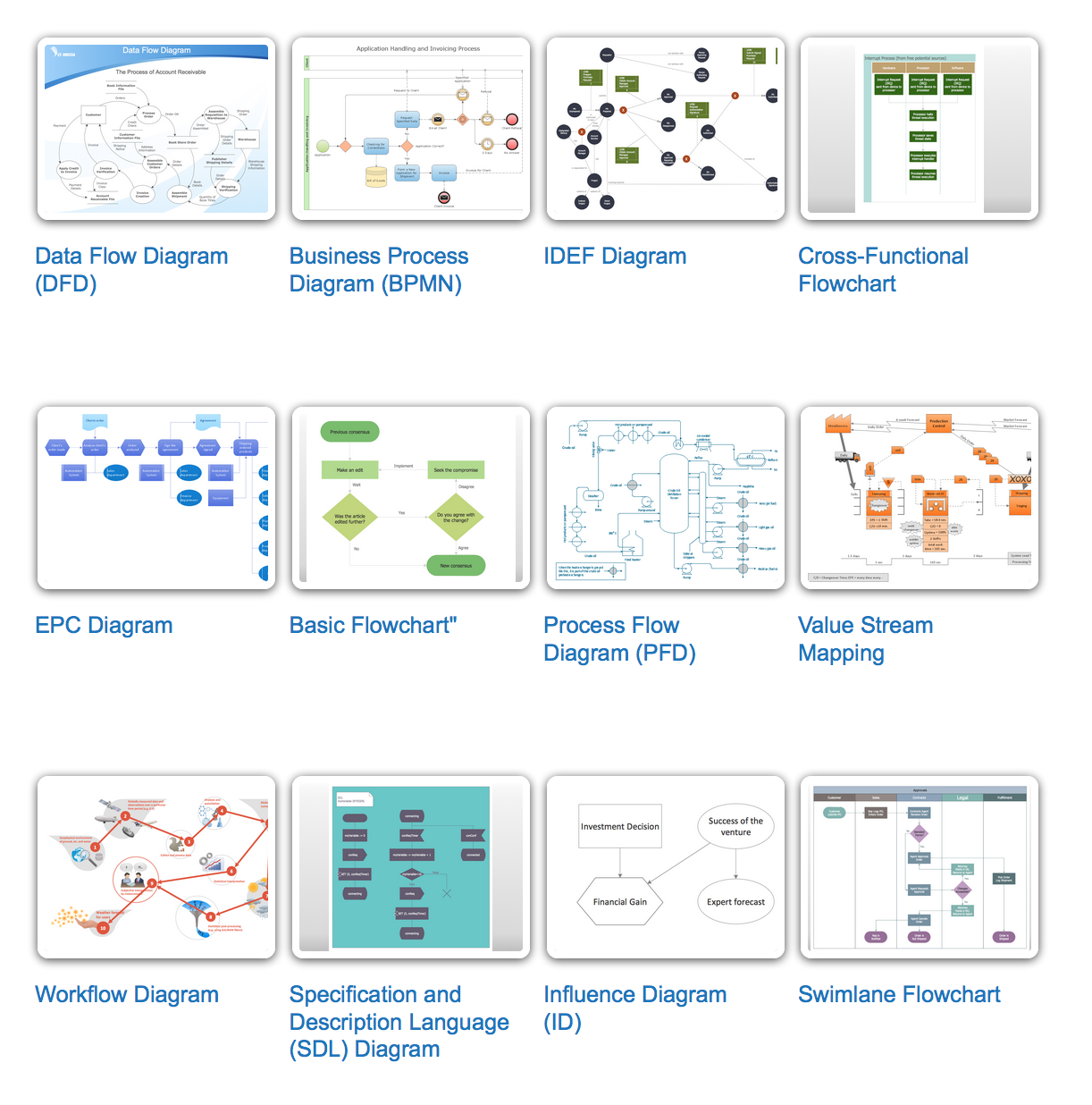
A flowchart is a powerful tool for examining processes. It helps improving processes a lot, as it becomes much easier to communicate between involved people, to identify potential problems and to optimize workflow. There are flowcharts of different shapes, sizes and types of flowchart vary from quite basic process flowcharts to complex program flowcharts. Nevertheless, all these diagrams use the same set of special symbols like arrows to connect blocks, parallelogram to show data receiving or rectangles for showing process steps. Basic flowcharts are used to represent a simple process algorithm. A basic flowchart notation consists of rectangles (business processes), arrows (the flow of information, documents, etc.). The same notation is used in items such as the "decision", which allow you to do the branching. To indicate the start of the entire business process and its termination can be used the "Terminator" element. The advantages of Basic Flowchart are simplicity and clarity. With it you can quickly describe the business process steps. Creating of Basic Flowchart does not require any special knowledge, as easily understand by employees with different levels of education and IQ.Types of Flowchart — Overview
Picture: Types of Flowchart: Comprehensive Overview
Related Solution:
Typography Infographics Solution for ConceptDraw Solution Park is the best answer on the question “How to create an Infographic?”. The Typography Infographics created in ConceptDraw DIAGRAM using the Typography Infographics Solution are the real typography art.Typography Art *
Picture: Typography Art
Related Solution:
ConceptDraw DIAGRAM extended with ATM UML Diagrams Solution from the Software Development Area of ConceptDraw Solution Park is a powerful software for representing the ATM processes, for designing and building banking system and ATMs.Banking System *
Picture: Banking System
Related Solution:
There are many tools to manage a process or to illustrate an algorithm or a workflow. Flowcharting is one of those tools. However, it may be difficult to show complex processes that require multiple attributes or several people in a simple flowchart, so a cross-functional flowchart would be a solution for that situation. To create such flowchart, group processes and steps to labeled rows or columns, and divide those groups with horizontal or vertical parallel lines. It is worth mentioning that there are different types of cross-functional flowcharts, like opportunity or deployment flowchart. This diagram shows a cross-functional flowchart that was made for a trading process. It contains 14 processes, distributed through 5 lines depicting the participants who interact with the process. Also there are connectors that show the data flow of information between processes. The cross-functional flowchart displays a detailed model of the trading process, as well as all participants in the process and how they interact with each other. The lines in the flowchart indicates the position, department and role of the trading process participants.Cross-Functional Flowchart
Picture: Cross-Functional Flowchart
Related Solution:
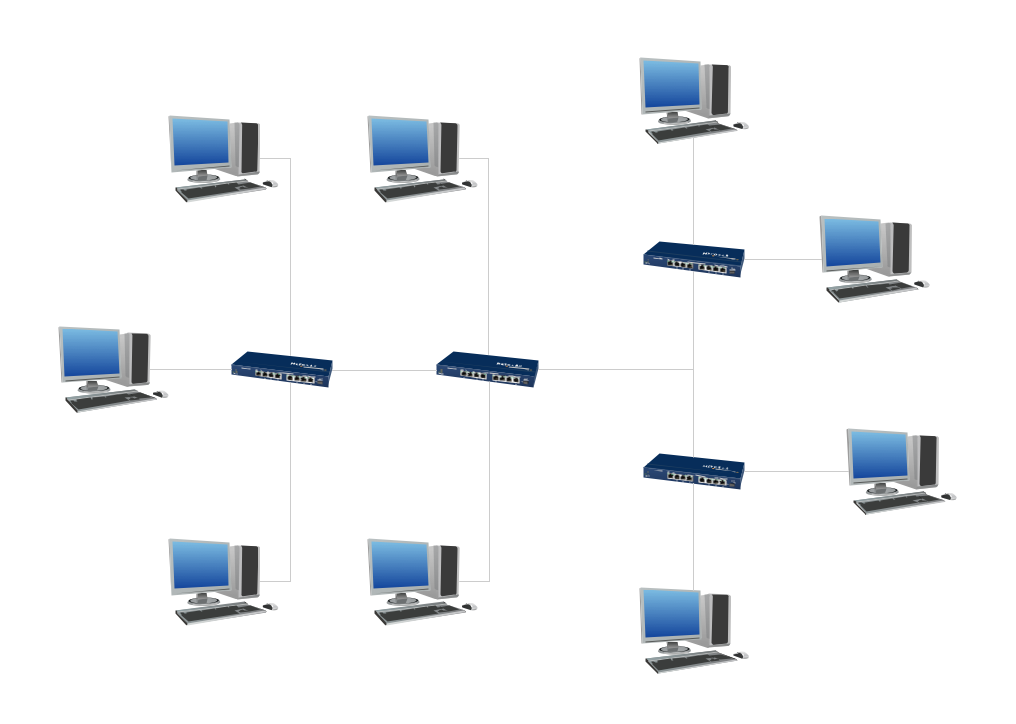
When talking about engineering, one should define all the terms used, so anybody could understand the topic. Typical network glossary contains definitions of numerous network appliances, types of networks and cable systems. The understanding of basic is crucial for server management, network administration and investigating problems. The network glossary defines terms related to networking and communications. The most of glossary items has their visual representation in ConceptDraw DIAGRAM libraries of the Computer Network Diagrams solution. This illustration presents a local area network (LAN) diagram. It designed to show the way the interaction of network devices in a local network. The diagram uses a library containing symbols of network equipment, connections and the end-point devices such as network printer, hubs, server, modem and finally computers (PC, mac, laptop). This diagram depicts a physical LAN topology.Network Glossary Definition *
Picture: Network Glossary Definition
Related Solution:
ConceptDraw
MINDMAP 16