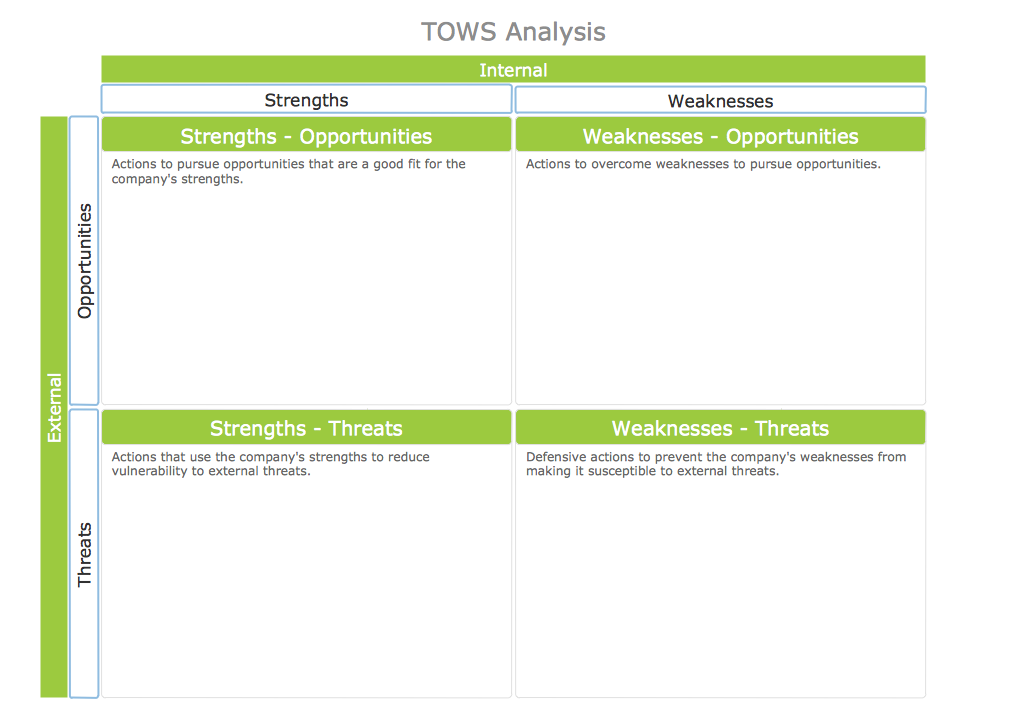
Example 1. TOWS Analysis Instructional Sample
SWOT and TOWS Matrix Diagrams Solution provides a set of useful tools which will help managers of the companies to effectively realize the TOWS analysis.
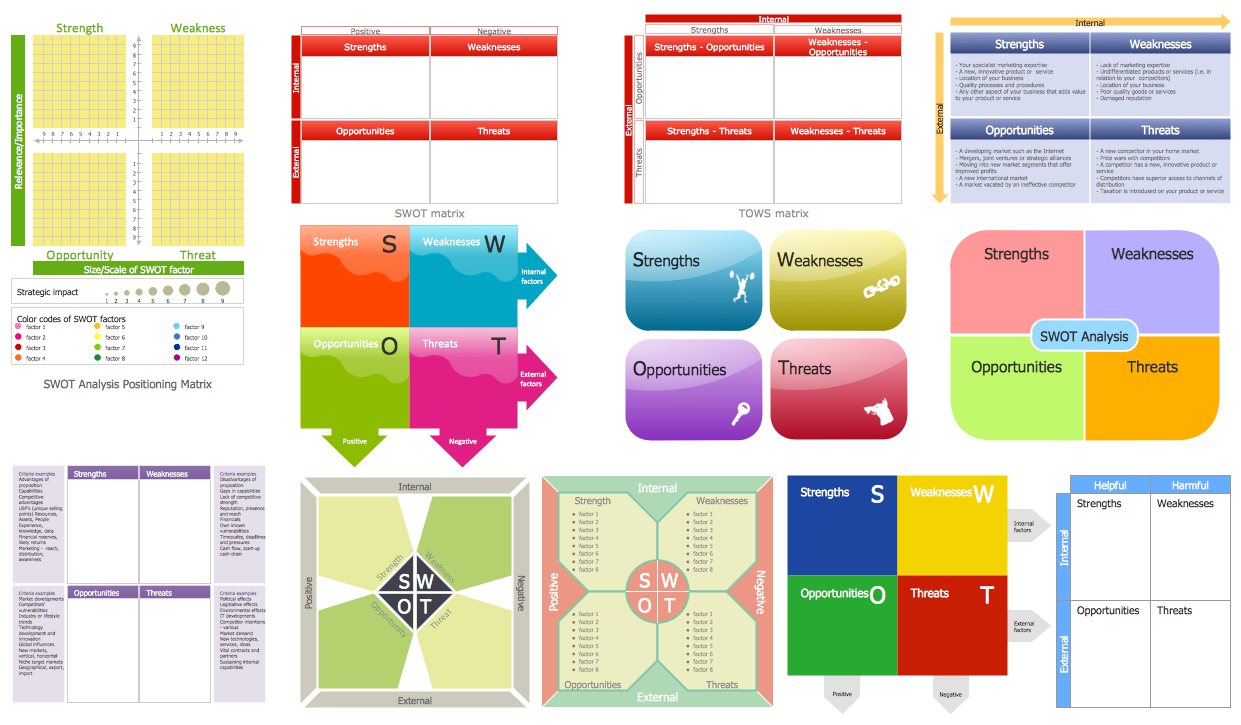
Example 2. SWOT Analysis Library Design Elements
Look at the SWOT Analysis library included in the SWOT and TOWS Matrix Diagrams Solution. It contains large number of ready SWOT and TOWS objects. All what you need is simply choose the object of a suitable design, drag it to the document and fill it during the SWOT or TOWS Analysis.
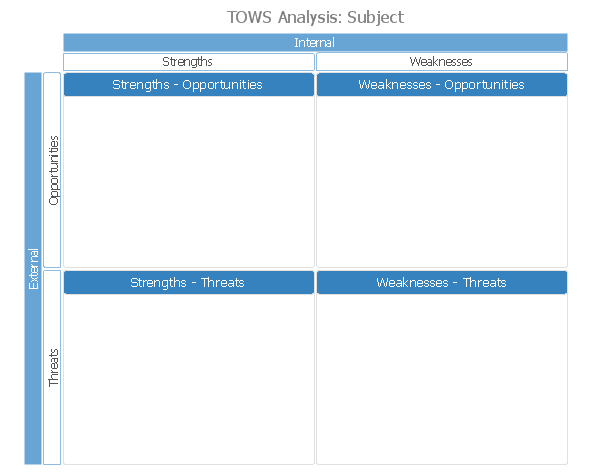
Example 3. TOWS Analysis Template
This TOWS Analysis template is included in SWOT and TOWS Matrix Diagrams Solution from the Management Area and is available from ConceptDraw STORE. Use it for effective TOWS analysis and TOWS matrix construction.
All source documents are vector graphic documents. They are available for reviewing, modifying, or converting to a variety of formats (PDF file, MS PowerPoint, MS Visio, and many other graphic formats) from the ConceptDraw STORE. The SWOT and TOWS Matrix Diagrams Solution is available for all ConceptDraw DIAGRAM or later users.
FIVE RELATED HOW TO's:
Competitor analysis is a first and obligatory step in elaboration the proper corporate marketing strategy and creating sustainable competitive advantage. Use powerful opportunities of numerous solutions from ConceptDraw Solution Park for designing illustrative diagrams, charts, matrices which are necessary for effective competitor analysis.
Picture: Competitor Analysis
Related Solution:
Mind map template of a strategy map that can help you display a variety of performance measures that can have an impact on your organization.
Picture: SWOT Analysis
Related Solution:
Everyone wants to be efficient. To succeed, try Mind Maps for Business - SWOT Analysis and enjoy the result. But be careful: it can be addictive!
ConceptDraw products and supported by SWOT and TOWS Matrix Diagrams solution forms a great tool for providing SWOT analysis. The solution contains mind map templates. By filling mind map templates, one can easily determine Strengths, Weaknesses, Opportunities, and Threats of the current business. Just a one click is needed to turn the SWOT mind map into a SWOT matrix. The SWOT diagram will be created in ConceptDraw DIAGRAM on the base of SWOT mind map.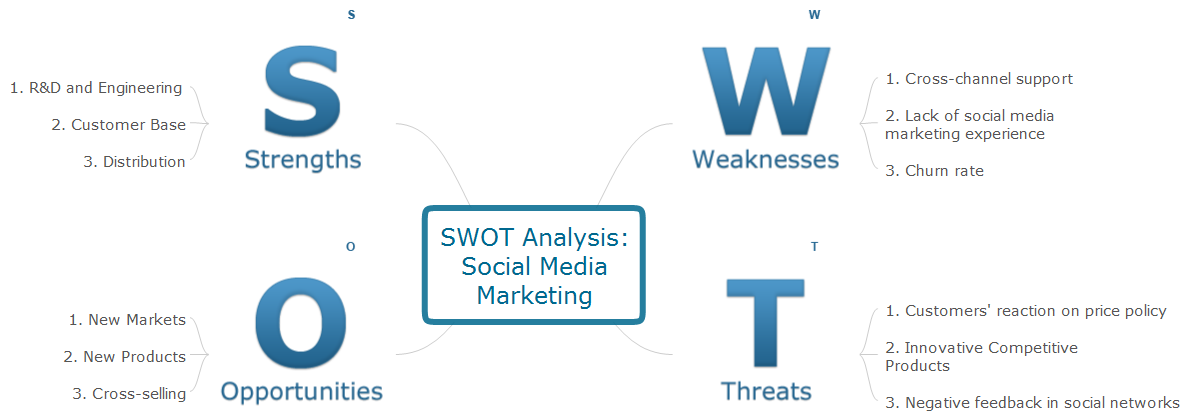
Picture: Mind Maps for Business - SWOT Analysis
SWOT analysis makes it possible to form a strategy for a company and takes into account its characteristics. To understand the idea, you can view Swot Analysis Examples for Mac OS X and see how this tool can transform the business strategy. The main point is to adapt to the environment, or to try to influence on it.
This matrix of was designed to assist business manager in conducting of SWOT analysis. It will help to determine the position business takes regarding competitors and perspective of the further development. The factors of SWOT are depicted as bubbles on a chart. The coordinate axes are size (X) and importance (Y). The each bubble's diameter shows the strategic influence of the particular SWOT factors. Moreover, the ConceptDraw solution for SWOT Analysis provides the samples of SWOT Analysis matrices Examples for Apple OS X.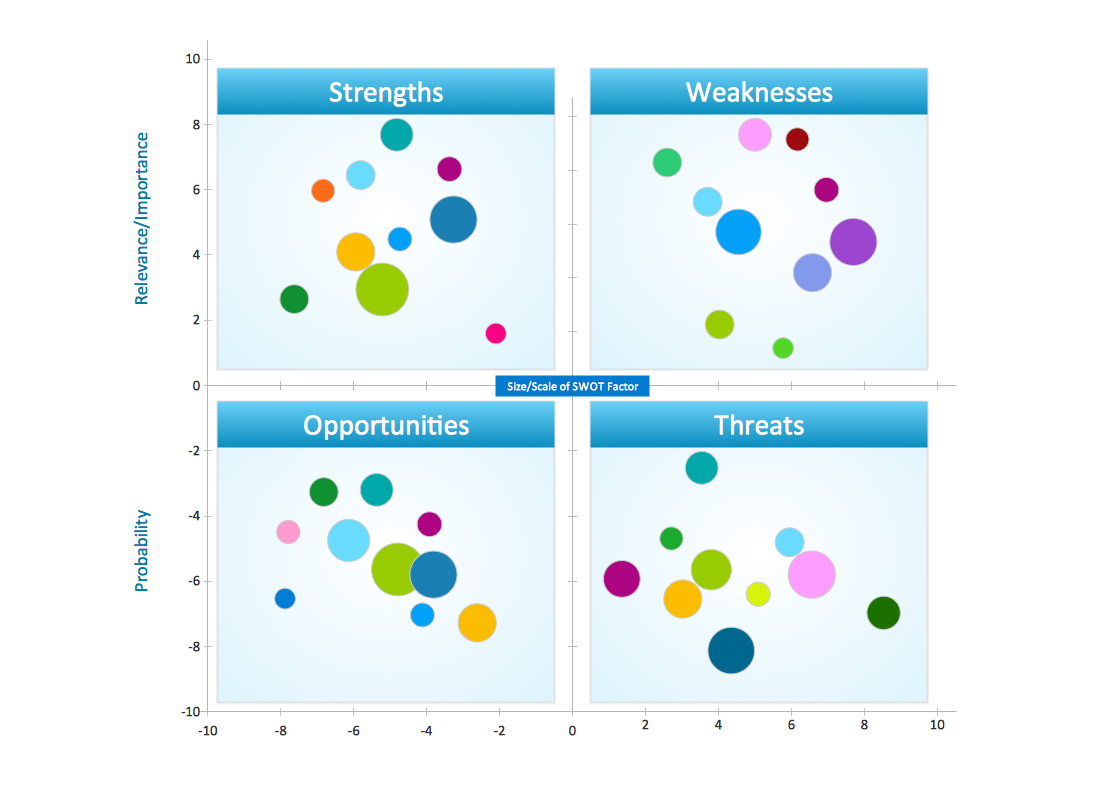
Picture: Swot Analysis Examples for Mac OSX
Sometimes it’s quite useful to look on a problem from another view. To gain insight into an obstacle you should use SWOT analysis, and this will help you to see the whole situation. When composing a SWOT matrix, you divide your problem onto four elements - strengths, weaknesses, opportunities and threats and place them into matrix.
This sample SWOT analysis matrix of the athletic shoes producing company was designed on the base of template provided by ConceptDraw SWOT and TOWS Matrix Diagrams solution. It delivers number of easy-to-use templates and samples of SWOT and TOWS matrices for ConceptDraw DIAGRAM. Applying one of these templates, enables to quickly find out Strengths, Weaknesses, Opportunities, and Threats. After creating a list managers can consider methods the business can use to amplify strengths and to decrease weaknesses; realize opportunities; and avoid threats.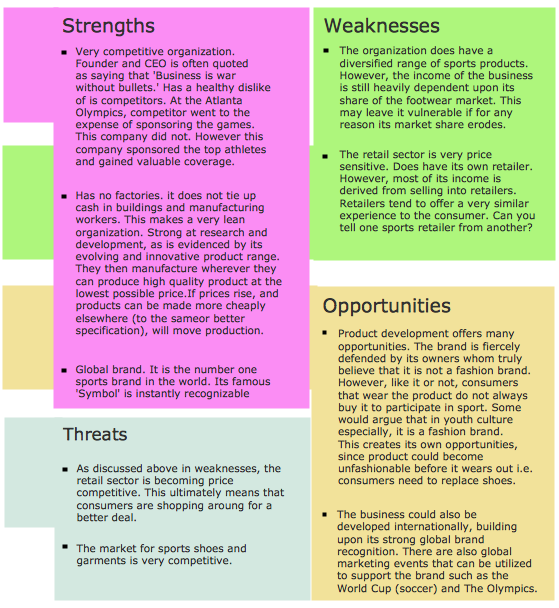
Picture: SWOT Analysis
Related Solution:
